When Claude Cowork sessions were sampled recently, roughly half of all usage fell into a category Anthropic described as "the work around the work": tasks that show up across a broad swath of jobs but are rarely anyone's core responsibility. Not the thing you were hired to do, but the drag that sits on top of it.
For Australian business owners, that finding is more useful than any benchmark score. It tells you where an AI tool actually earns its keep on day one, and it is almost never the headline use case people expect.
What "the work around the work" actually means
Every role has a centre of gravity. A bookkeeper reconciles accounts. A sales lead closes deals. A practice manager keeps a clinic running. But around that centre sits a ring of smaller jobs that no one's title really covers, and that quietly eats hours every week.
Based on how people are using Cowork, the most common of these tasks look like:
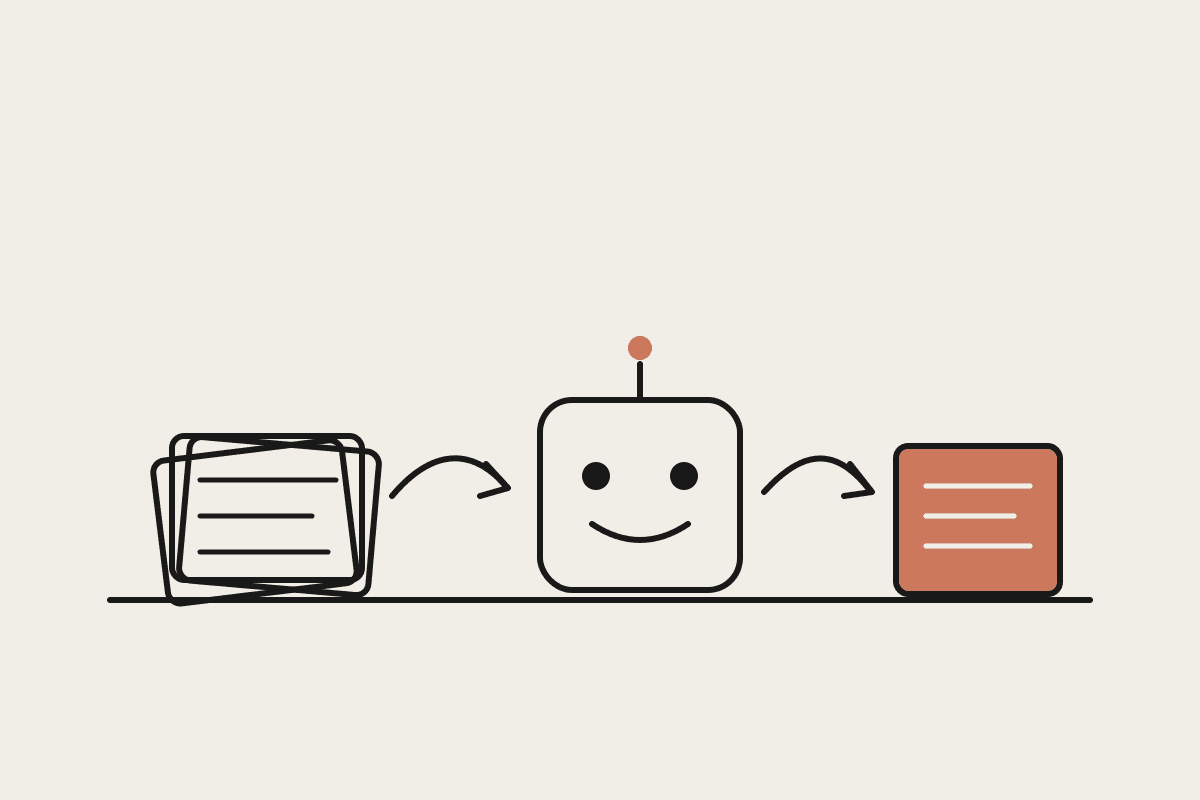
Pulling scattered information together: reading a folder of contracts, transcripts, or invoices and turning it into one clear summary.
Reformatting and restructuring: taking messy notes or a spreadsheet export and shaping it into something a client or a board can read.
Drafting the first version: a proposal, a policy, a status update, or an email that you will edit rather than write from scratch.
Checking and cross-referencing: spotting the figure that does not match, the clause that changed, or the row that is missing.
The admin scaffolding: renaming files, building a tracker, or writing the formula you half-remember.
None of these are glamorous. All of them are the reason people say they "never got to the real work today." That is exactly the ground where delegating to Claude changes the shape of a week.
What that looks like in an Australian small business
The reported categories, business operations and content creation, map cleanly onto how a small Sydney team already spends its time. A few concrete examples we see with clients:
A services firm ends the quarter with a folder of supplier invoices and a rough budget. Instead of a half-day of manual tallying, Claude reads the folder and drafts a variance memo: where spend ran over, where it came in under, and the three lines worth a second look. The owner edits it in twenty minutes.
A property or contracts-heavy business keeps agreements in one place but never has time to track renewal dates and risk terms. Claude builds a renewals tracker from the folder, flags the clauses that auto-renew, and notes which ones lapse in the next sixty days.
A consultant needs a client deck by Friday. Claude pulls the story together from call transcripts and pipeline data, drafts the slides, and leaves the judgement calls to the human. The consultant spends the saved hours on the pitch, not the formatting.
Put a rough dollar value on it. If a staff member on around $85,000 reclaims six hours a week from this kind of admin, that is close to $12,000 of their annual cost redirected to work that actually moves the business. Across a team of five, the number stops being a rounding error and starts being a genuine line item.
Why this is the ROI story, not the robot story
Most AI marketing sells the dramatic version: the model that writes an entire app, or replaces a whole function. That framing sets a bar most businesses never clear, and it quietly puts owners off, because it does not describe their Tuesday.
The usage data points somewhere calmer and more valuable. The return does not come from one heroic task. It comes from clearing the low, constant tax of the work around the work, so that skilled people spend more of their day on the thing you actually pay them for. That is a productivity gain you can feel in a small team within a fortnight, and it does not require anyone to become a developer.
There is an Australian wrinkle worth naming. Because this work touches client records, financial data, and contracts, where that data goes matters. Under the Privacy Act and its 2026 reforms, an owner has to be able to answer how information is handled before pointing an AI tool at a sensitive folder. That is a reason to set the tooling up deliberately rather than a reason to avoid it, and it is a large part of what a proper setup covers.
How to find your own "work around the work"
You do not need a strategy offsite to start. You need an honest look at where the week leaks. A simple way in:
For one week, note the tasks that were not your real job but ate an hour anyway. The list writes itself faster than you expect.
Pick the two that are mostly reading, summarising, reformatting, or drafting. Those are the ones Claude handles well today.
Start with a folder you already trust, using non-sensitive data first, and check the output the way you would check a junior's work.
Keep the tasks where judgement, relationships, or accountability sit firmly with a person. Delegating the drafting is not the same as delegating the decision.
The teams getting real value from Claude Cowork are not the ones chasing the flashiest demo. They are the ones who handed over the boring middle of their week and got the time back.
If you want help finding the work around the work in your own business and setting Claude up to handle it safely, we run a short brainstorm to map it out. You can book a time here.
Where to go next
If you are setting Cowork up from scratch, start with Claude Cowork setup guide. Two pieces that sit closest to this one: