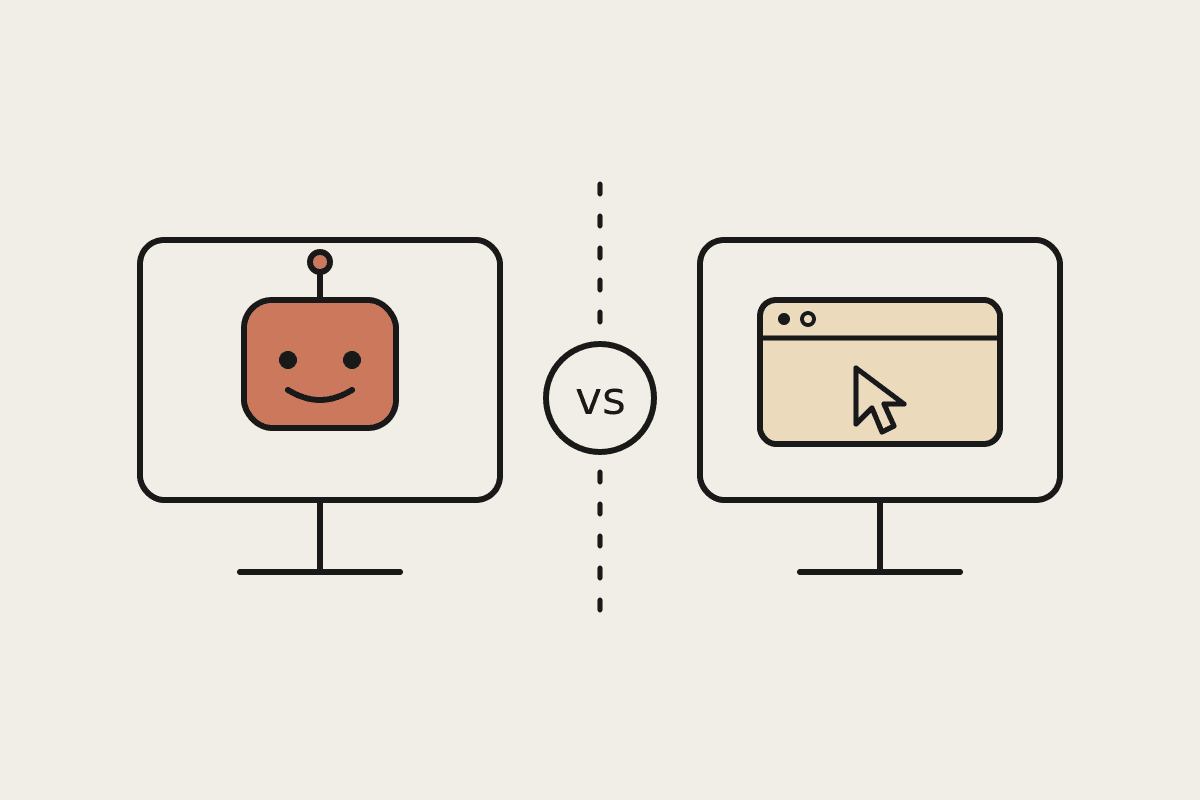
If you run an Australian business and you have watched the last year of AI releases, you have probably noticed the pitch change. The story is no longer just a chat window that answers questions. Both Claude and ChatGPT now offer agents that sit on your desktop, open your files, click through your apps and finish real work. Cowork is Claude's version of this. ChatGPT ships its own desktop agents. This guide compares the two the way a Sydney or Melbourne owner actually needs to think about them: what they do on your machine, what they cost in Australian dollars, and how to choose without a six-month trial.
What a desktop agent actually is
A desktop agent is a step up from a chatbot. Instead of you copying text in and out of a browser tab, the agent works where your files live. It can read a folder of PDFs, draft a report, rename and sort documents, fill in a spreadsheet, and take a first pass at your inbox. This matters because most small-business admin is not a single question. It is a chain of small tasks across five apps, and that chain is exactly what a desktop agent is built to handle.
Claude Cowork and ChatGPT's desktop agents both aim at this chain. Where they differ is in how much control you keep, how they treat your data, and how predictable they are when a task gets messy.
Claude Cowork: what it does on your machine
Cowork gives Claude access to a folder you choose and a sandboxed workspace to run code and build files. You point it at a directory, describe the outcome, and it works through the steps: reading source files, writing documents, spreadsheets and slide decks, and saving them back where you can open them. It leans on Claude's strength at following instructions carefully and checking before it does anything risky.
For a services business, the useful part is the approval model. Cowork drafts, but it does not send emails, publish pages or move money on its own without a clear go-ahead. For an owner who is nervous about handing an agent the keys, that boundary is the whole point. You get the speed of automation with a human check on anything that leaves the building.
Works directly in a folder you nominate, so outputs land as real files you can keep, not text trapped in a chat.
A drafting-first default: it prepares emails, posts and documents but waits for your approval before anything client-facing goes out.
Connects to tools through open connectors, so the same agent can read a spreadsheet, check a calendar and update a document in one run.
Handles longer, multi-step jobs without losing the thread, which suits real admin rather than one-off questions.
ChatGPT's desktop agents: where they fit
ChatGPT's desktop offering brings similar ambitions: an agent that can see your screen, take actions and complete tasks without constant hand-holding. If your team already lives inside the ChatGPT world and your staff are comfortable there, the switching cost of adding an agent is low. Familiarity is worth real money when you are rolling a tool out to twenty people who are not technical.
The trade-off tends to show up in control and consistency. A more autonomous agent is convenient right up until it takes an action you did not expect. For tasks where a wrong click is cheap, that is fine. For anything touching client records, invoices or published content, the question every Australian business should ask is simple: what happens when it gets it wrong, and who finds out?
The comparison that matters for Australian SMBs
Feature checklists age badly, so it is more useful to compare the two on the axes that decide whether a rollout survives contact with a real team.
Control: Claude Cowork defaults to drafting and asks before high-stakes actions; ChatGPT's agents lean more autonomous. Match this to how much you trust the task.
Where work lands: Cowork saves real files to a folder you own; a browser-first agent often leaves output in a chat you then have to move.
Data handling: for a business under the Privacy Act, knowing where your documents are processed and stored is not optional. Read each vendor's data terms before you connect anything sensitive.
Team fit: pick the tool your staff already know unless the capability gap is large enough to justify retraining.
Predictability: the agent that fails the same way every time is easier to supervise than the clever one that surprises you.
What it costs in Australian dollars
Licence pricing for both sits in a similar band, roughly $30 to $45 per user per month for the business tiers, billed in USD and converted, so the real AUD figure moves with the exchange rate. For a ten-person team that is somewhere near $4,500 to $6,500 a year in subscriptions before you have automated anything.
The bigger number is setup. An agent that is switched on but not configured to your actual workflows saves almost nothing. A focused setup that maps two or three genuine time-sinks, connects the right tools and writes the guardrails is where the return comes from. We price that kind of engagement from around $3,500, and a well-chosen setup routinely pays for itself against the $45,000 a year that manual admin quietly costs a small team. A larger custom build lands closer to $120K and is only worth it when the problem is genuinely that big.
Subscription: budget roughly $30 to $45 per user per month, in AUD-equivalent terms.
Setup and configuration: a fixed-fee project from about $3,500 for a targeted rollout.
Ongoing supervision: someone has to review agent output, at least at first, so cost that in.
The do-nothing cost: the hours your team already loses to manual admin, often tens of thousands of dollars a year.
Which one should your business pick?
For most Australian SMBs weighing this up, the honest answer is that the underlying model matters less than the fit. If your priority is keeping a firm hand on anything client-facing and having outputs land as files you control, Claude Cowork's drafting-first design is the safer starting point, which is the bias we bring as a Claude-first shop in Sydney. If your team is already fluent in ChatGPT and the tasks are low-stakes, staying put and adding its agent may cost you less friction.
Either way, do not buy the demo. Pick one real workflow, run it for two weeks, and measure the hours saved against the mistakes made. That single test tells you more than any feature table, and it costs you a fortnight instead of a year.
If you would like a second opinion on which agent fits your workflows, and a setup that actually earns its fee, book a brainstorm with us and we will map it out together.
Where to go next
If you are setting Cowork up from scratch, start with Claude Cowork setup guide. Two pieces that sit closest to this one: