Every NDIS provider runs on two clocks. One is the time spent with participants, doing the support work that actually gets funded. The other is the time spent writing it all up afterwards: progress notes, service reports, incident records, and the evidence trail that keeps you audit-ready. For most Australian providers, the second clock runs far longer than anyone plans for.
Claude, the AI assistant from Anthropic, is a practical fit for that second clock. It is good at turning short factual prompts into clean written records, reshaping the same information for different readers, and checking documents against a standard. This guide walks through where an NDIS provider can put Claude to work on notes, reports and audit preparation, and the places where a person still needs to hold the pen.
The documentation load is a real cost
A support worker on a $35 hourly rate who spends 45 minutes a day writing notes costs you about $26 a day in admin time, or roughly $6,000 a year per worker once you add leave and on-costs. Across a team of 40, that lands near $240,000 a year in documentation alone. None of it is billable to a participant's plan. It is pure overhead, and it grows every time the NDIS Quality and Safeguards Commission raises the bar on evidence.
The load is not just volume. Notes have to be specific, tied to participant goals, and written so they still make sense months later when an auditor or plan reviewer reads them cold. A rushed line like 'good session, participant happy' is worse than nothing: it fails the record-keeping standard and gives you nothing to defend a claim. This is exactly the kind of writing AI handles well, because the facts already exist in the worker's head. They just need shaping.
Where Claude helps with progress notes
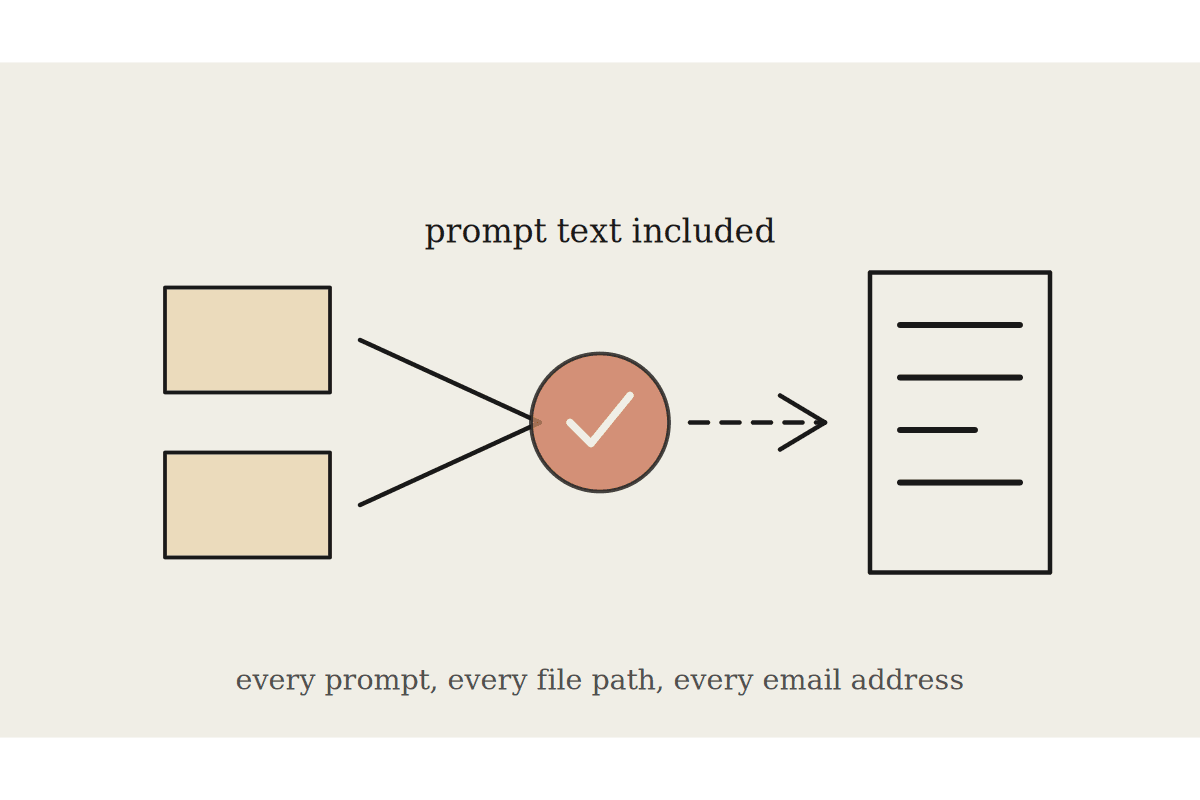
The strongest use is turning a support worker's rough input into a structured progress note. A worker types or speaks a few plain lines about what happened in a shift, and Claude drafts a note that references the participant's goals, describes the support provided, and records the outcome in objective language.
A workable pattern looks like this:
The worker gives the facts: date, duration, the support delivered, how the participant responded, and anything unusual.
Claude drafts a note in your house format, linked to the relevant plan goal, in neutral and specific language.
The worker reads it, corrects anything wrong, and signs off, so a person stays accountable for accuracy.
The final note goes into your client management system, not a chat window.
That last point matters. Claude drafts the wording, but your system of record stays the single source of truth. The worker who was in the room is the one who confirms the note is true before it is saved. Done this way, a 15-minute writing task can fall to 3 or 4 minutes, and the notes come out more consistent than a tired team produces by hand at 5pm.
Reports, plan reviews and participant communication
Progress notes are the raw material for almost everything else a provider writes. Once the notes exist, Claude can roll them up into the longer documents that eat real time:
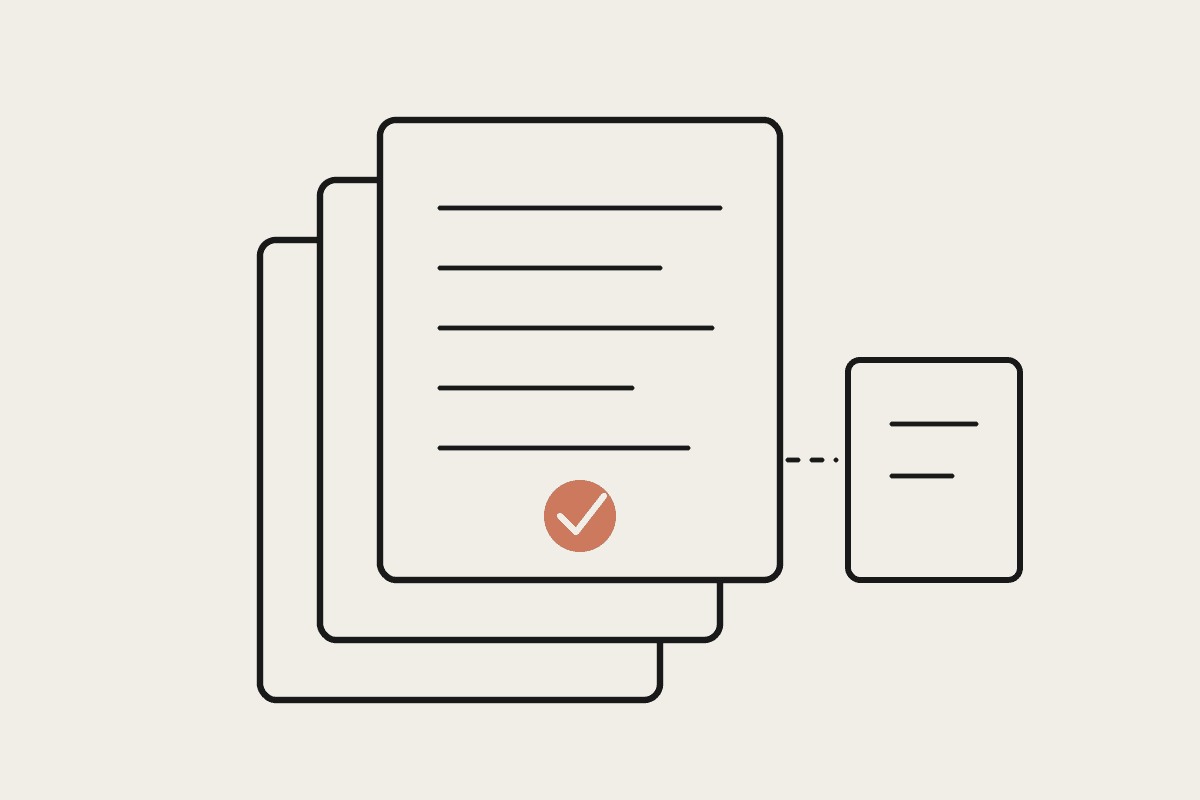
Progress and outcome reports for plan reviews, drawn from months of case notes and written to the participant's goals.
Service agreements and schedules of support in plain English a participant and their family can actually read.
Letters to support coordinators, allied health and plan managers that summarise a situation without repeating the whole file back.
Shift handovers so the next worker walks in knowing what happened last time.
The same facts often need three versions: one for the NDIS record, one for the family, and one for a GP or therapist. Rewriting the same information three ways is slow and dull, and it is where Claude saves the most time. You write the facts once, ask for each version, and check each one before it goes out.
Audit readiness and the NDIS Practice Standards
Registered providers are measured against the NDIS Practice Standards and tested through verification or certification audits, depending on the supports they deliver. Audit stress usually comes from one place: the evidence is scattered, inconsistent or missing, and nobody finds out until the auditor asks. Claude can take some of that risk out ahead of time.
Practical ways to use it before an audit:
Give Claude a Practice Standard and a sample of your policies, and ask where the wording does not match what the standard asks for.
Feed in a batch of de-identified progress notes and ask which ones fail your own record-keeping checklist, so you can fix them first.
Draft or refresh policies and procedures against the current standards, then have a person confirm they match how you actually operate.
Prepare plain-language answers to the questions an auditor is likely to ask, each mapped to your evidence.
Claude does not certify you and it does not replace your auditor or your quality team. What it does is surface the gaps while you still have time to close them, which is the difference between a clean audit and a corrective action notice.
Handling participant data the right way
NDIS records hold some of the most sensitive information there is: disability, health and personal circumstances, all protected under the Privacy Act 1988 and your duties to participants. That shapes how you use any AI tool, Claude included.
A few firm rules keep you on the right side of it:
Use a business-grade Claude plan with data handling terms suited to health information, not a personal consumer login.
De-identify where you can. To draft a template or check a policy, Claude rarely needs a real name or NDIS number.
Keep a human sign-off on anything that affects a participant's funding, risk or care. AI drafts; a qualified person decides.
Write down how your team may use it and train them once, so the rules are clear rather than assumed.
None of this is unique to disability services, but the stakes are higher when the person on the page relies on your supports. Getting the data handling right is what lets you use AI with confidence instead of quietly hoping nobody notices.
Where to start
You do not need a big project to get value. Pick one document your team writes often and dislikes, usually the progress note, and build a single tested prompt and format for it. Run it for a fortnight with one team, measure the time saved and the quality of the output, then decide what to take on next. A focused start beats a broad rollout nobody trusts.
If you want help setting this up safely for an Australian NDIS provider, from the prompts to the data handling to the audit checks, book a short call with Automata AI and we will map out a first step that fits how your team already works.