Claude's PDF support handles long, complex documents well enough for real business use, contracts, reports, compliance documents, but reliability depends heavily on the PDF itself. A clean, text-based PDF reads close to perfectly. A scanned, low-quality image-based PDF is a fundamentally different, harder problem, and treating the two the same leads to disappointing results on exactly the documents where accuracy matters most.
Text-based versus scanned: why it matters so much
Businesses that skip the text-versus-scanned check entirely tend to discover the difference the hard way, when a scanned document's extraction quietly returns a plausible-looking but wrong figure that nobody thought to question because the process had worked flawlessly on the last ten text-based documents in a row.
For any Australian business handling documents that touch client obligations under the Privacy Act, this verification discipline isn't optional polish, it's the difference between a genuinely reliable process and one that quietly accumulates small errors nobody notices until they matter.
None of this is difficult to set up. It's a checklist, not a technical project: check whether the source is text or scanned, ask specific rather than broad questions on long documents, and verify anything with real consequences before relying on it.
A PDF exported directly from Word or a similar tool contains actual, selectable text that Claude reads directly and reliably. A PDF that's really a scanned image, common with older contracts, government forms, or anything digitised from paper, needs to be interpreted visually, and quality varies with scan resolution, skew, and how clean the original document was. Before relying on a PDF for anything important, a quick check, can you select and copy text from it in a normal PDF viewer, tells you immediately which category it falls into.
Text-based PDFs: high reliability, selectable text reads directly
Scanned PDFs: reliability varies with scan quality, treat outputs as a first pass
Always spot-check extracted figures against the source, especially on scanned documents
Long documents: reasoning improves when the question references specific sections
A worked example: a compliance document review
A Brisbane property management firm needed to extract lease terms from a mix of modern digital leases and older scanned agreements going back over a decade. The modern, text-based leases extracted cleanly with near-perfect accuracy on rent figures and dates. The scanned older leases needed a human spot-check on every extracted figure, and about one in eight needed manual correction where the scan quality made a number genuinely ambiguous. Budgeting for that review step upfront, rather than assuming full automation, kept the process reliable rather than quietly introducing errors into a compliance record.
Long documents: how to ask better questions
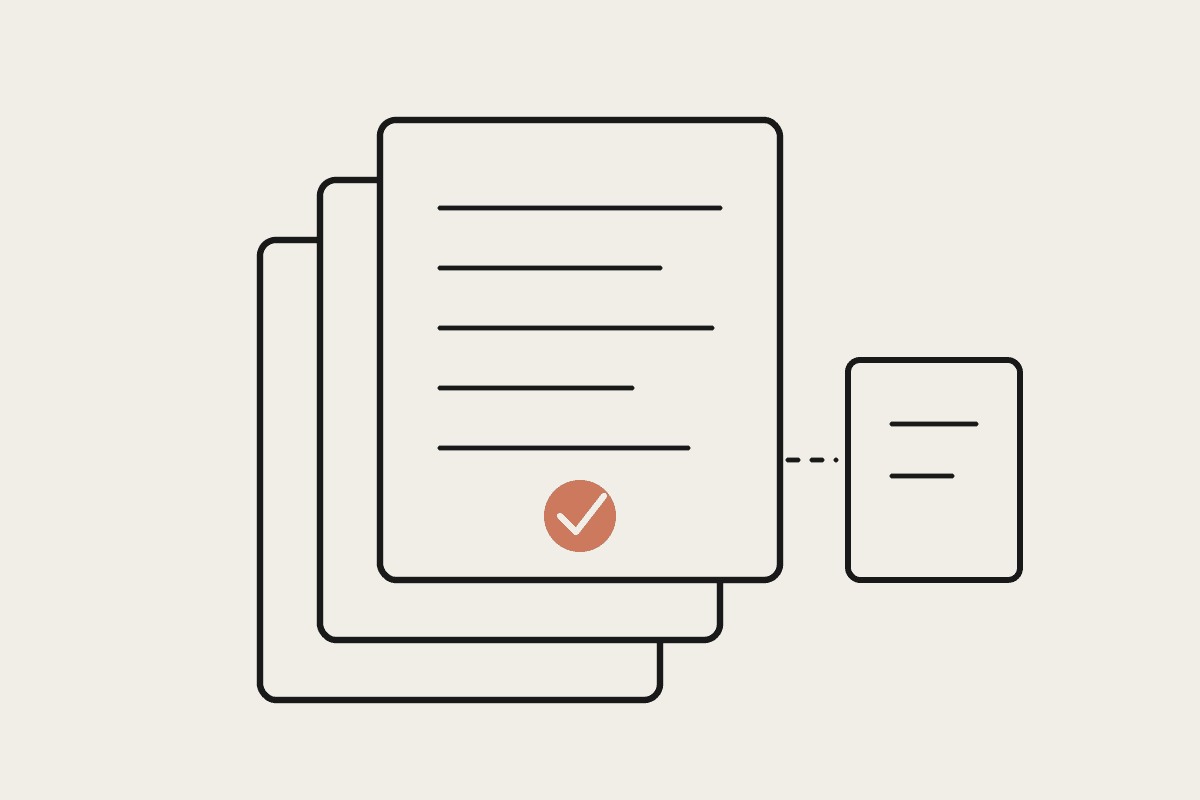
For a genuinely long document, a 200-page contract or a lengthy compliance report, asking a broad question like "summarise this" gets a broad, sometimes shallow answer. Asking a specific question that references a likely section, "what does clause 14 say about termination notice periods", gets a sharper, more reliably grounded answer, since it narrows exactly where the model needs to focus its reasoning within the document.
What to never skip
Anything feeding into a legal, financial or compliance decision needs a human verification pass on the specific figures or clauses that matter most, regardless of how clean the source PDF looked. Treat Claude's extraction as a fast, strong first pass that dramatically cuts the manual reading time, not as a final, unverified source of truth for anything with real consequences attached to getting it wrong.
What the verification step actually costs
For the Brisbane property firm above, budgeting a paralegal's time to spot-check extracted figures on the older scanned leases added roughly $900 to the total project cost across the batch of documents, a modest addition against the alternative of a compliance error surfacing later in a dispute over lease terms. That verification cost scales with document volume and scan quality, and it's worth estimating upfront rather than discovering mid-project that the automated extraction needs far more manual correction than expected.
For a business regularly working through long documents, whether leases, contracts or compliance filings, this is one of the more immediately useful capabilities available, provided the scanned-versus-text distinction and the verification step both stay part of the standard process.
Build the check into the process from day one rather than adding it after an error surfaces, since retrofitting verification onto an already-relied-upon workflow is a much harder conversation to have.
It's a small process addition against the risk of a compliance figure quietly slipping through wrong.
Run that checklist consistently and the risk of a wrong figure slipping through drops close to whatever the human verification step catches, which is the honest, realistic bar to hold this to.