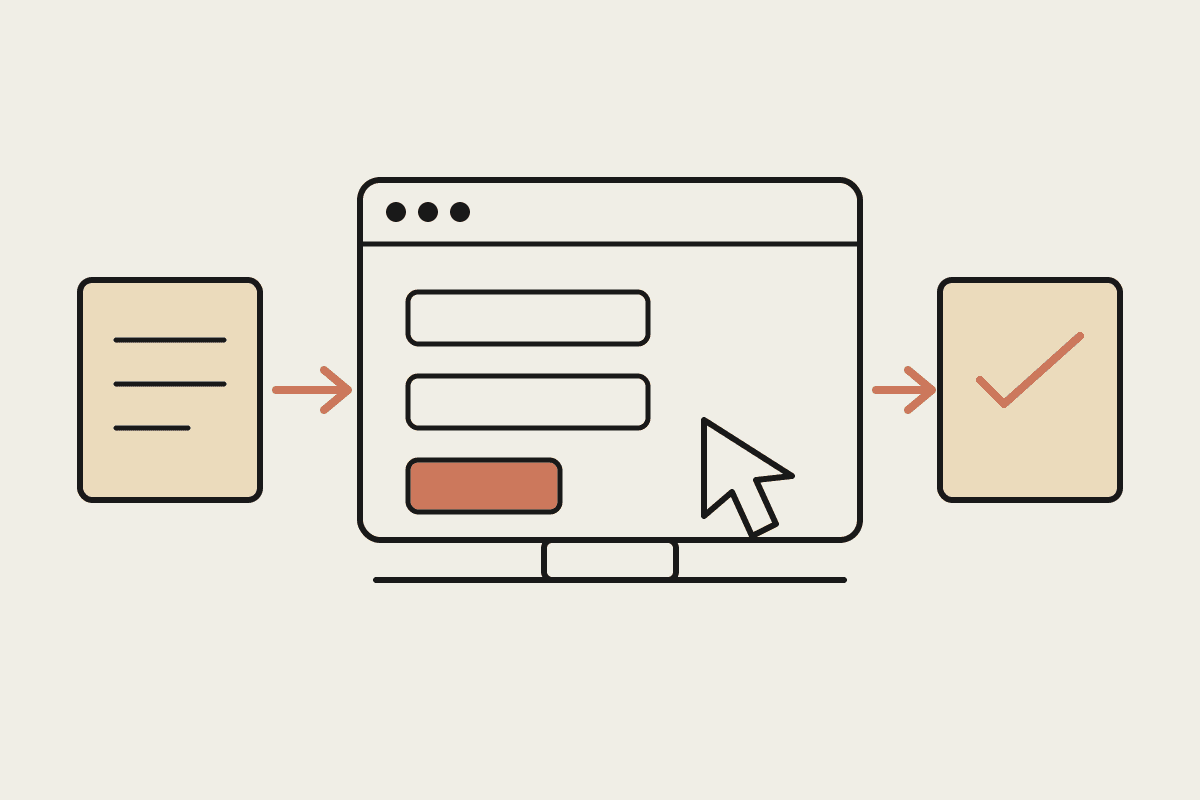
Make, formerly Integromat, along with Zapier and n8n, turned automation into a drag-and-drop exercise. For years that trade-off made sense for Australian small and mid-sized businesses without a developer on staff. Across client work at Automata AI we keep seeing the same pattern: a business outgrows the visual canvas long before it outgrows the need for automation itself. The question isn't whether Make is a bad tool. It's whether the visual-workflow model was ever built to handle the messiness that real business processes eventually produce.
What Make Actually Solves Well
Make earns its place in a stack, and it's fair to be specific about where it genuinely helps. It gives non-technical staff a way to build their own automations without waiting weeks for a developer. It handles clean, structured connections between SaaS tools with predictable APIs. And it gets a first automation live fast, often within a day rather than a sprint.
Connecting two SaaS tools with a stable, well-documented API, such as pushing a new Xero invoice into a Slack channel
Simple "if this happens, do that" logic with only a handful of branches
Non-technical staff building and maintaining their own triggers without waiting on IT
A first automation live within a day, which matters when a team needs a quick win
Where The Visual Canvas Hits A Ceiling
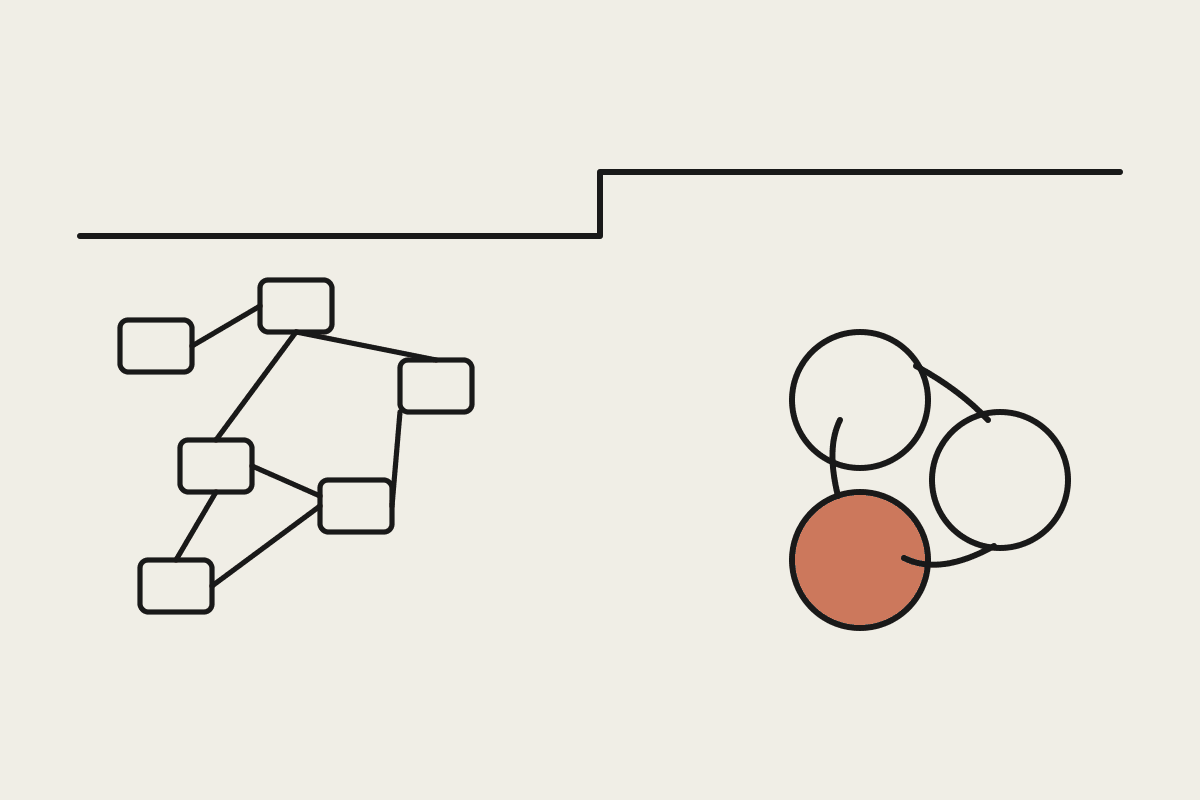
The trouble starts when the process stops being clean. Every new exception in the real world becomes a new branch, a new filter, or a new module in Make. A workflow that started with six steps for one type of invoice can quietly grow into forty steps once you account for different suppliers, different currencies, and different approval chains. At that point the canvas stops being a time-saver and becomes its own maintenance project, one that only the person who built it can safely touch.
We saw this clearly with a Sydney-based professional services client we audited earlier this year. A single reconciliation workflow had grown past 400 modules and was costing close to $1,800 a month in Make operations fees alone, before counting the hours spent debugging it every time a supplier changed their invoice format. Nobody on the team could explain the whole flow from memory. That's the ceiling: not a technical limit on how many modules Make allows, but the point where a human has to pre-map every possible case in advance, and reality never stops producing new cases.
What An Agent Changes
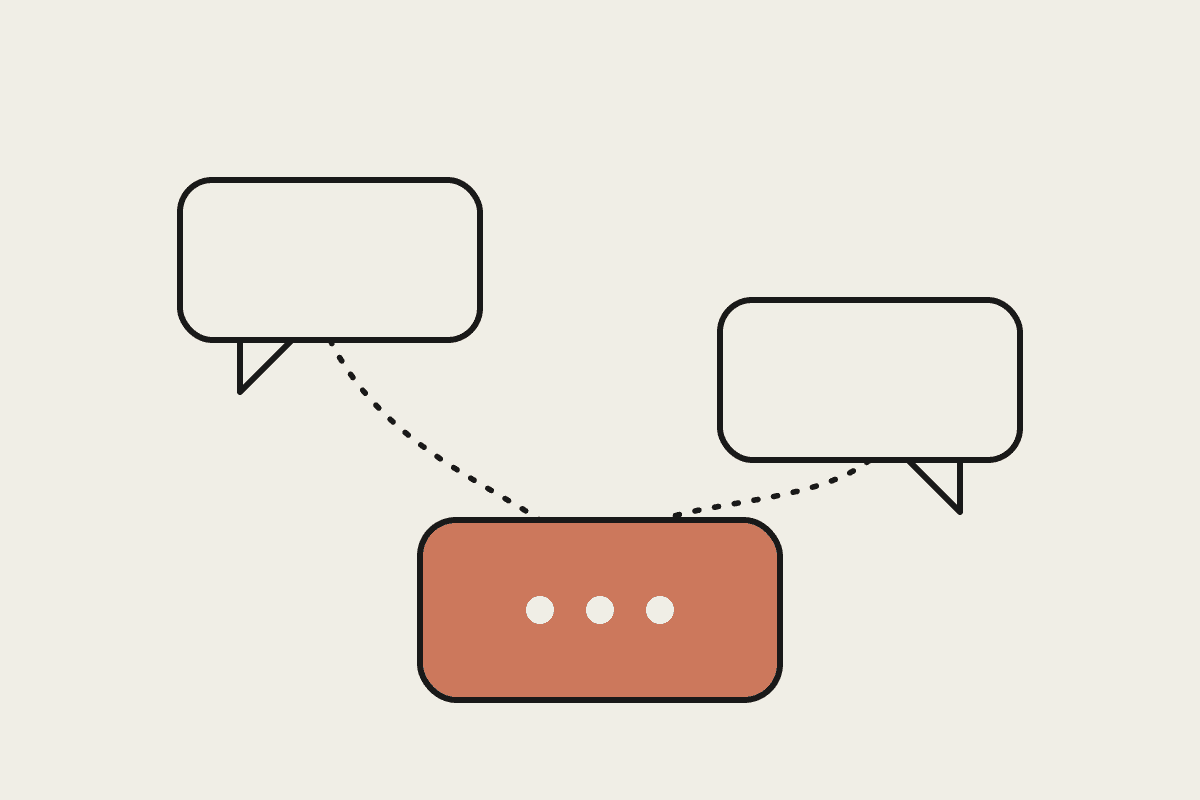
Claude reads and reasons over unstructured input, emails, PDFs, scanned invoices, freeform customer messages, the way a person would, rather than needing every case mapped out as a branch beforehand. Where Make needs a new module for every new document layout or exception, an agent built on Claude can be given the outcome you want and the guardrails around it, then work through the variation itself. That's the real difference: Make automates steps, and an agent automates judgment within limits you define. This matters most in back-office processes that were always going to resist a fully mapped flowchart, things like reconciling supplier invoices with inconsistent formats, triaging inbound customer emails, or checking a contract clause against a standard playbook.
Reads unstructured documents and free text directly, without a separate module for every format
Makes judgment calls inside guardrails you set, instead of needing every branch built in advance
Explains its reasoning in plain English when a case needs a human to check it
Scales with the complexity of the decision being made, not the number of steps wired into the flow
A Practical Way To Decide
Neither tool replaces the other outright, and most businesses we work with end up running both. Make, or a comparable visual builder, still makes sense for simple, high-volume, low-judgment connections between systems. An agent earns its cost when a process involves reading messy input, applying judgment, or producing an audit trail a regulator would accept, which matters for anything touching APRA-regulated financial services, AUSTRAC reporting obligations, or Privacy Act record-keeping requirements.
A rough rule we use with clients: if you can describe every branch of a workflow on one page, Make will probably hold up. If you keep adding filters to handle 'yes, but what if' cases, that's the sign the workflow needs judgment rather than more modules, and it's worth costing out what an agent-based rebuild would save in both fees and the hours spent maintaining it. Most Sydney and Melbourne businesses we've reviewed are running a mix of both patterns already, often without realising it, which is exactly why an honest audit of what each workflow actually does is worth the hour it takes.
If a Make workflow in your business has grown past the point anyone can explain it end to end, that's usually the clearest signal it's time to look at an agent-based rebuild. Book a short call to walk through where the automation actually lives in your business and what would change.