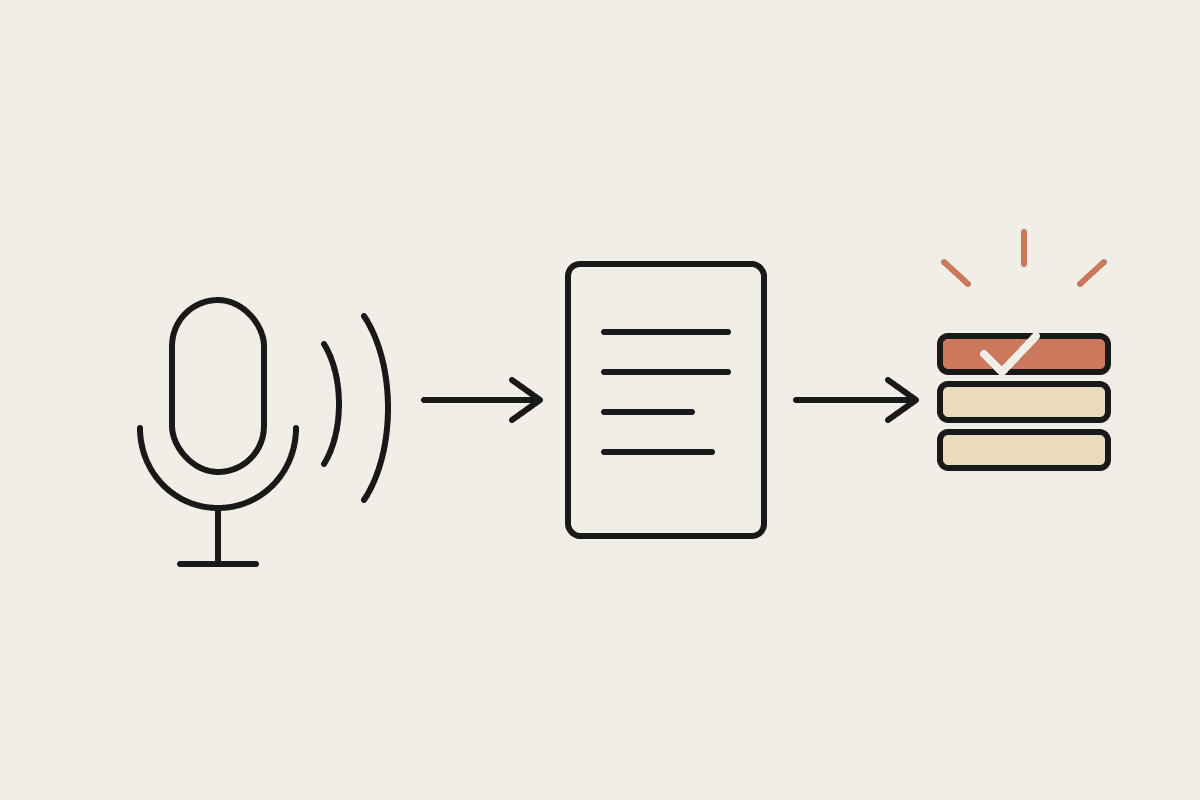
Yes. Claude connects to MYOB through an MCP server, either a third-party one or a custom build, and can read invoices, contacts, and financial reports, with write access available but requiring more deliberate setup than a read-only connection. Here's what actually works, what still needs a workaround, and what it costs to set up properly for an Australian business running MYOB.
What works reliably today
Reading invoices, bills and contact records for summarising or drafting follow-ups
Pulling financial reports, P&L, aged receivables, for a plain-English summary or a board-ready narrative
Cross-referencing MYOB data against another connected system, an email thread, a CRM record
Drafting (not sending) client communications based on real, current MYOB figures
What needs more careful setup
Write access, creating or updating an invoice, changing a contact record, works but should be scoped deliberately rather than granted broadly, since a mistaken write into a live accounting system is a genuinely different risk category to a mistaken read. The sensible pattern most Australian bookkeeping practices land on is read access enabled by default and write access limited to specific, well-tested workflows with a human confirming before anything commits, the same draft-review discipline that applies to AI-drafted emails applies here too.
The setup path in practice
For most small businesses, connecting Claude to MYOB means either using an existing MCP server built for MYOB, if your MYOB product and Claude's connector directory already have a match, a straightforward authorisation flow, or commissioning a custom MCP server if you're on an older MYOB product or need bespoke fields the standard connector doesn't expose. A custom build typically runs $1,500 to $3,000 for a straightforward read-focused connector, more if write access to multiple record types is needed with proper safeguards.
A Melbourne bookkeeping practice's actual experience
A nine-person Melbourne bookkeeping practice running MYOB for most of their SMB clients connected Claude read-only initially, using it to draft monthly client summaries from MYOB reports, a task that previously took a bookkeeper roughly 40 minutes per client and now takes about ten minutes of review after an automatic first draft. Across their 30 active MYOB clients, that's a saving of roughly 15 hours a month, worth around $600 at their internal billing rate, achieved without ever granting write access, since the summary-drafting use case never needed it.
What to check before assuming it'll just work
Where this differs from the Xero equivalent
Australian businesses running Xero have had a more mature MCP connector ecosystem for longer, simply because Xero's API has been a common integration target for years. MYOB support has caught up meaningfully but the ecosystem of pre-built, off-the-shelf connectors is thinner, which means a slightly higher chance a MYOB-specific setup needs a custom build rather than an off-the-shelf connection, particularly for less common report types or older MYOB product lines. Budgeting for that possibility upfront, rather than assuming MYOB will be exactly as plug-and-play as Xero, avoids a mismatched expectation.
The practical advice for a business running MYOB and considering this: ask a developer or MCP-literate consultant to confirm current connector coverage for your specific MYOB product before committing to a project timeline, since that single confirmation determines whether you're looking at a five-minute setup or a multi-day build.
What most Australian bookkeepers actually start with
The most common and lowest-risk starting point for a practice running MYOB is exactly the read-only summary-drafting use case described above, real value with minimal downside if something goes slightly wrong, since a wrong draft summary gets caught on review rather than committed to the ledger. Practices that start here, prove the pattern over a few months, then consider write access for a single well-scoped task, tend to build genuine trust in the workflow before extending it further, rather than granting broad access upfront and hoping it goes well.
If you're evaluating this today, the single most useful next step is a short conversation with whoever manages your MYOB instance to confirm the exact product version and current API access level, before assuming either a five-minute setup or a lengthy custom build. That confirmation, more than anything else in this article, determines your actual timeline and cost.
MYOB has multiple product lines, AccountRight, Essentials, and older desktop versions, and connector support isn't uniform across all of them. Before assuming a straightforward setup, confirm which specific MYOB product your business runs and check current connector support for that exact product, since a five-minute OAuth flow for one MYOB product can be a multi-day custom build for another. That confirmation step, not the underlying integration technology, is where most setup delays actually happen.