Claude is genuinely reliable on most business tasks, but 'genuinely reliable' isn't the same as 'never wrong,' and the businesses that get burned aren't the ones using AI, they're the ones that never built a check into the workflow before something factually incorrect went out under their name.
Where errors actually show up
The failure mode isn't usually a dramatic hallucination, it's small and specific: a figure transposed, a date miscalculated, a name misattributed in a summary of a long document, a claim that sounds plausible but wasn't actually in the source material. These are exactly the kind of errors a fast human skim also misses, which is why the fix isn't 'have a person read it,' it's a specific, structured check targeted at where errors are most likely.
A practical fact-checking workflow
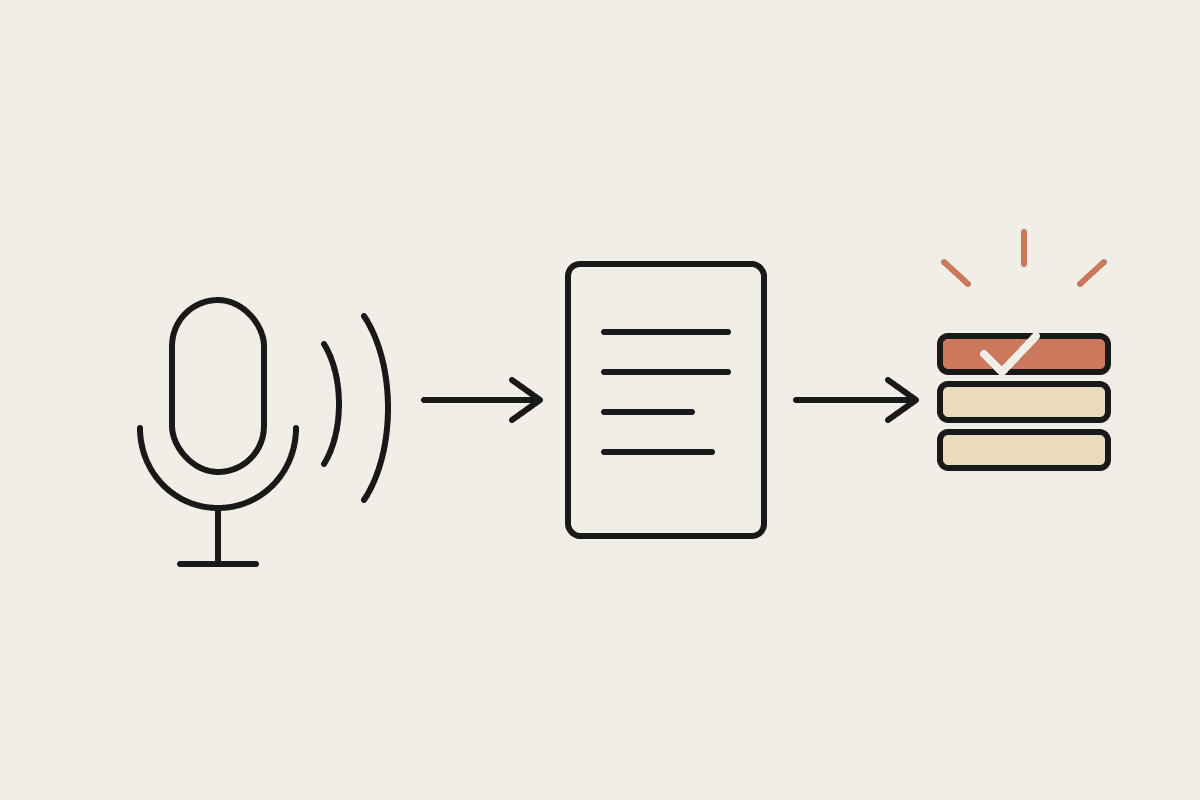
For any output making a factual claim, ask Claude to cite which part of the source material it came from, then spot-check that citation
For numerical outputs, recalculate at least one figure independently rather than trusting the full set based on one check
Run a second, separate Claude pass specifically asking 'find any claim in this draft that isn't directly supported by the source document'
Keep a running log of the errors this process catches, because the pattern usually points to a specific weak spot in the original prompt, not random noise
A worked example
A Sydney financial services firm generating client portfolio summaries added a second-pass verification step: after Claude drafted the summary, a separate prompt asked it to check every dollar figure against the source data and flag any it couldn't directly verify. In the first two months, this caught four genuine errors across roughly 340 summaries generated, a 1.2% error rate that would otherwise have gone to clients unchecked. The verification pass added about $40 a month in extra token cost against thousands of dollars in reputational risk avoided.
What this workflow costs versus what it protects
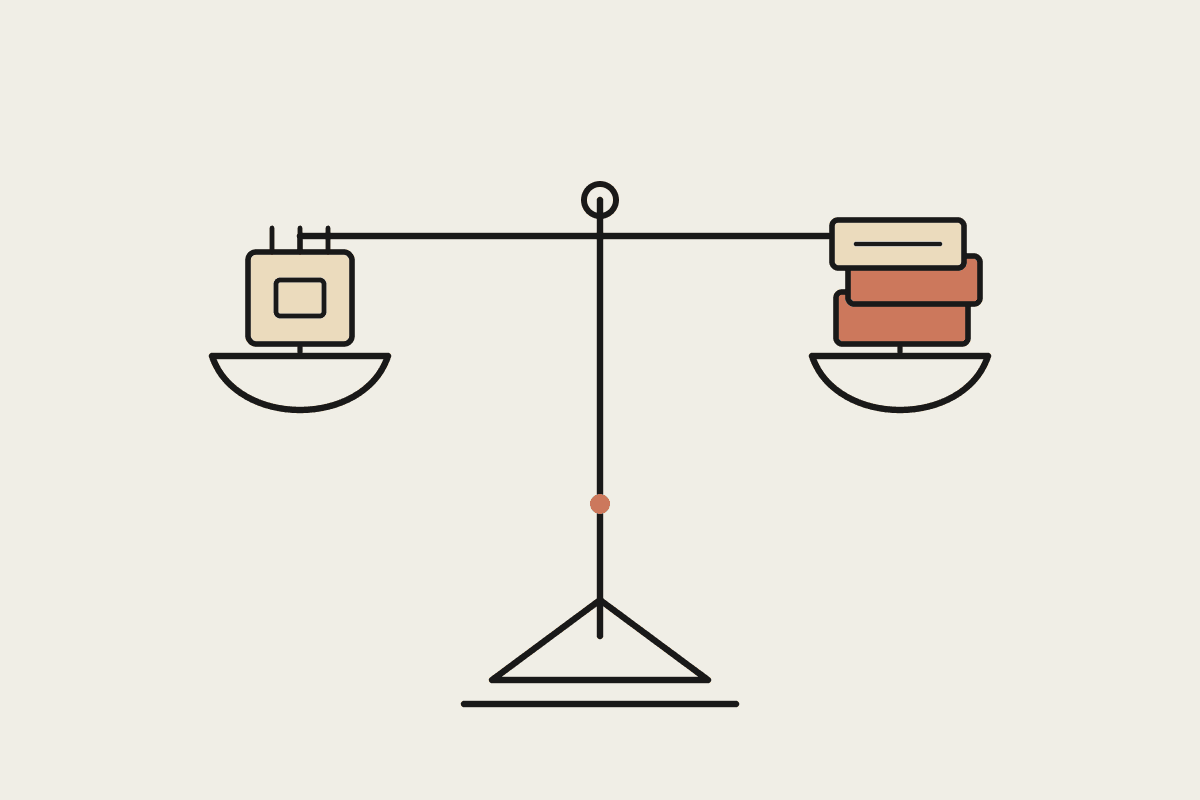
The extra verification step roughly doubles the token cost of a given output, which sounds significant until you compare it against the cost of a single client-facing error: a correction email, a damaged relationship, or in a regulated context, a genuine compliance problem. For anything client-facing or feeding into a decision with real consequences, the doubled cost is cheap insurance, not a rounding error worth skipping to save a few cents per document.
If you're putting AI-generated content in front of clients or regulators and want a verification workflow built around your specific risk, get in touch through /contact.
Where this workflow doesn't need to apply
Not every output needs a verification pass. An internal draft email, a brainstorm of options, or a first-cut outline that a human is going to substantially rework anyway doesn't carry the same risk as a client-facing figure or a compliance statement. Applying the full two-pass check to low-stakes drafts wastes token cost and reviewer time on outputs where an error, if it existed, would get caught in the normal editing process regardless.
The judgement call is the same one that applies across most AI-quality decisions: match the amount of checking to the cost of being wrong, not to a blanket policy applied identically to every single output regardless of what it's for or who's going to see it.
One more practical habit: review the errors this process catches as a group every month or two, not just individually as they happen. A pattern of similar mistakes, say, dates consistently miscalculated across time zones, or a specific document type consistently misread, points to a fixable weakness in the original prompt rather than random noise, and fixing the root cause reduces how often the verification pass needs to catch anything at all.
Building this kind of verification step in from the start, rather than retrofitting it after a mistake reaches a client, is one of the clearer cases where a small amount of upfront design work pays for itself many times over the life of a workflow.
Get this right once, as a documented step in the workflow rather than something an individual staff member remembers to do on a good day, and it keeps catching errors quietly in the background for as long as the workflow runs, with no ongoing effort beyond the small extra token cost each run.
Start with whichever single output type currently carries the most risk if it's wrong, build the verification pass for that one first, and expand from there once it's proven itself rather than trying to verify everything at once from day one.
A simple, checked workflow beats an impressive, unchecked one every time a client actually reads the output closely.