Every hire in a growing Australian business triggers the same scramble: an employment contract, a TFN declaration, a super choice form, IT accounts, and a first-week plan that someone promises to write and never does. For a team of five it is an annoyance. By hire fifteen it is a part-time job nobody applied for, usually absorbed by a founder or an operations coordinator who has better things to do.
This guide looks at what manual onboarding actually costs, which parts an AI agent like Claude can take over today, and where a human must stay firmly in the loop. It is written for founders and operations leads in Sydney, Melbourne, Brisbane and everywhere in between who are adding staff faster than they are adding process.
What manual onboarding really costs
A reasonable estimate for admin time per hire is 8 to 12 hours spread across contract preparation, payroll setup, system provisioning and the follow-up emails chasing forms that never came back. If that work sits with an operations coordinator on $65,000 a year, each hire costs roughly $280 to $420 in wages before the new person has done a minute of work. Hire ten people in a year and you have spent more than a fortnight of someone's time on paperwork.
The bigger number hides in churn. A new starter who receives a messy first fortnight, no clear plan and a late super setup is measurably more likely to leave early. Replacing a $90,000 employee who quits inside six months typically costs $20,000 to $45,000 once recruitment fees, lost productivity and retraining are counted. Onboarding admin is not just overhead; done badly, it is a retention problem.
There is also a compliance cost. Miss the superannuation guarantee deadline and you owe the super guarantee charge, which is not tax deductible. Forget to give a new employee the Fair Work Information Statement and you are exposed on a matter that takes thirty seconds to get right. Manual processes fail precisely on these small, dated obligations.
Where Claude fits in the onboarding workflow
Claude, working through Claude Cowork on your own files and inbox, handles the coordination layer: the drafting, the chasing and the checklist-keeping that eats those 8 to 12 hours. In a typical setup it takes on:
Contract and letter drafting. Claude fills your approved offer letter and contract templates with the role, salary, award classification and start date, then leaves them as drafts for a human to review and send. Nothing goes out without sign-off.
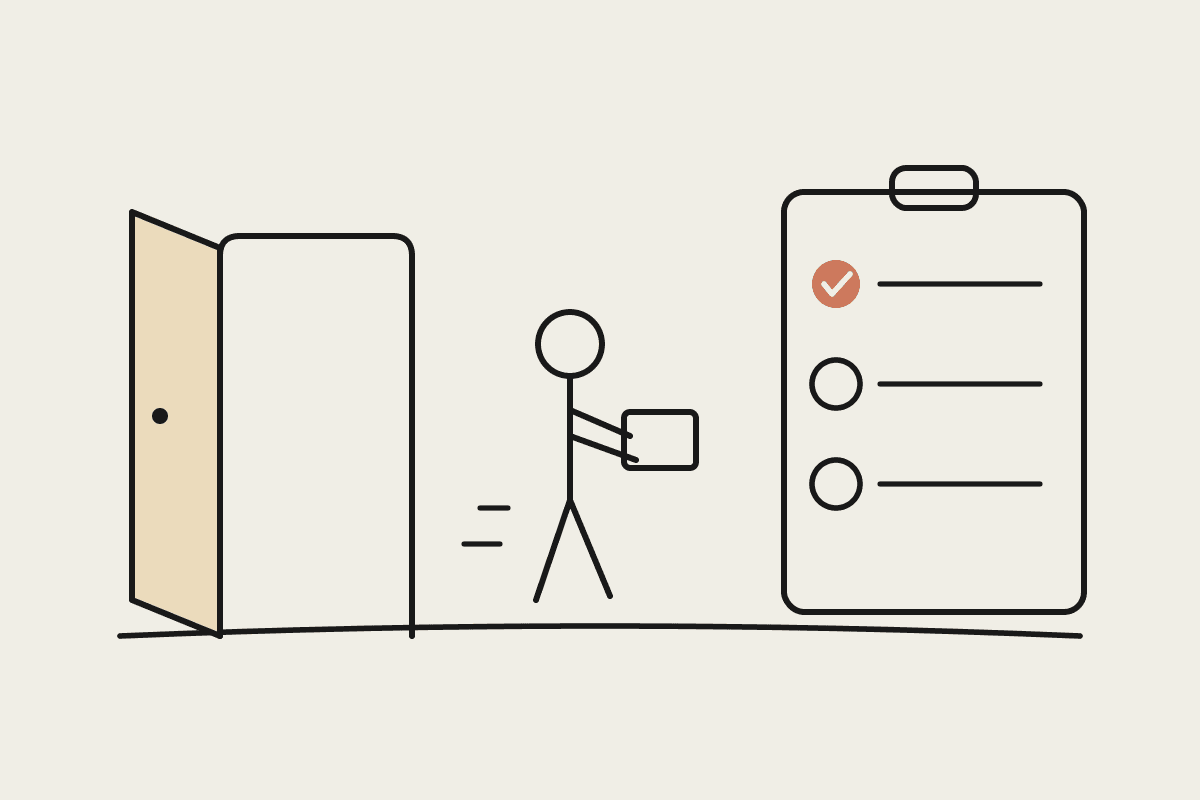
Checklist orchestration. One 'we hired Sarah, starting 4 August' email becomes a dated task list: TFN declaration, super choice or stapled fund check, Fair Work Information Statement, laptop and licence provisioning, first-week schedule. Claude tracks what has come back and drafts the reminder for what has not.
Policy questions. New starters ask the same twenty questions about leave, probation and expenses. Claude answers from your actual handbook instead of interrupting a manager, and flags anything the handbook does not cover.
Payroll handoff. Claude assembles a clean summary of the new starter's details for whoever runs payroll, ready to key into Xero or Employment Hero once, correctly, instead of being re-typed from four different emails.
Scheduled check-ins. A scheduled task drafts 30, 60 and 90-day check-in agendas and nudges the manager the week before each one, so the follow-through that predicts retention actually happens.
A realistic rollout: the first 30 days
Week one is document collection, not automation. Gather your current contract template, handbook, onboarding checklist (even if it lives in someone's head) and a list of every account a new starter needs. If the checklist does not exist, your first Claude session is writing it down; that alone is worth the exercise.
Week two, pilot on one real hire. Let Claude draft the contract, build the task list and prepare the payroll summary, with your coordinator reviewing every output. Expect to correct details and tighten the templates. This is normal and it compounds: each correction improves the next run.
Weeks three and four, measure and extend. Time the pilot hire against your last manual one. Most teams see the admin hours drop from around ten to under three, with the remaining time spent on review and the genuinely human parts: the welcome, the introductions, the first coffee. Then add the scheduled check-ins and the policy Q&A so the system keeps working after day one.
The guardrails: what you should not automate
Some decisions must stay with people. Award classification and employment status (casual versus permanent, employee versus contractor) are judgement calls with real legal consequences under the Fair Work Act; Claude can surface the relevant clauses, but a person decides. Contracts need human sign-off before sending, every time. And termination or probation decisions should never be delegated to software of any kind.
Privacy matters too. TFNs, bank details and health information are sensitive under the Privacy Act. Keep them in your payroll system, not in prompts to consumer AI tools. A business-grade Claude setup keeps your data out of model training and confines documents to your own environment, which is exactly the configuration we recommend and build.
If you are adding staff this quarter and the onboarding admin keeps landing on whoever is nearest, it is a well-bounded first automation project: clear inputs, repeating steps and an obvious before-and-after. Book a short brainstorm call and we will map your current onboarding against what Claude can take off your plate.