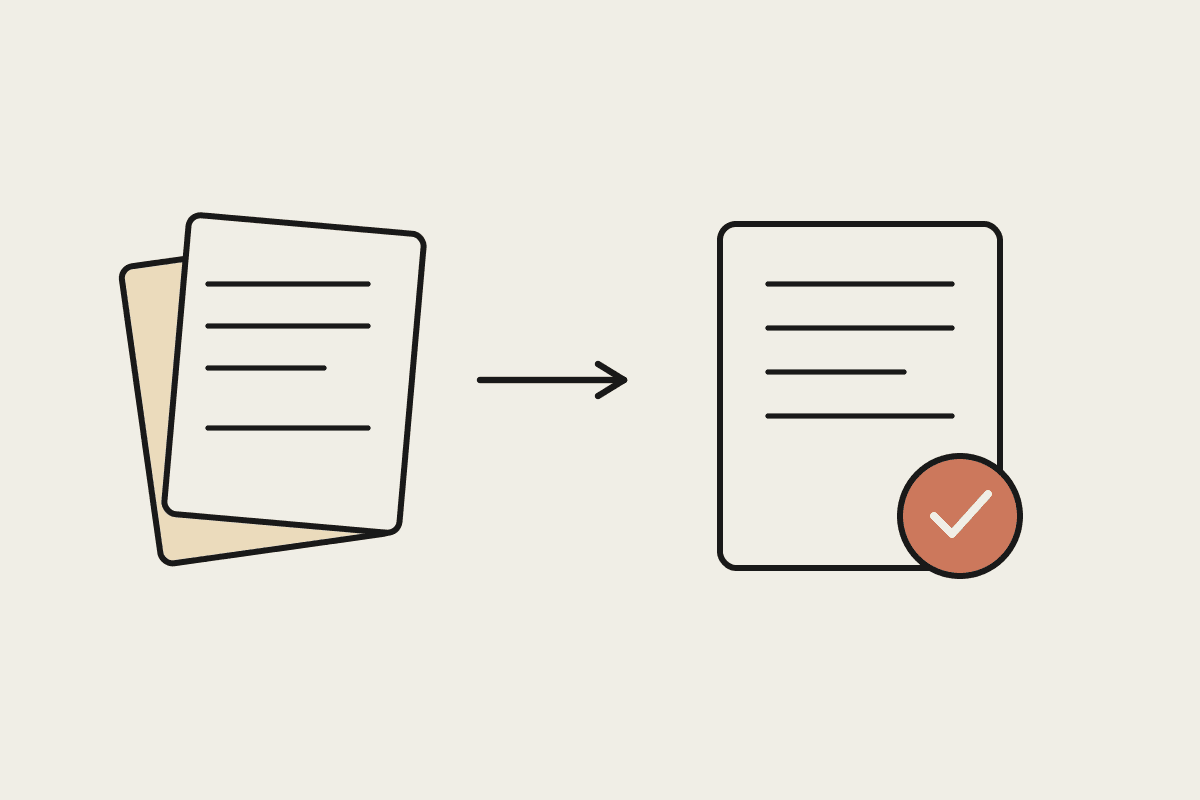
Most Australian businesses still process supplier invoices by hand. Someone opens a PDF, reads the amounts, keys them into Xero or MYOB, matches them against a purchase order, chases an approval, and files the document. For a firm handling a few hundred invoices a month, that quiet routine can eat a full day of someone's week. It rarely shows up as a line item, so it rarely gets fixed.
Invoice processing automation changes the economics of that routine. Instead of a person reading and typing, Claude reads the invoice, pulls out the fields that matter, checks them against your records, and hands a clean result to a human for a quick yes or no. This guide covers what the work involves, where the cost hides, and how to roll it out without weakening your finance controls.
What invoice processing actually involves
Before you automate anything, it helps to see the steps a person takes for every invoice that lands in the inbox.
Receiving the invoice, whether it arrives as an email attachment, a paper scan, or a Peppol e-invoice.
Reading the supplier name, ABN, invoice number, date, line items, GST, and total.
Matching the invoice against a purchase order or a delivery record.
Routing it to the right person for approval based on amount or cost centre.
Entering the data into the accounting system and scheduling payment.
Filing the document so it can be found at BAS time or during an audit.
Every one of those steps is a small decision. Multiply by a few hundred invoices a month and the small decisions add up to a real cost.
Where the time and the money go
A finance clerk in Sydney costs roughly $75,000 a year once you add on superannuation. If invoice handling takes up a third of their week, that is about $25,000 a year spent on data entry alone. Add late-payment penalties, missed early-payment discounts, and the occasional duplicate payment, and a mid-sized business can quietly lose $45,000 a year to a process nobody owns.
Industry benchmarks put the manual cost of handling a single invoice at $12 to $30 once you count labour, error correction, and storage. Bring that down to a few dollars per invoice and the saving compounds across every invoice for the rest of the year.
How Claude fits an invoice workflow
Claude reads an invoice much the way a person does, but in seconds and without fatigue. Point it at a PDF or a scanned image and it returns structured data: supplier, ABN, invoice number, GST, line items, and total. It can flag an invoice that does not match its purchase order, spot a likely duplicate, or notice that a GST amount does not add up.
The important part is what happens next. Claude does not pay the invoice. It prepares the work and leaves the decision with a person.
Extract every field from the invoice, whatever format it arrived in.
Validate the ABN, the GST calculation, and the total against your own records.
Flag anomalies such as a repeated invoice number or an unexpected supplier.
Draft a short plain-English summary so the approver can decide in seconds.
Prepare the entry for Xero or MYOB, ready for a human to confirm.
This keeps a person in the loop for the judgement calls while removing the typing that causes most of the errors.
The Australian context you cannot skip
Invoice automation touches money, tax, and personal data, so the local rules matter. Supplier records often contain personal information, which brings the Privacy Act into play; you need to know where the data sits and who can see it. GST handling has to be correct because those numbers flow straight into your BAS lodgement with the ATO. And the wider move to Peppol e-invoicing across Australia means more of your invoices will arrive as structured data rather than PDFs, which makes automation easier, not harder.
A sensible rule: automate the reading and the checking, but keep a documented human approval step for anything above a set dollar threshold. That preserves your audit trail and keeps your finance controls intact.
A practical way to roll it out
You do not need to automate everything at once. Start with a single supplier or a single invoice type where the volume is high and the format is consistent. Run Claude alongside your existing process for a fortnight and compare its output against what your team produces. When the match rate is high enough to trust, move the human role from data entry to review.
A typical first phase costs a fraction of a full software rollout, and most businesses see the time saving inside the first month. From there you widen the net one supplier at a time until the manual queue is the exception rather than the rule.
Invoice processing is the kind of unglamorous work that automation handles well: high volume, clear rules, and a human check at the end. If you want to map your own invoice workflow and see where Claude could take the load off, book a short call and we will walk through it with you.