Payroll is the one back-office job where a small mistake gets expensive fast. Underpayment cases, corrected super, and Fair Work scrutiny have made Australian employers cautious, and rightly so. When business owners ask whether they can automate payroll admin with AI, the honest answer is that some of it can be automated and some of it should never leave human hands. This guide draws the line clearly, using Claude as the assistant that drafts and checks, not the system that calculates and lodges.
Why payroll is different from other admin
Most back-office tasks tolerate the odd error. Payroll does not. A single misread modern award clause can flow through to dozens of staff, and the correction covers back-pay, interest, and often a review of several years. Since the start of 2025, serious wage underpayment can be treated as a criminal offence, and the Fair Work Ombudsman can pursue civil penalties of up to around $99,000 per contravention for a company, with far higher figures for serious breaches. Add Single Touch Payroll reporting to the ATO on every pay run, the 12% super guarantee, and PAYG withholding, and payroll becomes a compliance task first and an admin task second.
So the useful question is not whether AI can do payroll. It is which parts of the work are drafting and interpretation, where a capable assistant helps, and which parts are calculation, reporting, and record-keeping, where your payroll system and a qualified person must stay in control.
What Claude can safely take off your plate
The safe zone is everything that produces a draft for a person to check, rather than a number that goes straight to an employee or the ATO. In practice, that covers a surprising amount of the weekly load:
Answering pay queries: draft a clear reply to the classic 'why is my pay different this week' question, with the reasoning laid out, for a payroll officer to confirm and send.
Plain-English award and policy summaries: turn a dense clause about overtime or allowances into something a manager can actually read, with a note to verify against the current award.
Turning messy timesheets into structured data: take rostered hours from emails or PDFs and lay them out in a consistent table, flagging anything that looks odd for review.
Drafting payroll policies and process notes: leave and overtime procedures, onboarding checklists, and end-of-year steps, written once and kept current.
Checking a pay run for anomalies: compare this run against the last few and surface the outliers, so a person knows where to look before approving.
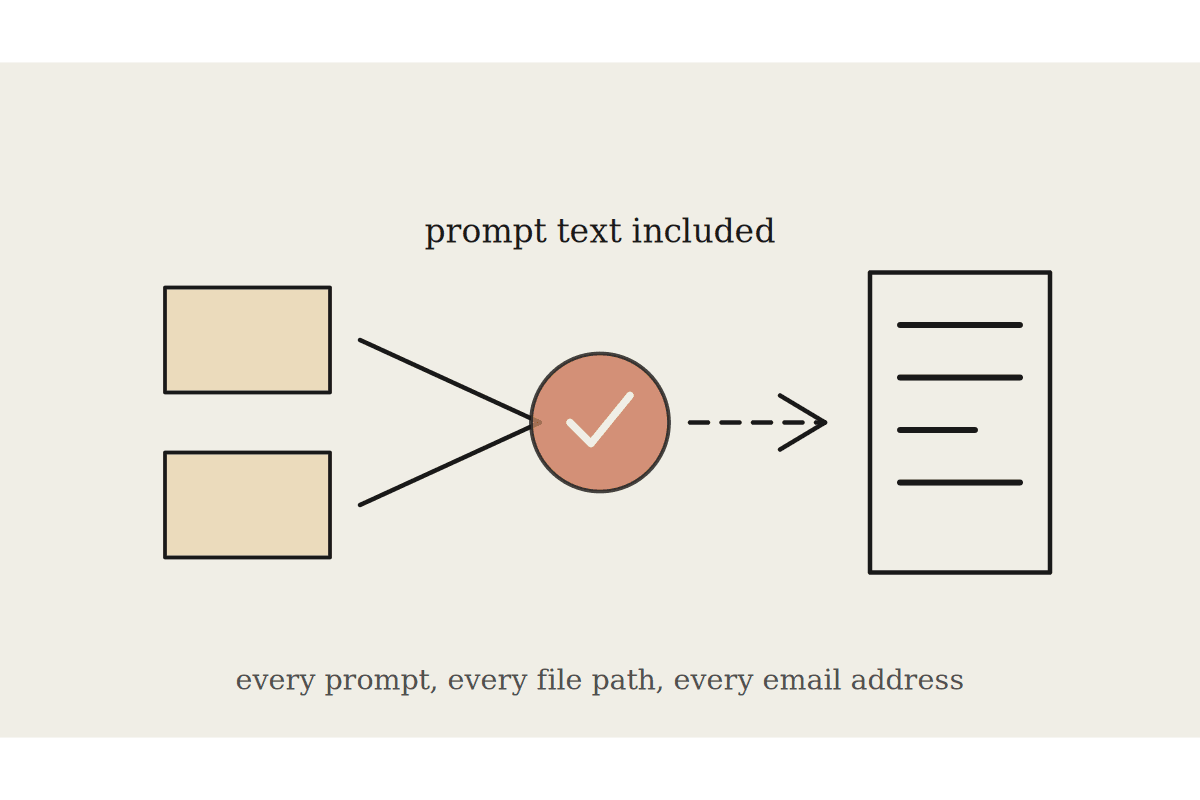
In each case Claude reads the source material you give it, produces a draft or a shortlist of things to check, and hands control back. Nothing is sent and nothing is filed automatically. A mid-sized Sydney business we worked with was spending about 9 hours a week on pay queries and timesheet clean-up across two staff. Moving the drafting and triage to Claude cut that to roughly 3 hours of review. At loaded admin rates that is close to $18,000 a year returned to more useful work.
What AI must not touch
The other side of the line matters just as much. These tasks stay with your payroll engine, such as Xero, MYOB, or a dedicated system, and with a qualified person. AI should not be the source of truth for any of them:
Final gross-to-net calculations: the actual pay amount, tax, and deductions must come from your payroll software, not from a chat estimate.
STP lodgement to the ATO: reporting each pay event is a legal obligation and belongs in your payroll system, submitted by an authorised person.
Super and PAYG amounts: the 12% super guarantee and withholding figures are calculated and paid through proper channels, never approximated by a model.
Award rate determination as the final word: use the Fair Work Pay and Conditions Tool or verified award data as the authority, and treat any AI summary as a prompt to check, not the ruling.
Deciding where employee data lives: keep personal and salary information inside approved systems, in line with the Privacy Act, rather than pasting it into unmanaged tools.
The pattern is consistent. Anything that becomes a payment, a lodgement, or a legally reportable number stays inside systems built and audited for that job. Claude works on the layer above: the reading, drafting, explaining, and checking that surrounds those numbers.
A safe way to start
You do not need to rebuild payroll to get value. The lowest-risk entry point is the work that already produces drafts a person reviews. A sensible first 60 days looks like this:
Weeks 1 to 2: point Claude at your most common pay-query types and let it draft replies for your payroll officer to approve. Measure the time saved.
Weeks 3 to 4: add award and policy summaries, always with a line reminding the reader to verify against the current award.
Weeks 5 to 8: bring in timesheet tidy-up and anomaly checks on the pay run, with a human approving every figure before it is processed.
Keep one simple rule through all of it: Claude drafts and flags, a person decides and lodges. Log what it touches so you can show your reasoning if anyone asks. For a typical small Australian business, this approach recovers real hours every week without putting a single compliance obligation at risk, and it usually pays for itself within the first quarter on setups that cost a few thousand dollars rather than $50,000 platform projects.
If you want help mapping which parts of your payroll admin are safe to hand to Claude, and which should stay with your system and your team, book a free AI brainstorm with Automata AI.