New customer onboarding emails are the easiest sequence to get technically right and emotionally wrong. Miss a step and someone feels ignored. Automate it badly and every customer gets the same chirpy paragraph regardless of what they actually bought. The fix isn't fewer automated emails. It's building the sequence so the automation handles timing and consistency while a person still shapes the parts that need judgment.
Where automation earns its keep
The mechanical parts of onboarding, sending the welcome email the moment a deal closes, the setup-checklist reminder three days later, the check-in at day 14, are exactly where manual processes fail. Not because staff don't care, but because onboarding emails compete with whatever's urgent that day, and a client who signs up on a Friday afternoon can wait until the following Thursday for their welcome message. A Claude Cowork sequence triggered from your CRM removes that lag entirely.
Where a human still needs to be in it
The first line of the welcome email, personalised to what they actually bought or asked about
Any email that follows a support ticket or a complaint; route these to a person, don't auto-send
Pricing or contract-specific details, which change per client and shouldn't be templated blind
The tone check on anything going to a client flagged as high-value or high-risk in your CRM
A workable middle ground
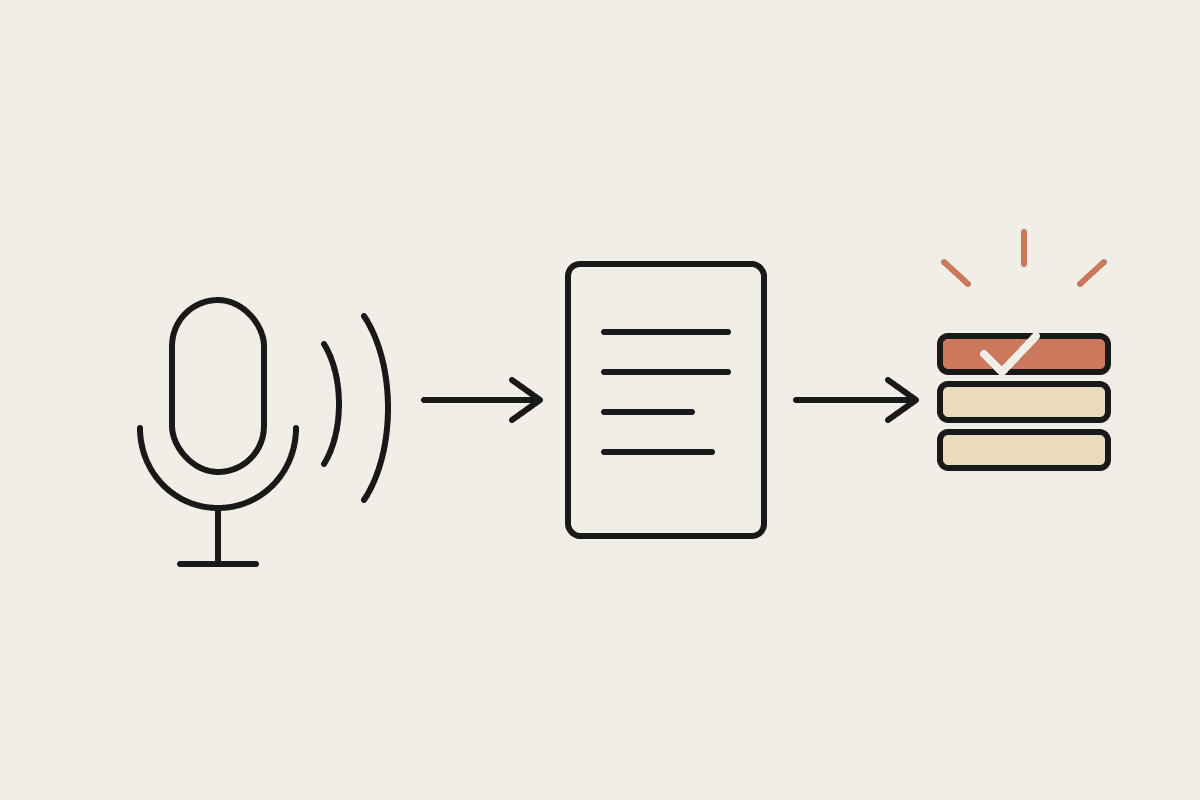
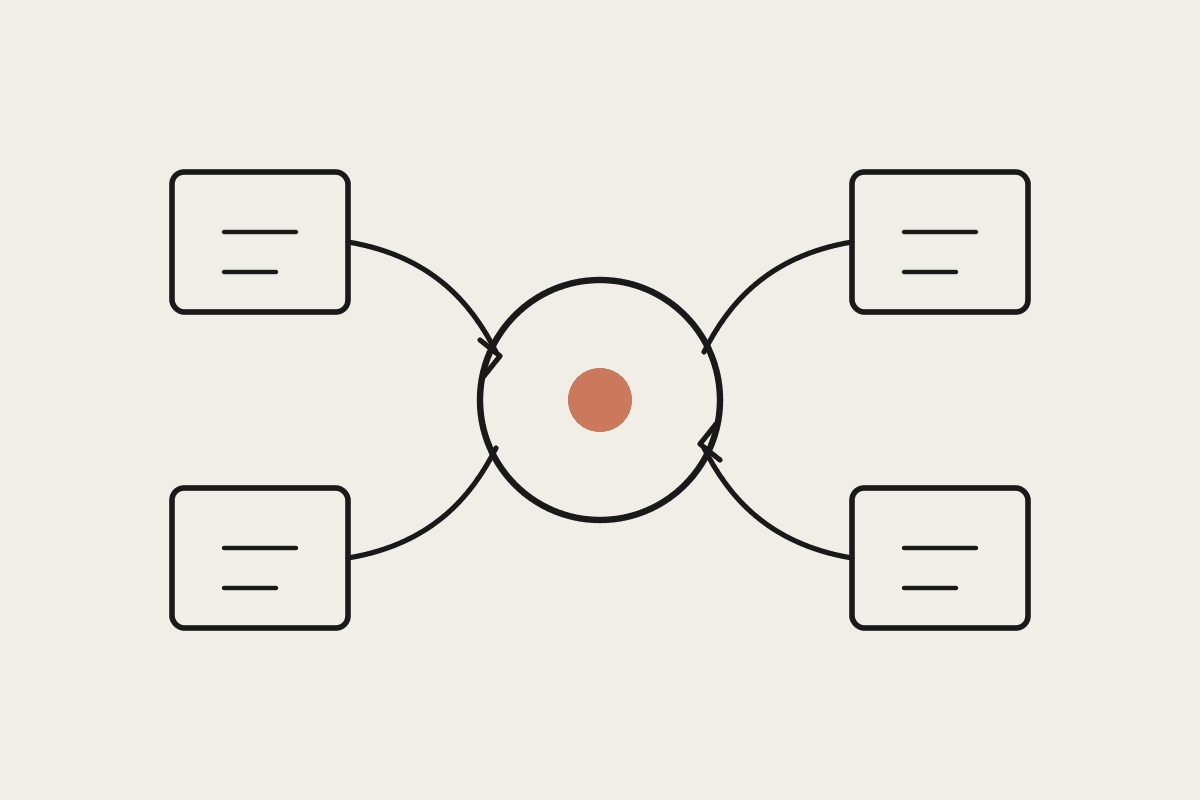
The pattern that works best in practice: Claude drafts each email in the sequence from the CRM record, name, product, key dates, any notes from the sales call, and queues it for a 24-hour review window before the first send only. After that first email is approved once, the rest of the sequence, reminders, check-ins, resource links, can run on the schedule without a human touching each one, because those are lower-stakes and more repetitive.
A Brisbane bookkeeping firm we worked with runs this exact split. The welcome email is drafted by Claude from the engagement letter and reviewed by the practice manager before it goes. The three follow-up nudges (documents needed, portal access, first-month check-in) run untouched. Client-facing complaints dropped noticeably after the switch, mostly because the follow-ups stopped getting forgotten, not because the emails got smarter.
The cost of getting this wrong
A generic-sounding welcome sequence is a small thing that compounds. If even 5% of new clients churn in the first 90 days over a feeling of being processed rather than welcomed, that's real revenue. On a $3,000 average client value, losing five clients a year to a poor first impression is $15,000 walking out the door for the price of a lazy template.
Setting the review window right
Twenty-four hours is a starting point, not a rule. Service businesses with same-day urgency, trades, health, hospitality, often need a two-hour window instead. Professional services with slower sales cycles can stretch it to 48 hours without losing the moment. The point is a bounded window, not an open-ended queue that nobody clears.
Whoever owns the review should also own a fallback rule: if nobody actions the draft within the window, does it send anyway, or does it wait? We recommend it waits. A slightly late welcome email is forgivable. A wrong one that went out because a person was on leave is not.
What actually changes for the team
The practice manager in the Brisbane example didn't lose the personal touch she valued. She kept it on the one email that matters most and let the system carry the three that were previously being missed one week in five. That trade tends to be the right one for most service businesses: concentrate judgment where it's worth the most, automate the repetitive scaffolding around it.
A quick audit you can run today
Pull the last ten new-client records from your CRM and check how long each one waited for a welcome email. If the range is more than a day or two, that's the gap this fixes first, before you worry about tone or personalisation at all.
What this isn't
This isn't a chatbot replying to customers in real time, and it isn't a set-and-forget sequence you build once and never touch. Review the drafts every quarter. Tone drifts, product names change, and a sequence that felt warm in January can feel stale by winter.
Getting started
Map your current onboarding sequence end to end, including the steps that get skipped when things are busy
Decide which emails need a human review window and which can run untouched
Connect Claude Cowork to your CRM so drafts pull real client detail, not placeholders
Set a quarterly review to catch template drift
If your onboarding sequence currently lives in someone's memory rather than a system, that's the first thing to fix. Get in touch and we'll map it with you: https://www.automataai.com.au/contact