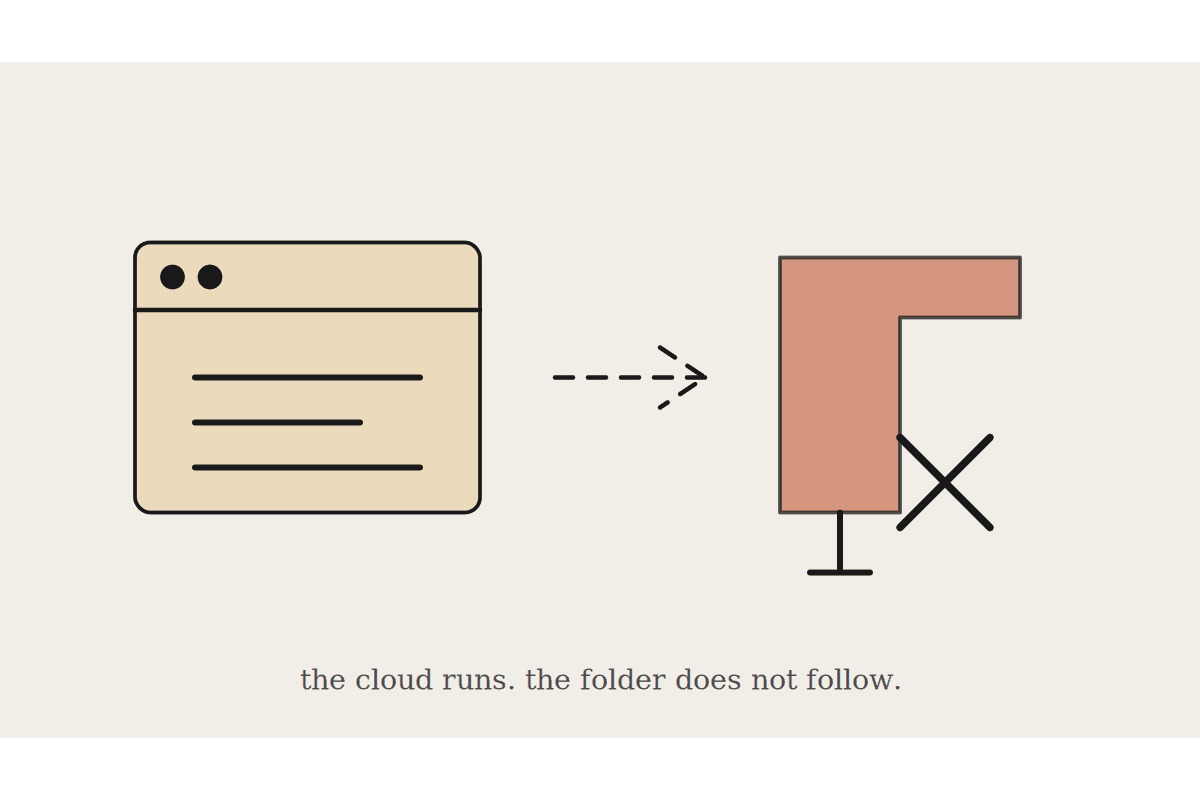
There is one line in Anthropic's scheduled tasks documentation that quietly reshapes half the automations Australian businesses plan first. Scheduled tasks cannot be tied to a folder on your computer. Work that needs local files or local applications only runs locally, which means it does not run on a schedule while your laptop is shut in a bag.
That matters because the first automation most people design is exactly the one this rules out. Read the folder on my desktop every morning and tell me what changed.
What scheduled tasks are genuinely good at
Claude saves your prompt as the task instructions and runs them at the cadence you choose. Each run is its own Cowork session on Anthropic's infrastructure, so it fires even when your computer is asleep or the desktop app is closed. Cadence options are hourly, daily, weekly, weekdays and manual, and results collect on the Scheduled page in the left sidebar for you to read whenever you get to them.
They carry the same capabilities as a normal Cowork task, including connected tools, skills and installed plugins. So the work that suits them is work that lives in services rather than on a disk:
A Monday pipeline summary pulled from your CRM and calendar, waiting before the team meeting.
A daily scan of a shared drive through its connector, rather than through a local folder path.
A weekly competitor and market check assembled from web research.
A digest of what happened across three Slack channels while you were out with clients.
What quietly fails
Anything reading a folder on your machine. The scheduled session has no path to it and will not tell you it is missing something.
Anything driving a desktop application, because computer use needs the machine awake and the app open.
Anything whose output is a file written back to your own disk. The result lands in the session, not in your folder.
The fix is almost always to move the file rather than fight the limit. If a process needs a spreadsheet every morning, put the spreadsheet somewhere a connector can reach it. Once it lives in a connected service instead of a desktop folder, the schedule works and the dependency on one particular laptop disappears with it.
That migration is the unglamorous part of an Australian rollout and the part that decides whether automation sticks. Businesses that keep their operating data in folders on individual machines can automate very little, regardless of which AI product they buy.
Design around the failure case, because there is no retry
The documentation does not describe retry logic or failure alerts. Treat that as a design constraint to build around rather than a gap to complain about.
Ask for a short written result on every run, including a run that finds nothing to report. Silence should mean the task did not fire, not that there was no news.
Keep one task to one job. A task doing five things fails in ways that are hard to read a week later.
Check the Scheduled page weekly for the first month. A task that stopped producing output is invisible until somebody looks.
The third point catches more people than the first two combined. A scheduled task that silently stopped in March is worse than no task, because the team has stopped checking the thing it replaced.
The honest business case
A scheduled task that saves an office manager forty minutes a day is worth roughly $8,000 a year against a typical Sydney salary once on-costs are counted. That number is real, and it is only real while the task keeps running. The automations that survive twelve months are the ones built on connectors, because they do not depend on a machine being open in an empty office over the Christmas shutdown.
There is a second benefit that does not show up in a spreadsheet. A task that produces the same brief every Monday makes the underlying process visible. Half the value of automating a report is discovering that two people were producing overlapping versions of it.
Where to start
Pick two tasks, both low risk, both connector based, and both producing something a person will actually read. Run them for a fortnight. Only add a third once both have run clean without anyone chasing them.
Resist the urge to automate the local folder job first just because it is the one that annoys you most. Move the folder into a connected service, then automate it properly. The order matters more than the enthusiasm.
If you want the first two designed against your actual stack rather than a generic example, that is the kind of session we run for Australian teams. Details at /contact.
Keep going
For the full setup path, see the Claude Cowork setup guide. Related on this topic: