Chasing overdue invoices is the job nobody wants and everybody postpones, which is exactly why it suits automation. The version that works is not a bot that emails your clients unsupervised. It is Claude reading your Xero data, working out who is genuinely overdue, drafting a reminder matched to the relationship, and putting it in front of you to send.
What you can and cannot connect
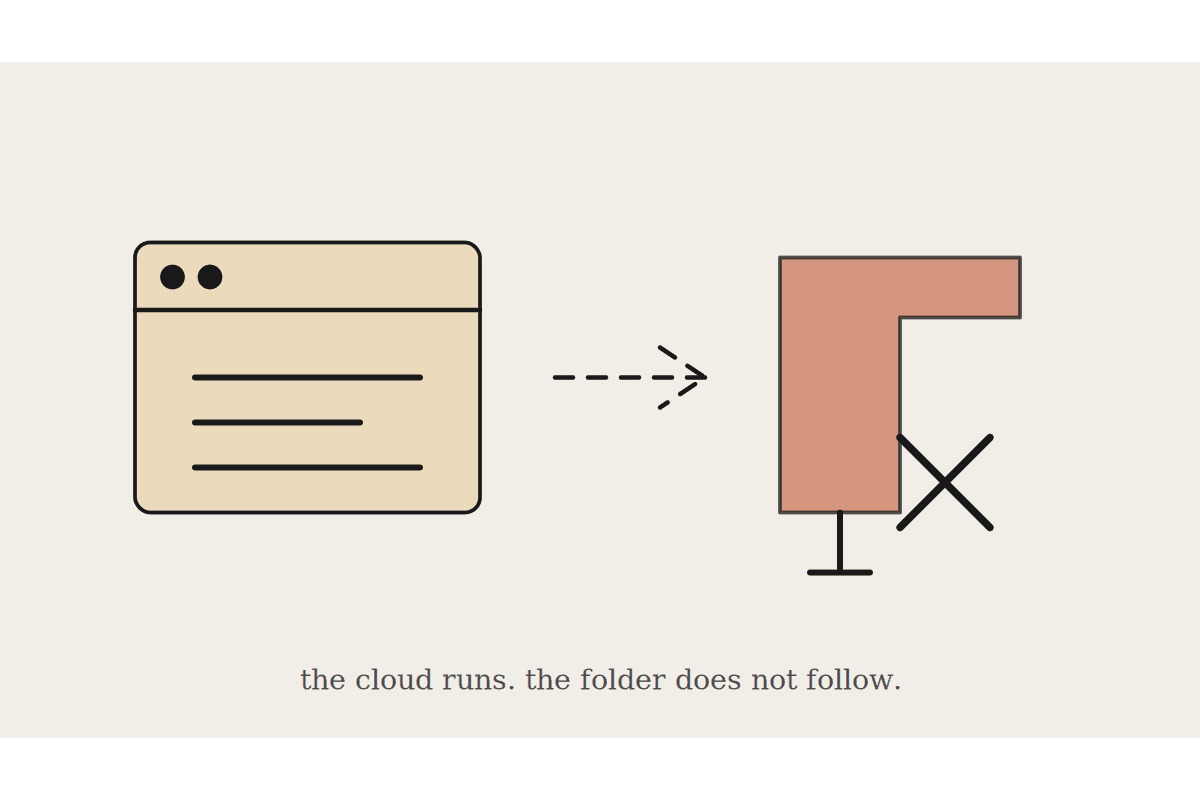
Worth knowing before you plan anything: the standard hosted Xero connector is read-only. It will give Claude visibility of invoices, contacts, aged receivables and your financial position, but it will not let it create or send anything in Xero. For a reminder workflow that is a feature rather than a limitation, because the drafting and sending happens in your email, where you can see it.
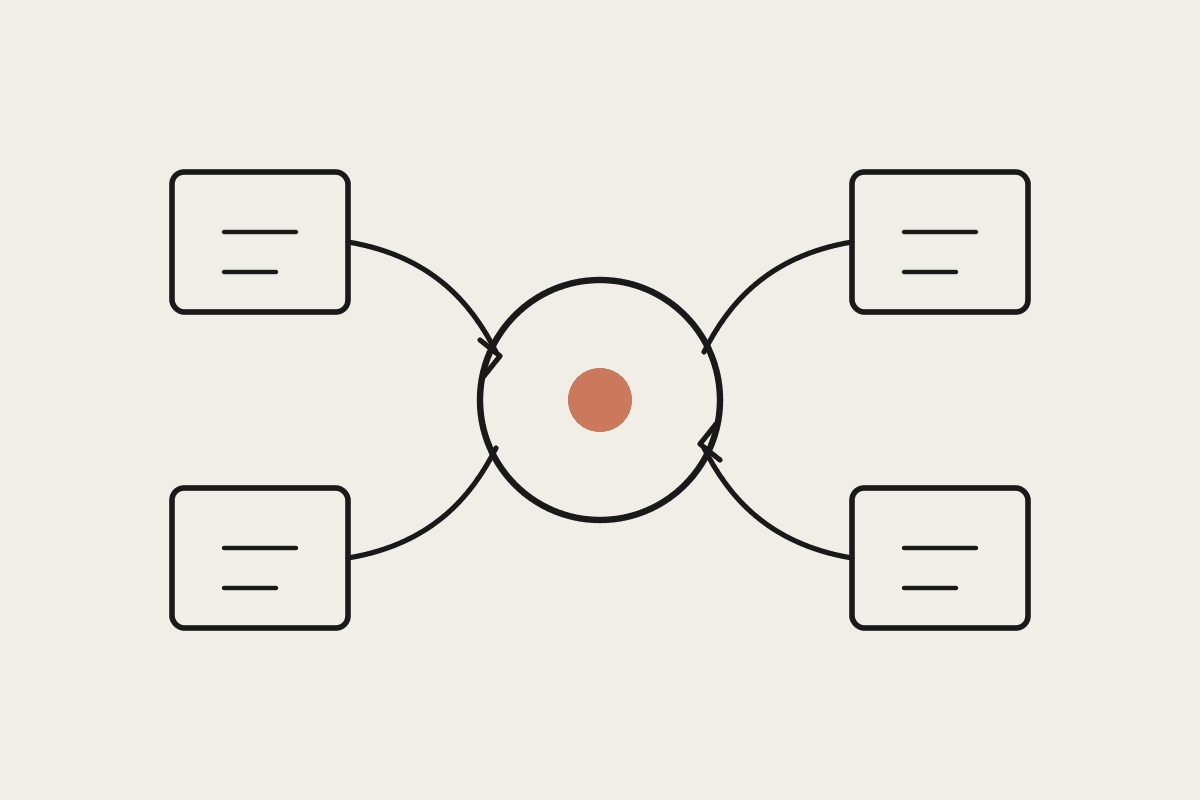
Read from Xero: outstanding invoices, due dates, contact details, payment history, aged receivables
Draft in Claude: the reminder text, tone-matched to that client's history
Send from your inbox: as a draft you approve, not an automated send
Log the outcome wherever you already track it, so the next run knows who was chased and when
If you need Claude to write back into Xero, that requires a custom connector against the Xero API rather than the off-the-shelf one. Most businesses do not need it for this workflow and should not pay for it until something else justifies the build.
Building the workflow
The useful design is a scheduled run, not an on-demand chat. Once a week, Claude pulls the aged receivables list, filters to invoices past their terms, excludes anyone who has paid since the last run or has a payment plan noted, and produces a short list with a draft for each.
The filtering is where most of the value sits. A raw overdue list from any accounting system includes invoices that were part-paid, disputed, or belong to a client you spoke to yesterday. Chasing those damages relationships, which is the real reason business owners avoid the task and why a blunt automation makes things worse rather than better.
Matching tone to the relationship
A first reminder to a long-standing client who is four days late should not read like a third notice to a serial offender. This is the part Claude handles well, because payment history is right there in the data and it can adjust the wording without you writing four templates.
Good payer, slightly late: light touch, assume it was missed, no mention of terms
Occasionally late: friendly but specific, restate the amount and the due date
Repeatedly late: firm, reference prior reminders, state what happens next
In dispute or part-paid: do not send a reminder at all, flag it for a phone call
Give it your own past reminder emails as examples and the drafts will sound like you rather than like a template. That single step does more for reply rates than any amount of wording theory, because clients notice when the tone changes.
What it is worth
The saving is partly time and mostly cash flow. A small Australian business carrying $85,000 in receivables with an average of fifty-two days to collect is financing its own customers. Pulling that back to forty days does not change revenue by a cent, it just means the money arrives earlier.
Consistent early reminders are the cheapest lever on that number, and consistency is precisely what a manual process fails at, because the weeks you are busiest are the weeks nobody chases anything. The admin time saved, perhaps two hours a week, is the smaller half of the benefit.
Setting it up without breaking anything
Run it in observation mode first. For the first fortnight, have it produce the list and the drafts and send nothing at all, then compare its list against what you would have chased yourself. The gaps tell you which filters are wrong before any client sees the output.
Most of the corrections at that stage are about context the data does not hold: the client who always pays at month end, the invoice that is waiting on a purchase order. Those become explicit rules, and after two rounds the list is usually right without supervision.
What not to conclude
This does not fix a client who cannot pay, and it should not be pointed at genuinely difficult debts. Anything heading toward a formal demand belongs with a person who understands the commercial relationship and the relevant recovery rules, not a scheduled draft.
Keep the approval step. The failure mode here is not a badly worded email, it is a correctly worded email sent to a client who paid on Friday and whose payment had not cleared when the job ran. One of those costs more goodwill than the workflow saves in a quarter.
If your receivables are drifting and nobody owns the follow-up, book a short call and we will map what a weekly draft-and-approve run would look like on your Xero data.