Not directly, and it's worth being precise about what "Claude making phone calls" actually means before building a plan around it, because the honest answer shapes what's realistic to promise a client or a boss this quarter.
What Claude itself does and doesn't do
Claude doesn't dial a phone or hold a voice conversation on its own. It's a text and reasoning model. What it can do is draft the call script, prepare talking points from a CRM record, summarise a call transcript afterwards, and draft the follow-up email once the call is done. For a huge share of the actual admin burden around calls, that's most of the value without needing a voice layer at all.
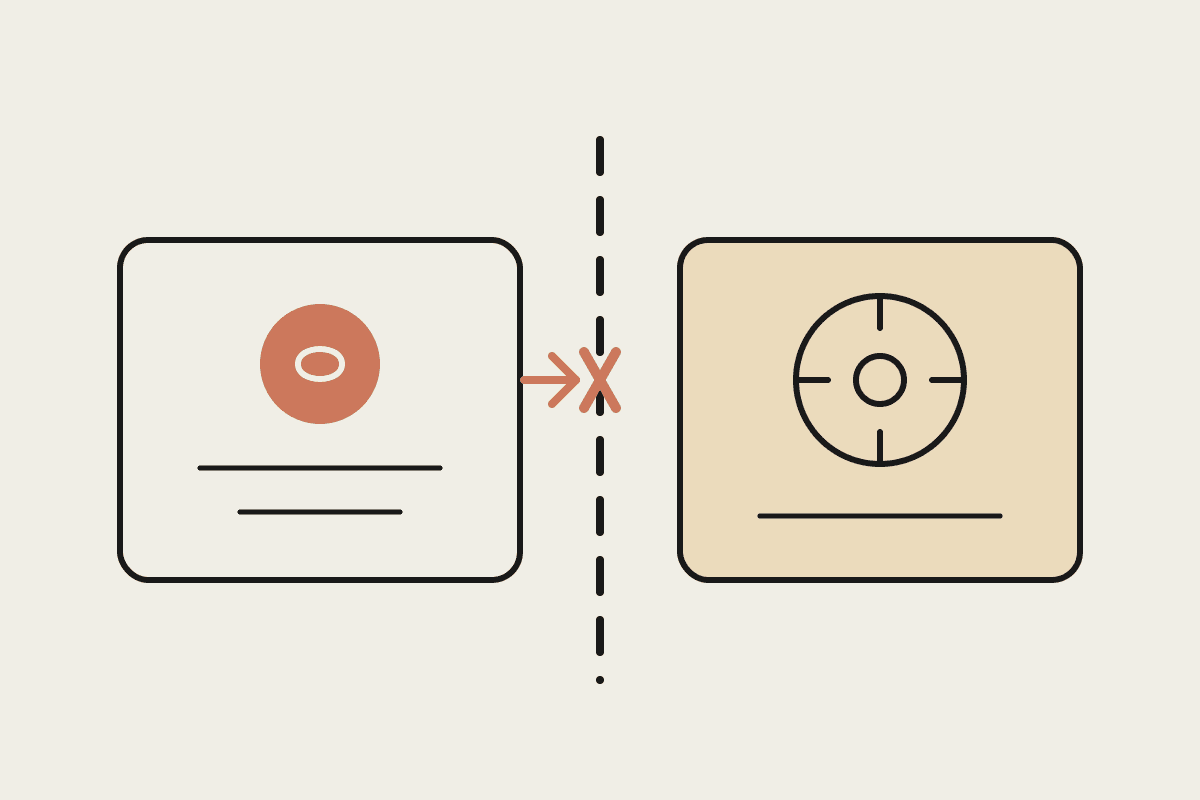
This matters for how you scope a project. If a client or your own team asks for "an AI that answers our phones," it's worth clarifying up front whether they mean a fully automated voice agent, which is a bigger, more expensive build with real design decisions around escalation and tone, or the admin-automation version, which is faster, cheaper, and covers most of the actual frustration around calls without anyone needing to trust an AI with a live customer conversation.
Claude alone: drafts scripts, preps talking points, summarises transcripts, writes follow-ups
Claude plus a voice platform (Vapi, ElevenLabs, similar): can place or answer calls
The voice layer handles the phone connection; Claude or a similar model handles the conversation logic
Most small businesses need the first, not the second
When you actually need a voice platform
If the goal is an AI agent that answers inbound calls or makes outbound calls automatically, that requires pairing Claude with a dedicated voice platform that handles the phone connection, speech-to-text, and text-to-speech, with the language model handling what to say. This is a real, working setup, and Australian businesses are running it for things like after-hours booking calls or simple appointment confirmations, but it's a materially bigger build than "turn Claude on and it calls people." Expect setup costs in the low thousands of dollars and an ongoing per-minute cost on top of the model usage.
The more common, lower-effort win
Most Australian small businesses asking this question don't actually need automated calling. They need the admin around calls automated: draft the pre-call brief from the CRM, sit in on the call as notes get typed, or feed a recording in afterwards and get a clean summary with action items. A Perth trades business we spoke with does exactly this: no AI ever speaks to a customer, but every call gets a two-line written summary and a drafted follow-up text within minutes, saving the office manager an estimated $600 to $800 a month in admin time she used to spend writing up calls from memory at the end of the day.
Deciding which one you actually need
What a basic build actually involves
If you do go the voice-platform route, the practical build is: a voice provider handles the phone number and audio, a language model handles what gets said and when, and a script defines the boundaries, what the agent can promise, what it must escalate to a human, and how it ends a call cleanly. Getting the escalation rules right matters more than getting the small talk right. A caller asking for a refund or raising a complaint needs to reach a person quickly, not get looped through an AI script trying to resolve something it was never set up to handle.
Start with the admin-around-calls version. It's cheaper, faster to set up, and covers most of the practical pain. Only move to a full voice-agent build if there's a specific, measured volume of repetitive calls, like appointment reminders or simple bookings, that genuinely justifies the bigger investment. Most businesses find the simpler version handles 80 percent of the frustration for a fraction of the cost.
Whichever path fits, it's worth testing the cheaper, admin-only version first for a month before committing budget to a full voice build. Most businesses find it answers the actual pain point without the added cost and complexity of a live voice agent.
A short pilot, using the admin-only approach on a handful of calls each week, is the cheapest way to find out which one your business actually needs before committing to either build.
Either way, keep a human clearly reachable. Australian customers calling a small business generally expect to reach a person quickly if the automated option doesn't resolve their issue, and a script that traps a caller in a loop does more brand damage than the time it was meant to save.
If you're weighing up which version fits your call volume and budget, that's a conversation worth having before any build starts, not after.