Claude Code can build the same kind of local, no-subscription morning dashboard that made headlines out of Google this week, and you won't need a Google account, a recurring cloud bill, or a second glowing screen on your desk to get the value. A Google engineer open-sourced a neat personal project on 31 July 2026 called Glanceboard. The build itself is small. What it represents is not: a working example of software that runs locally, does one job well, and stops needing you to feed it data or pay a subscription once it's built. That's a pattern worth borrowing for an Australian small business, not just admiring from a distance.
What Google actually built
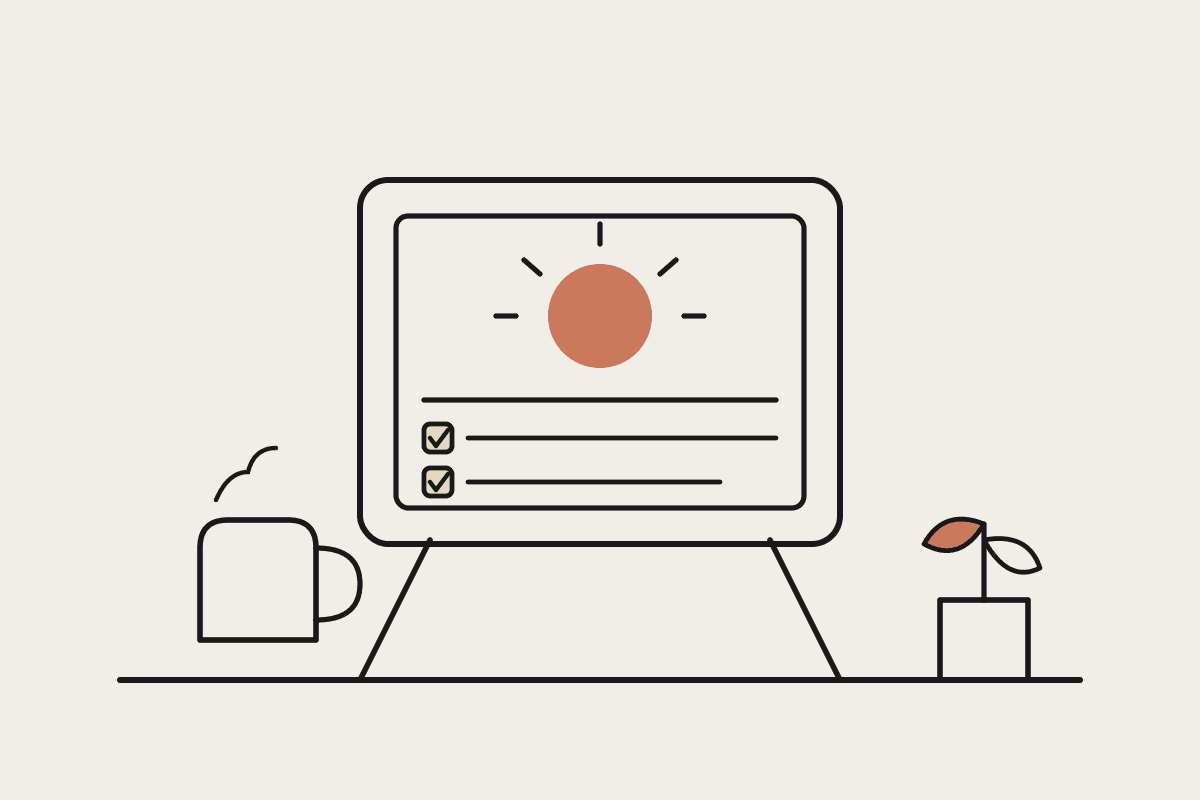
According to Google's own writeup, a creative technologist named Raph built the tool for his own family. Every morning it checks his family Google Calendar and the local weather forecast, then prompts an image model called Nano Banana to generate a personalised illustration of his kids dressed for whatever the day has in store. That illustration lands on a small e-ink screen on the kitchen bench, no bright backlight, no push notifications, no app to open. The whole thing runs on a lightweight local server in the background, with no cloud accounts involved. Google built it on Gemini 3.6 Flash and is open-sourcing the code, inviting people to ask its Antigravity tool to build their own version.
It's a nice piece of engineering. It's also, deliberately or not, a demonstration of a build pattern that has nothing to do with which AI model sits underneath it.
The pattern, not the brand
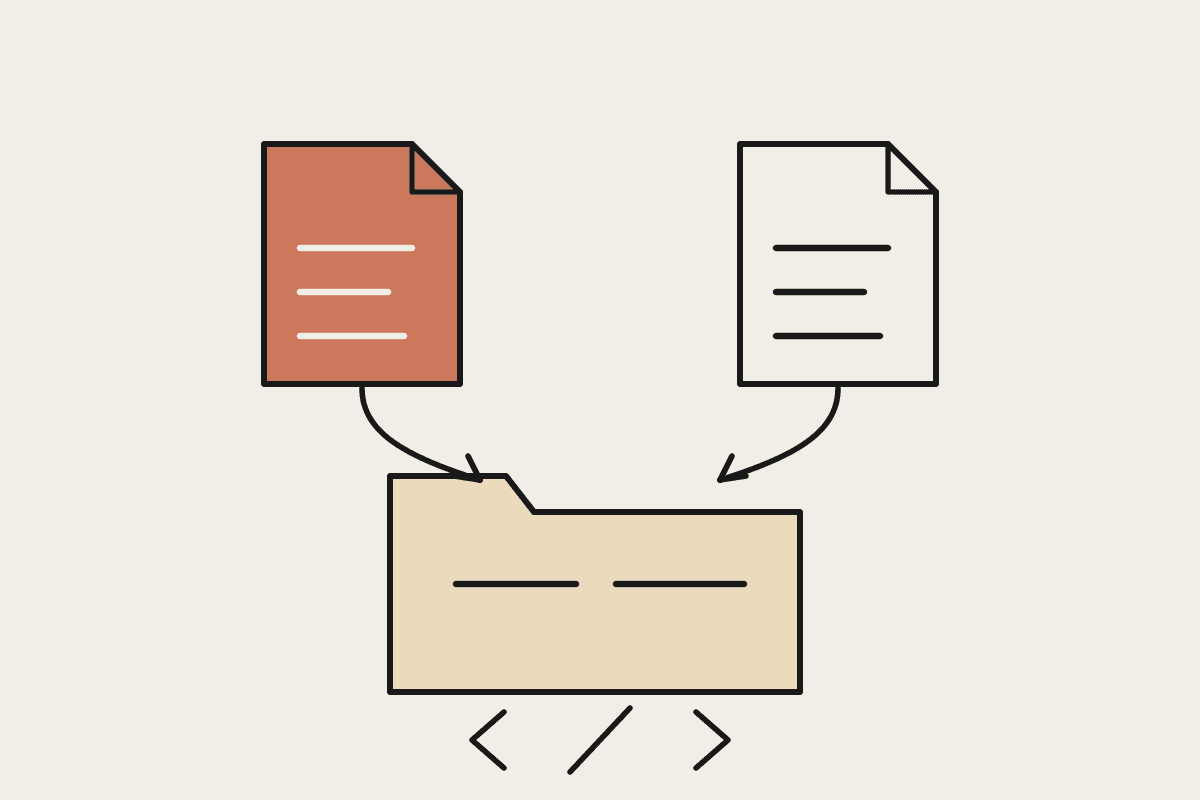
Strip away the Google branding and what's left is four ingredients: a data source such as a calendar, a second data source such as weather, a generated visual output, and a physical or ambient display that shows the result without asking anyone to log in anywhere. None of that is exclusive to Gemini. Claude Code can build the identical pattern end to end, and for an Australian business owner, that's the more useful takeaway than the illustration of two kids in raincoats.
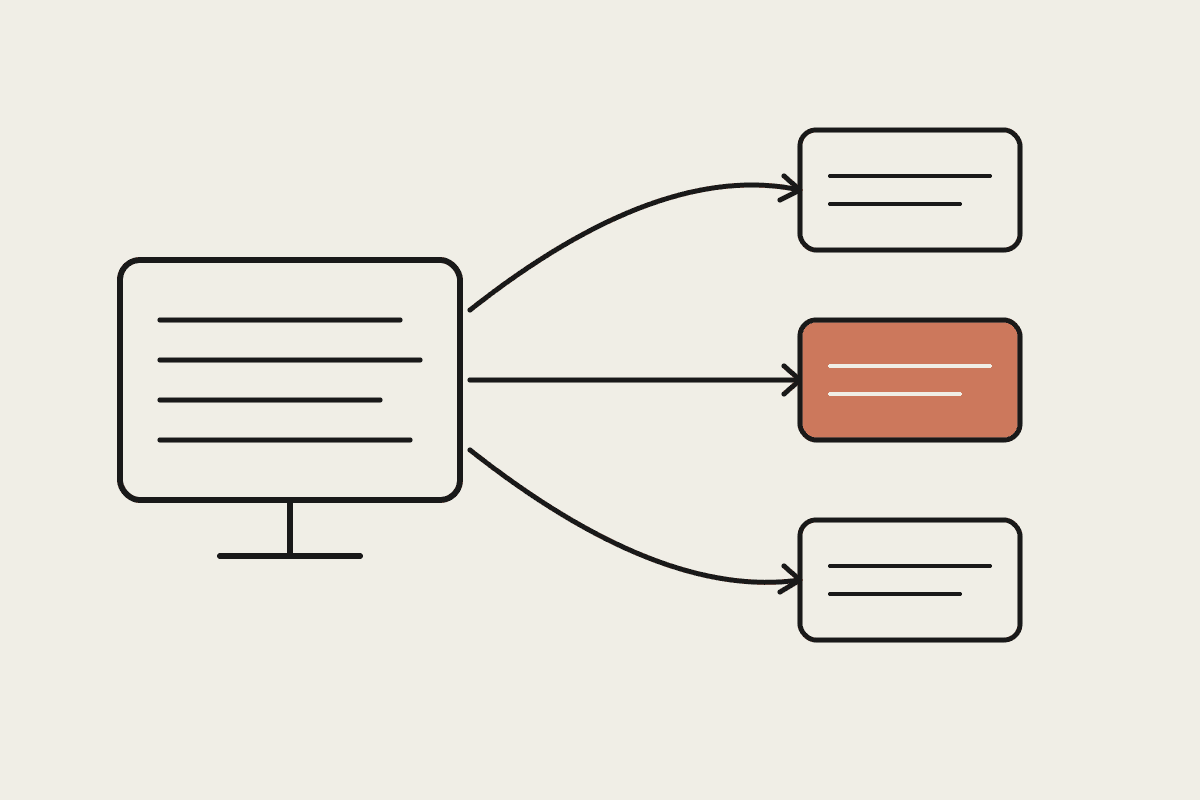
A scoped Claude Cowork engagement can wire up the same shape of build: pull from a calendar or booking system, pull from a weather or logistics feed, generate a simple visual or text summary, and push it to a screen, a printer, or a Slack channel each morning. No recurring per-seat software licence, no cloud dashboard someone has to remember to check. It sits in the background and does one job, quietly, every day.
Why local-first matters more for an Australian business
There's a second reason the local-first part of this pattern matters, and it has less to do with cost and more to do with data. A morning dashboard for a Sydney clinic reception desk, a Melbourne trades business, or a Brisbane warehouse is often pulling booking details, customer names, or supplier pricing into whatever tool displays it. Under the Privacy Act, an Australian business is responsible for where that data goes and who can see it, even if the tool doing the pulling started life as a small side project rather than a core system.
A build that runs on infrastructure the business controls, rather than routing customer data through a third-party cloud dashboard with its own account system and its own data-retention policy, is a materially easier thing to explain to a customer, an insurer, or an auditor if anyone ever asks. That's not the headline reason to build one of these. It's a reasonable second reason, and one Google's own writeup about a personal kitchen-bench project understandably didn't need to think about.
Where this fits an Australian small business
The Glanceboard pattern translates directly into a handful of jobs Australian small businesses already do by hand every morning:
A tradie business: a screen in the ute or the office showing the day's booked jobs, the weather at each site, and supplier ETAs for materials on order
A farm or warehouse: a dashboard combining stock levels, weather, and the day's dispatch schedule, refreshed automatically before the first shift starts
A clinic or salon reception desk: today's bookings, any gaps in the schedule, and a simple weather note for walk-in traffic, shown on a small display at the front desk instead of a printed sheet
None of these need a cloud subscription stacking up month after month. They need a defined, scoped build: connect the data sources that already exist, decide what the display should show, and hand over something that keeps running without anyone maintaining code by hand.
From fun weekend build to business tool
A personal project built in spare hours and a tool a business depends on every single day are not the same thing, even when they look identical from across the room. Glanceboard is a hobby build for one household, and there's nothing wrong with that. But a version running in a Sydney tradie's office, or on a reception desk that's the first thing customers see, needs to survive a weather API changing its response format, a calendar sync dropping for a day, or a screen losing power over a long weekend, without anyone noticing something's broken until a customer points it out.
That reliability layer, error handling, sensible fallbacks, a way to know when the automation has quietly stopped working, and someone accountable for fixing it, is the actual gap between a fun weekend build and something a business can lean on. Closing that gap is what a scoped Claude Code build from Automata AI does, typically somewhere in the $3,500 to $8,000 AUD range depending on how many data sources are involved and what the display needs to look like, delivered as a defined project with a fixed scope rather than an open-ended retainer.
What a scoped build actually looks like
A Claude Code build along these lines doesn't start with code. It starts with a short scoping conversation covering three questions: what data already exists and where, what the display needs to show at a glance, and who's responsible for the hardware it runs on, whether that's a spare tablet, a small e-ink screen, or an existing office monitor.
From there, the build typically follows the same shape:
Map the data sources: calendar, booking system, weather feed, supplier or logistics data, whatever already exists
Define the single output: one screen, one glance, no scrolling and no login required to check it
Build and test it against a week of real data before it goes live, not a demo day
Hand over documentation and a plain-English explanation of what happens if a data source goes offline
That last step is the one hobby builds skip and businesses can't afford to.
Is this worth building for your business?
Before committing budget to a build like this, it's worth running through a short checklist:
Are you, or someone on your team, currently checking two or three separate systems by hand every morning to get a full picture of the day ahead?
Would a five-second glance at a screen replace a ten-minute manual routine, five days a week?
Is the underlying data already sitting in tools you use daily, a calendar, a booking system, a weather feed, a supplier portal, rather than something that needs to be built from scratch?
Do you want to own the result outright, rather than add another line item to a growing stack of monthly software subscriptions?
If most of those land as yes, it's a reasonable candidate. If the data doesn't exist yet in a usable form, that's a different, bigger project, and it's worth saying so upfront rather than after the invoice arrives.
Google's engineer built Glanceboard for his own kitchen bench. The pattern underneath it, a local, no-subscription tool that turns two or three data feeds into one glance each morning, is exactly the kind of scoped build Claude Code was made for. If a version of this would save your team ten minutes of manual checking every morning, get in touch and we'll scope it properly before any code gets written.