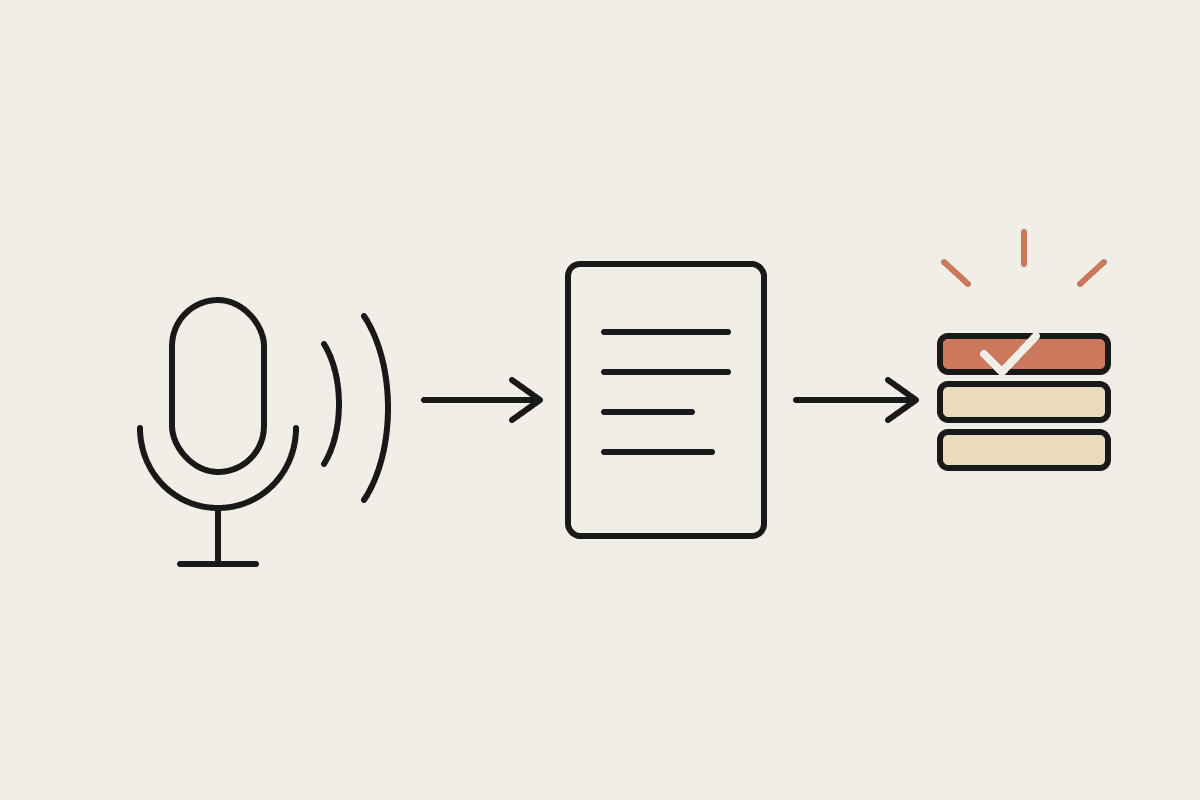
Until recently, starting a Claude task in the Chrome side panel and a Claude Cowork session on desktop were two disconnected things, different history, no way to pick up one from the other. That's now changed: the Chrome side panel runs full Claude Cowork sessions, with conversations, connectors and skills carrying across browser, desktop, mobile and web. For AU businesses rolling Cowork out to a team, that's a meaningful gap closed.
Why the disconnect mattered
A lot of real business work starts in a browser, a vendor portal, an internal dashboard, a legacy system with no native connector, and gets finished somewhere else, back at a desk, on a different device. When the Chrome-based session and the desktop session didn't share history, that meant re-explaining context or losing work entirely when someone switched devices mid-task. For staff working from client sites or between meetings, that's exactly when the gap showed up most.
What actually changed
A task started in the Chrome side panel can now be picked up and finished in Claude desktop, web or mobile, with full history intact
Skills and connectors set up once now work consistently across the browser and other surfaces
Claude in Chrome can see and act on a page, click, type, navigate, fill forms, using the logins already in the browser, which matters for internal dashboards and vendor portals without a native Claude connector
Available now on Max and Team plans, rolling out to Pro; on Enterprise it's off by default, with admins choosing whether to enable it and which domains to allow
A concrete AU workflow
Picture a field-based account manager pulling stock and pricing data from a supplier's web portal, one with no API and no native Cowork connector, while at a client site on a laptop. The task starts in the Chrome side panel: navigate the portal, extract the relevant figures, start drafting a quote. Back at the office on desktop, the same session picks up exactly where it left off, no re-explaining, no lost context, and the quote gets finished and sent from there.
The safety layer worth knowing about
Claude in Chrome acting directly on a page raises an obvious question: what stops it clicking or submitting something it shouldn't. The current model layers an approval setting with a separate check that reviews consequential actions, submitting a form, sending a message, downloading a file, against what was actually asked before allowing them through. That's specifically designed to reduce the risk of a malicious or misleading element on a page hijacking the session (prompt injection) while not requiring a manual click for every trivial step.
What this means for a rollout
Businesses already running Cowork on desktop don't need to rebuild anything to pick this up, the browser side panel becomes another surface for the same connectors and skills already configured. For businesses just starting a rollout, it's worth including the browser workflow explicitly in onboarding, since a meaningful share of real admin work happens in a browser tab rather than a native app.
Enterprise admins keep control
The off-by-default setting on Enterprise plans, with domain restriction available, matters for AU businesses with governance requirements around what an agent can see and act on. Confirm your plan tier and admin settings before assuming staff already have this available; it's a deliberate opt-in for enterprise deployments, not an automatic feature flip.
Where this fits alongside proper connectors
Browser-based automation via the side panel is best treated as the fallback for systems without a native connector, not the default approach. Where a proper Cowork connector exists for a system, it's typically more reliable than page interaction. Reserve the browser approach for the legacy portals and vendor systems that genuinely have no better option.
Sizing the payback
A field team of six account managers each avoiding roughly 20 minutes a week of re-explaining lost context to a fresh session adds up to over 100 hours a year across the team, worth close to $5,000 a year in reclaimed time at a modest $45 hourly rate, on top of the harder-to-measure benefit of quotes and tasks not stalling mid-handoff.
What this isn't
This isn't a general-purpose web browsing agent free to act anywhere without oversight, the approval and consequential-action checks are there specifically because acting on arbitrary web pages carries real risk. It's also not yet available to every plan tier, worth checking your specific plan before promising it to a team.
Getting started
Check whether your plan (Max, Team, or Enterprise with the feature enabled) has this available now
Identify the browser-based, no-native-connector tasks your team already does manually
Set domain restrictions on Enterprise plans before enabling broadly
Test the cross-device handoff on a real task before rolling it out team-wide
If you're running or planning a Cowork rollout and want the browser-to-desktop handoff set up properly, that's exactly what we help AU businesses do. Get in touch: https://www.automataai.com.au/contact
Keep going
For the full setup path, see the Claude Cowork setup guide. Related on this topic: