The mental tax of recurring work isn't the work itself, it's remembering to do it. Claude's scheduled tasks remove that specific tax: instead of a calendar reminder that nags you to go start a task, the task itself runs on schedule and the output is simply waiting when you check it, which is a genuinely different experience from being reminded to do something you still have to sit down and do.
The distinction that actually matters
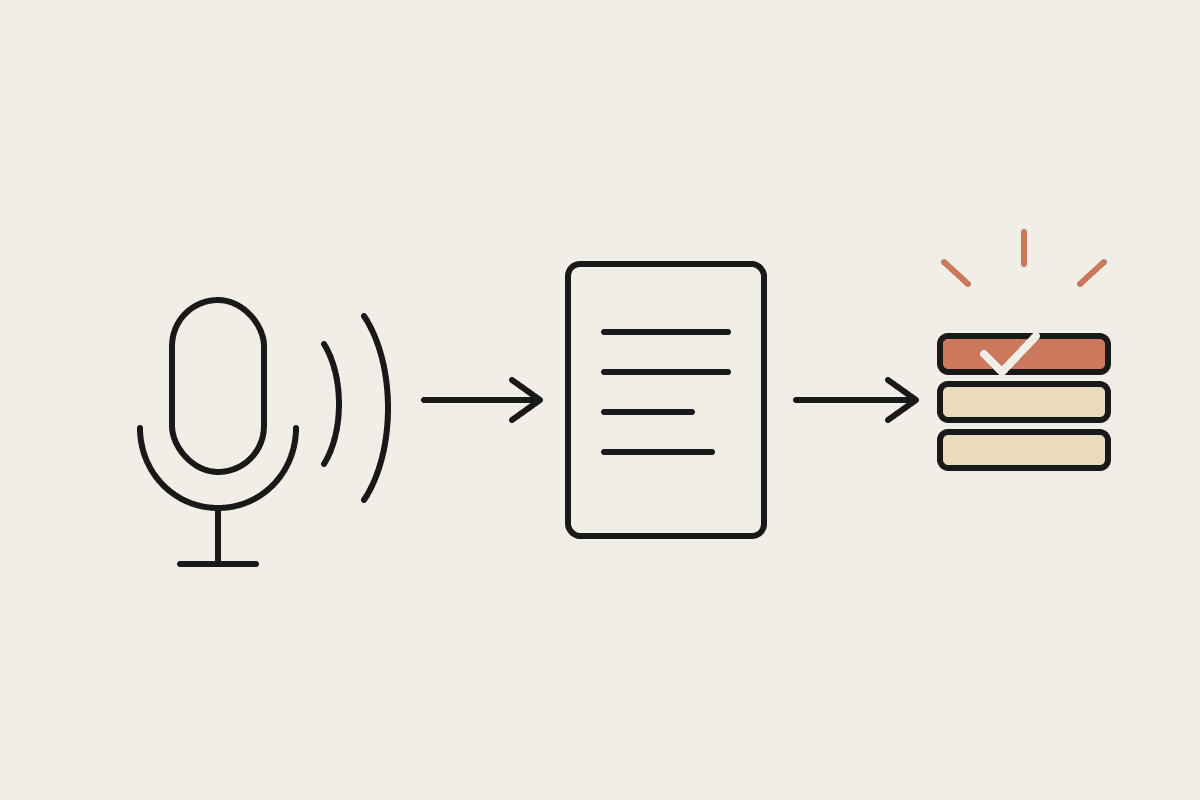
A reminder app tells you it's time to do something. A scheduled task does the something and tells you it's done, or flags a problem if it isn't. That's not a minor semantic difference, it changes the weekly mental overhead from 'remember, then execute' to 'review, then act on what's already there,' which is a meaningfully lighter cognitive load for a business owner already juggling a dozen competing priorities.
Reminder: a nudge that the task still needs doing, the effort hasn't happened yet
Scheduled task: the work runs automatically, you're reviewing a completed output
The freed-up mental space: not having to hold 'don't forget the Friday report' in your head all week
The recurring work that suits this best
Anything with a predictable trigger and a defined output works well: a weekly sales summary compiled every Monday morning, a Friday pipeline review, a nightly check for overdue invoices, a monthly reconciliation flag. The common thread is that the task doesn't need a judgement call about whether to run, it just needs to run and surface anything that needs a human decision, which is a very different shape to a reminder that assumes a person will notice, remember, and then execute manually.
A Canberra consultancy's actual setup
A four-person Canberra policy consultancy set up a scheduled task running every Monday at 7am, compiling a summary of the week's calendar commitments, any overdue client deliverables, and outstanding invoices into a single brief waiting in the founder's inbox before the day starts. Previously, this was a mental checklist the founder ran through inconsistently, sometimes Monday, sometimes not until Wednesday when something had already slipped. The founder estimated this alone prevented at least two missed deliverable deadlines in its first two months, avoiding what would likely have been an uncomfortable client conversation each time.
Getting the scope right
What it's worth in avoided cost, not just avoided nagging
The value isn't only psychological. A missed deadline that damages a client relationship, or a compliance task done late enough to attract a penalty, has a real dollar cost attached, and a scheduled task that reliably surfaces the relevant information removes the single most common cause of that kind of miss: simply forgetting under the weight of everything else competing for attention that week. For the Canberra consultancy above, avoiding even one uncomfortable client conversation about a missed deliverable was worth more than the setup time, and avoiding a second in month two made the case for expanding the pattern to two more scheduled tasks covering timesheet and invoicing reminders, worth an estimated $600 a month in avoided late-payment chasing time once fully rolled out.
A fair question to ask before scheduling anything: what actually happens if this task silently fails to run one week. For low-stakes tasks, a missed weekly summary, the answer is 'not much, you notice and re-run it.' For higher-stakes ones, a compliance check, a payment reminder, the answer matters enough that the schedule needs a simple failure alert, not just a successful-run notification, so silence itself becomes a signal worth investigating rather than something that goes unnoticed for weeks.
Getting this right typically takes two or three iterations rather than landing perfectly on the first attempt, and that's a normal part of the process, not a sign something's wrong. Expect to adjust the schedule, the scope, or the output format once or twice in the first month based on what turns out to be genuinely useful once you're actually looking at it every week, rather than what sounded useful when first setting it up.
Once the pattern beds in, most owners find themselves adding a second and third scheduled task within a few months, not because more automation is inherently good, but because the first one demonstrated the mental-load saving clearly enough that the next candidate task becomes obvious on its own.
The trap worth avoiding is scheduling a task before the underlying workflow is proven manually. Run the task's exact steps yourself two or three times first, confirm the output is genuinely useful before automating the schedule, then let it run unattended with a lightweight check that it's actually firing (a missed run is worse than no automation if nobody notices for a month). Scheduled tasks remove the burden of remembering to start work, not the need to occasionally confirm the system itself is still healthy.