Picture a sales channel in Slack. Someone asks Claude to pull the open deals for a client, check what the engineering channel's GitHub connector says about a promised feature, and draft a reply that fits their own calendar. Until September 2026 that request would stall halfway, because Claude in a shared channel could only touch the connectors an admin had attached to that channel. The calendar and the CRM accounts belonged to one person, and the channel had no way to borrow them safely.
On 24 September 2026 Anthropic announced that Claude Tag can now use a requesting user's own personal connectors inside shared channels. For an Australian team that has been holding Claude back from finance, legal or client-facing channels, this is the change worth reading closely, because it moves access from the channel to the person.
The old rule: access followed the channel
Channel-level connectors were deliberately kept short. If a connector was attached to a channel, everyone in that channel could, in effect, ask Claude to read from it. That made admins cautious, and rightly so. A channel with forty members and a Google Drive connector is a channel where forty people can surface whatever that connector can see.
The result in most organisations we work with was a thin set of shared tools, usually a code repository and a ticketing system, and a lot of copy and paste for everything else. People kept their sensitive lookups in direct messages with Claude, which works but splits the conversation away from the team.
How do Claude Tag personal connectors work in a shared channel?
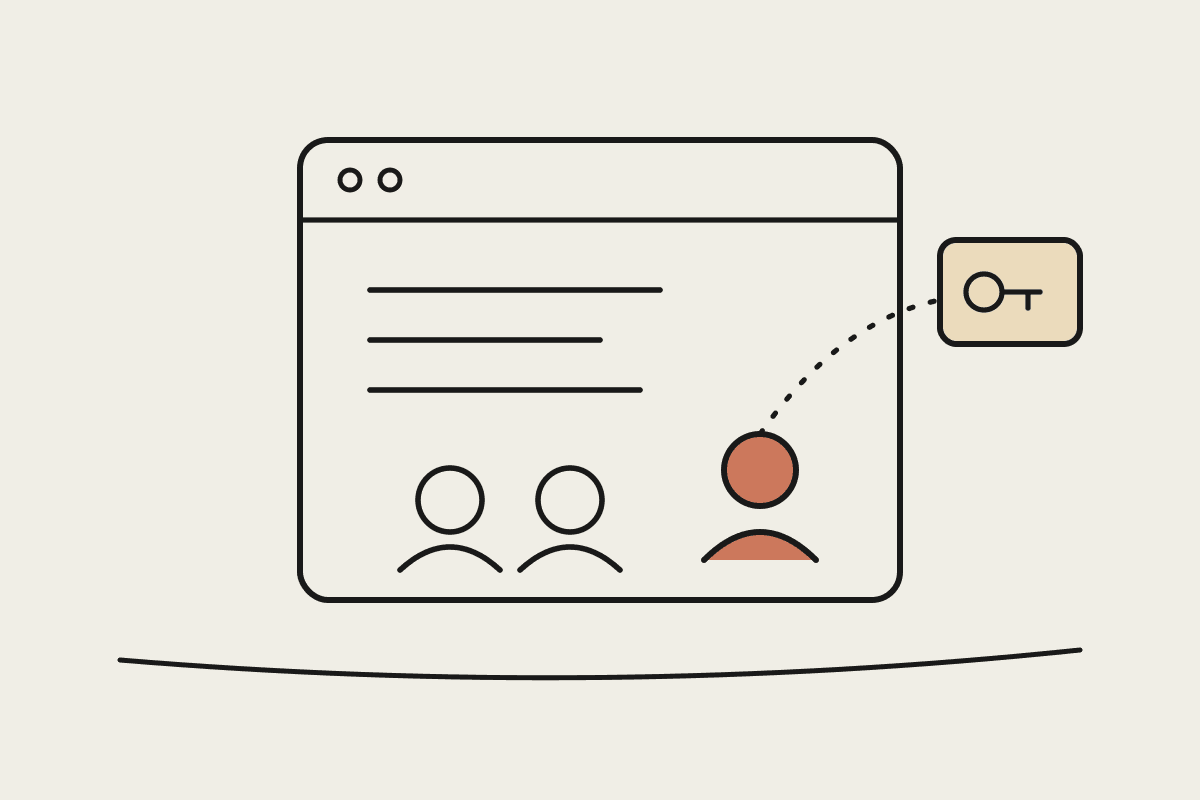
When a user asks Claude a question in a shared Slack channel, Claude reads any channel-level connectors as before, then separately reads that user's personal connectors under the user's own identity. Only the requesting user sees results drawn from their personal tools. Actions taken through a personal connector are logged under that user's account in the tool's own audit trail, while the channel's shared work keeps running under its service account.
Personal connectors cover the things only one person should open: their calendar, their Drive, the CRM accounts assigned to them, their staging deploys. Nobody else in the channel gains access by being in the room when the question is asked.
Users also choose how answers reach the channel:
Review-first.
Auto mode.
Admin override.
Three governance postures, and who each one suits
Admins get three ways to set this up. The right one depends less on company size than on how mature your existing permission model is in the underlying tools.
| Posture | How access is decided | Suits | Watch for |
|---|---|---|---|
| Shared agent identity | Tools run under one service account per channel | Teams with simple, low-sensitivity tooling | Broad access for anyone in the channel |
| Personal connectors only | Each person's existing role-based permissions | Firms with clean permissions in CRM and Drive | Messy permissions get exposed faster |
| Per-tool policy | Admin decides shared or personal for each tool | Regulated firms with mixed tooling | More setup and a policy to keep current |
The personal-only option is the one most likely to surprise people. It is only as good as the permissions already sitting in your CRM and file storage. If half the sales team can see every account in the CRM because nobody tidied roles after a restructure, Claude will faithfully reflect that. Fix the source permissions first, then switch the posture on.
Why this matters for a security review in Australia
For finance, legal and government-adjacent clients, the question we hear most often about Claude in Slack is whether it can see things it should not. Under the Privacy Act and, for regulated entities, APRA's CPS 234 expectations on information security, the honest answer has to name the control, not just the intent.
Personal connectors give a concrete answer. Personal data stays under personal identity, and activity lands in the same native audit logs your security team already reviews for that person's direct use of the tool. That is separation by design rather than separation by admin discipline, and it is much easier to explain to an auditor.
It also slots neatly beside what we covered in Claude Tag and agent identity, where shared work runs under a scoped, auditable service identity. Personal connectors are the other half of that picture: the person's own reach, kept under the person's own name.
A worked example
Take an illustrative 120-person Melbourne professional services firm. It runs a client channel per engagement, with GitHub and Jira attached at channel level. Before the change, a manager wanting to check budget against their own timesheet data and the engagement's CRM record copied numbers into Slack by hand. Ten minutes a day across 30 managers is roughly five hours of senior time a day. At an illustrative loaded rate of $150 an hour, that is around $750 a day, or more than $160,000 a year in work that personal connectors remove without widening anyone's access.
If you want to test numbers like these against your own team, our ROI calculator is a quick starting point.
Rollout and a sensible order of steps
Anthropic says personal connectors are rolling out now on Team plans, with Enterprise following. If you are on Enterprise, use the gap to prepare rather than wait.
If you run Claude Tag in a sensitive setting already, our post on Claude Tag in healthcare without patient data shows how channel and connector scoping keeps clinical information out of reach. Personal connectors do not change that advice; they add a second, person-level layer to it.
The limits worth keeping in mind
Personal connectors solve an access problem, not a judgement problem. Auto mode will still post content Claude does not flag as sensitive, and Claude's sense of sensitive may not match your firm's. For client channels, review-first is the safer default until your team has seen how it behaves on real requests.
They also do not replace a written policy. Staff need to know which channels are appropriate for personal-tool questions, and that a correct answer drawn from their own Drive can still be the wrong thing to post in front of a client. The source announcement is on the Claude blog.
If you are weighing how to set up Claude Tag for regulated teams, or want a second opinion on your connector posture, book a short call with us. We help Australian organisations get Claude from pilot into daily use without opening gaps a security review will find later. You can also read more about how we work.