Live artifacts are the closest thing Cowork has to a dashboard product. They are persistent interactive pages that pull from your connected apps and local files, so the view shows today rather than the day it was built. One detail in how sharing works decides whether they are safe to hand around a business, and most people assume the opposite of what is true.
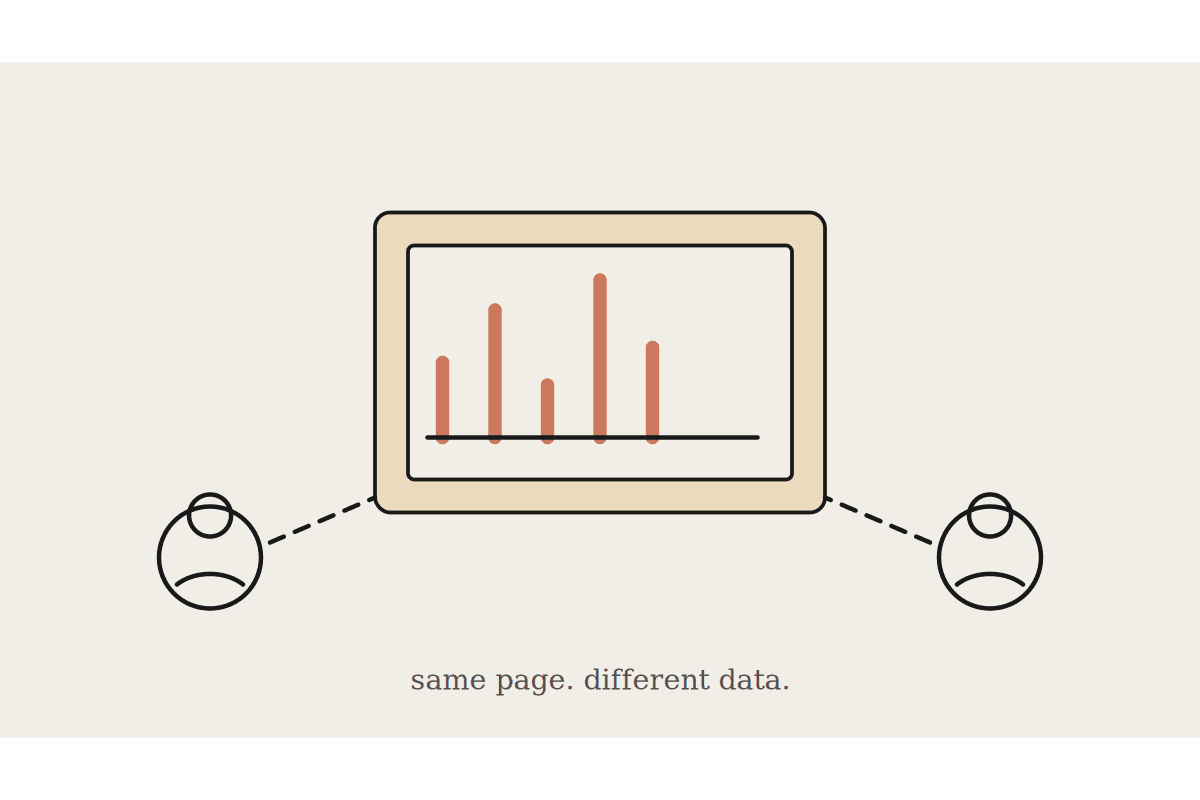
Shared artifacts use the viewer's access, not yours. When a colleague opens the artifact you shared, it connects to their connectors and their data sources.
Why that is the right design
It means you cannot accidentally hand someone a window into data they are not permitted to see. The page is a template with logic in it, not a snapshot of your access rights baked into a link. Two people opening the same pipeline tracker each see their own pipeline.
It also means the thing you tested is not necessarily the thing they get. If your version pulls from a connector they have never authorised, their view will be empty and they will conclude the artifact is broken rather than that they are missing a connection. Send the connector list with the link and you avoid the entire support conversation.
Sharing is available on Team and Enterprise plans, stays inside your organisation with no external links, and works by link or through the Import from link option in the Artifacts view.
What separates them from a chat artifact
They live in their own Live artifacts tab, instead of being buried in whichever conversation happened to create them.
They refresh from connected apps and local files rather than freezing at the moment of creation.
Every change saves a version you can compare against and restore.
Chat and Cowork artifacts appear together in the same view, with the live ones marked by a Cowork label. The version history is worth more than it looks. A dashboard nobody trusts is a dashboard nobody opens, and being able to show what changed between Tuesday and Thursday is most of what trust is made of.
Two limits to plan around
Storage is local to the device. Switch computers and your artifacts do not come with you.
Once approved during creation or update, live artifacts use your connectors without asking again.
The second is the governance line. An artifact that refreshes on open is making connector calls on your behalf every time somebody looks at it. That is entirely fine for a job tracker. It is a poor idea for anything touching payroll or client financials, where you want a person deciding that the data should be fetched right now.
They run on Claude Desktop for macOS, Windows and Linux beta, on any paid plan. Web and mobile do not have them at all, which matters if half your team works from a phone.
Where the money actually is
A proper business intelligence build for an Australian mid market firm starts around $40,000 and takes a quarter, and a fair share of those projects deliver a dashboard three people open twice. A live artifact costs an afternoon and keeps itself current.
The reasonable position is to use them for the operational views that never justified a BI project in the first place:
A weekly job tracker the team will actually open, because it is one page and it is right.
A comparison view across two systems that have no shared reporting and never will.
A reference page that stays current instead of going stale in a shared drive under a name like final_v3.
Use the real reporting tool for anything that has to be defensible in an audit. Use live artifacts for the twenty views currently living in one person's head and one person's spreadsheet.
The device local part is the real constraint
Because storage is local, a live artifact is not an organisational asset in the way a report on a server is. If the person who built it changes laptops, or leaves, the artifact does not transfer with the handover notes. That is worth knowing before a team builds fifteen of them and treats the collection as infrastructure.
The practical answer is to keep the intent somewhere durable. Write down what the artifact shows and which connectors it needs, in the same place your procedures live, so rebuilding it is twenty minutes rather than an archaeology exercise. The artifact is cheap to recreate. The knowledge of what it was for is not.
How to introduce one
Build the first one for the meeting nobody enjoys preparing for. Ask what four numbers get read out, build exactly those, and share it with the two people who attend. If it survives a month without anyone reverting to the spreadsheet, build the second.
If you want a first live artifact built against your own connectors rather than a demo dataset, that is a good opening hour of a Cowork engagement. Start at /contact.