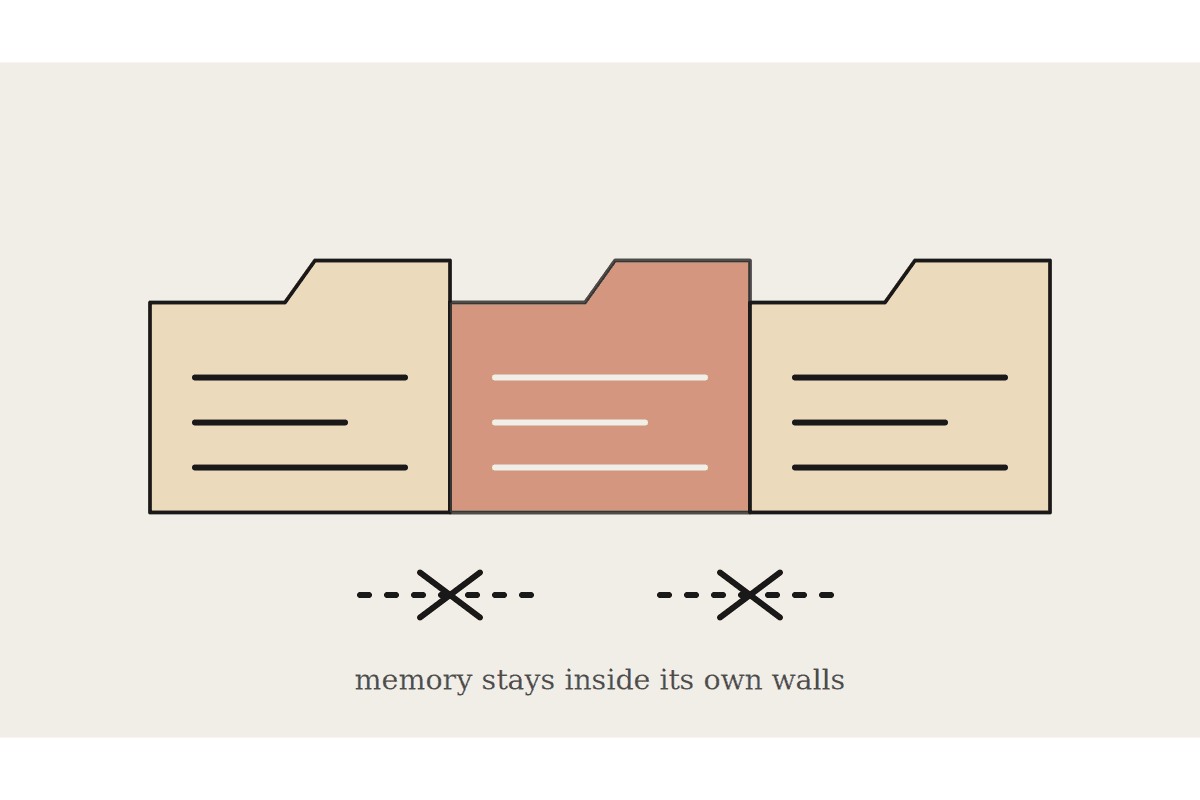
Cowork projects are workspaces that group related tasks with their own files, context, instructions and memory. The memory is what makes them worth using. One restriction shapes how you should structure them: Cowork projects do not support project sharing, and that holds for Team and Enterprise members too.
So a project is a personal workspace that gets smarter over time, not a team asset. Plan for that rather than being surprised by it in month three.
What a project holds
Instructions that shape Claude's behaviour across every task in that project.
Scheduled tasks specific to the project.
Context, which can be local folders, linked chat projects or URLs.
Memory that persists within the project.
Claude remembers context from tasks you have run in a project and applies it to future tasks in the same project. Memory is scoped to the project, so what Claude learns in one does not carry into another. You can create a project from scratch, from an existing Claude chat project, or from a local folder on your computer.
The scoping decision that matters
Because memory is per project, the boundaries you draw determine how useful Claude becomes. Two failure patterns show up repeatedly in Australian businesses.
One giant project for everything. Memory fills with context from unrelated work and the useful detail gets diluted by the noise around it.
A project per task. Nothing accumulates, because each workspace starts cold every single time.
The shape that works is a project per ongoing responsibility. A client account, a compliance area, a recurring reporting cycle. Anything you will return to weekly for months rather than once next quarter.
Write the instructions as though briefing a new staff member on their first morning. House style, what should never happen without asking, which files matter and why, who the client is and what they care about. That text does more work than any individual prompt you will write afterwards, and it is the part most people skip.
Working around the no sharing limit
Since the project itself cannot be shared, the reusable part has to live somewhere else. This is not a workaround so much as good practice you would want anyway.
Keep the instructions in a document in your shared drive, so a colleague can paste them into their own project and start from the same baseline.
Put procedures into skills or a plugin, which do travel between people, rather than into project memory, which does not.
Store the working files in a connected shared folder, so the artefacts remain business property even when the workspace is personal.
Other limits worth knowing before you commit: project storage is local with no cloud sync, projects tied to a local folder support Cowork sessions on desktop only, Claude Code is not yet supported inside them, there is no bulk import, and archiving removes the metadata from the interface while leaving your local files untouched.
What it is actually worth
The payoff is not the folder structure, it is not having to re-explain your business every Monday morning. For a professional services firm where a partner spends the first ten minutes of every task supplying background, that is several hours a week taken off work that bills at well over $300 an hour.
There is a quality effect as well. Context supplied consistently produces output that is consistent, which is the difference between a tool that drafts something usable and one that drafts something you rewrite. Most complaints about AI output quality in a business setting turn out to be complaints about context that was never provided.
The handover problem, named early
A personal workspace that accumulates knowledge creates an obvious risk. The better it gets, the more of your operating knowledge sits somewhere that does not transfer when the person does. That is the same risk as an undocumented spreadsheet, with a friendlier interface on it.
Treat the instructions file as the handover artefact. If a colleague could take that document, create their own project, and be productive inside a day, the risk is managed. If they could not, the project has quietly become a single point of failure and it is worth an hour to fix.
How to set it up this week
Create three projects, no more. Give each one real written instructions rather than a sentence. Run your ordinary work inside them for a fortnight before judging the result, because memory needs runs to build on and a cold project looks identical to no project at all.
Then review what Claude has retained. If it has learned things that are wrong or stale, correct them directly, the same way you would correct a new hire who picked up a bad habit early.
If you want the project structure and instructions drafted against how your firm actually divides its work, that is a short piece of setup with a long tail. Start at /contact.
Related reading
The end-to-end walkthrough lives in our Claude Cowork setup guide. Closest neighbours to this piece: