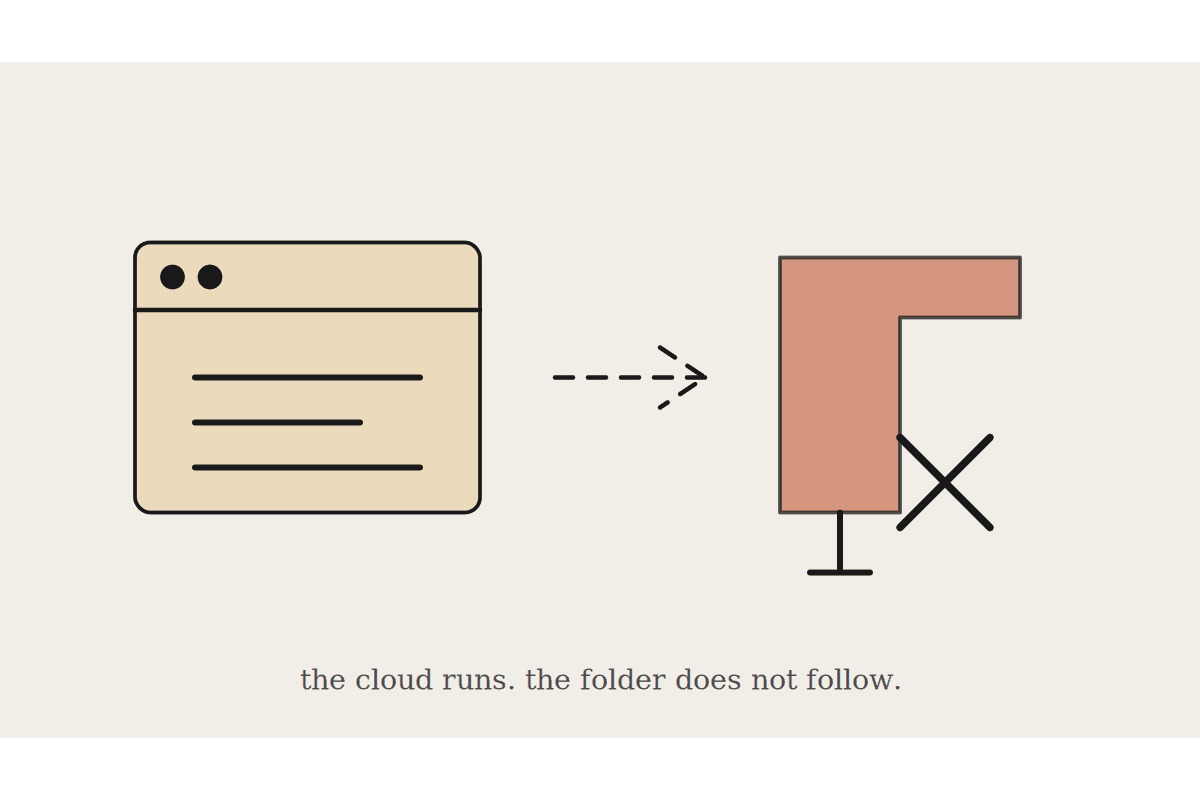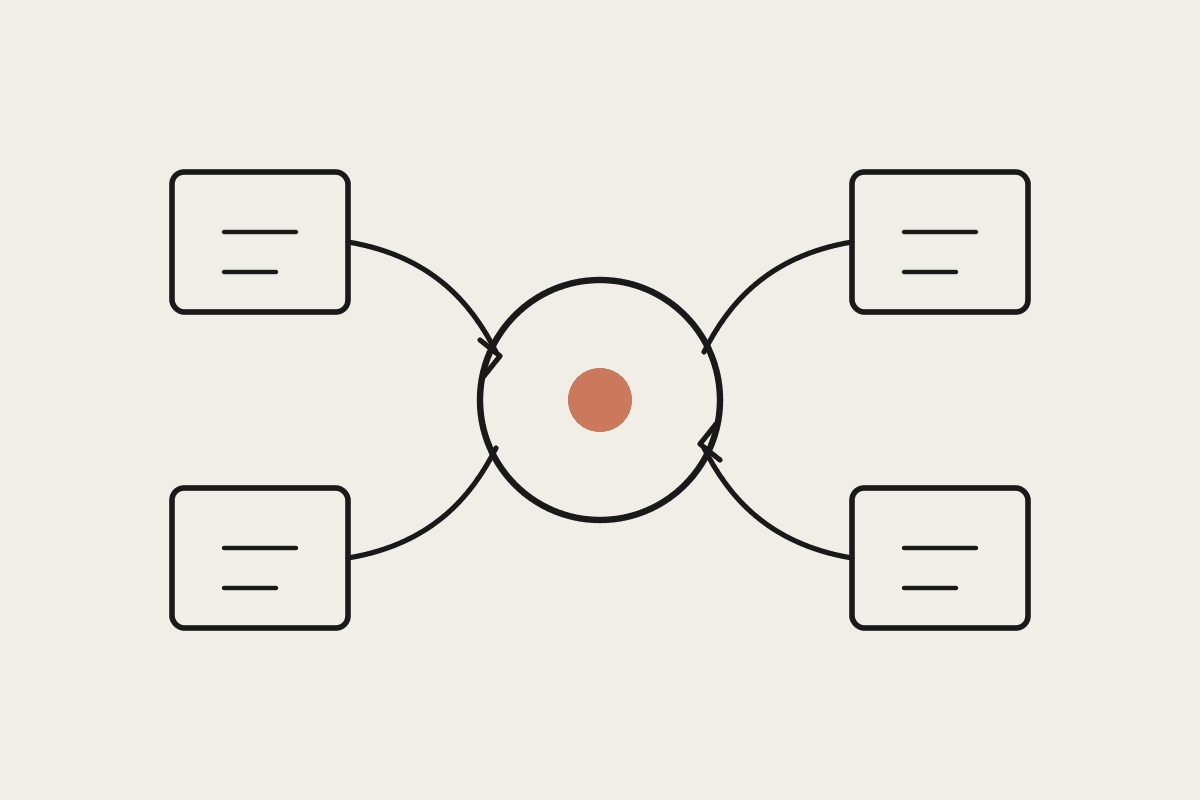
A lot of small business content workflows still start life as a Google Doc, a marketing person or founder drafting a post there because it's familiar, easy to comment on, and easy to share for review, and the gap between that finished draft and a live blog post, formatting, image sourcing, SEO fields, actually publishing, is exactly the kind of mechanical, easy-to-automate work that eats disproportionate time relative to how little judgement it actually requires.
Where the manual process actually loses the time
Writing the post itself is rarely the bottleneck; the bottleneck is everything after the doc is marked "final," copying content into a CMS, manually converting headings and formatting, writing a meta description that's a genuinely different piece of copy to the post's own intro, sourcing or generating a hero image, and setting the category and tags correctly, none of which requires much judgement but all of which takes real, fiddly time if done by hand every single week.
Detecting a Google Doc marked ready to publish, via a status field, a folder, or a comment trigger
Converting the doc's formatting to the CMS's actual content structure, headings, bullets, links preserved correctly
Drafting a meta description distinct from the post's own opening paragraph
Generating or sourcing a hero image and setting category and tags before publishing
Building a workflow that respects the review step
The setup that works publishes to draft status automatically, not live, leaving a genuine human review and approval step before anything goes public, because full automation straight to a live URL removes the one checkpoint that catches a genuine mistake, a wrong client name, an outdated figure, before it's visible to anyone. The automation should remove the mechanical formatting and publishing work specifically, not the editorial judgement call about whether a given post is actually ready.
A Melbourne professional services firm had one marketing coordinator spending roughly ninety minutes per post manually reformatting Google Docs into their CMS, sourcing a stock image, and setting SEO fields, across four to five posts a month. Automating everything from doc-detection through to a draft-status CMS entry, with the coordinator's role narrowed to a final review and one-click publish, cut that ninety minutes to about fifteen, and the firm estimated it recovered close to $7,000 a year in coordinator time, freeing that time for actual content strategy work instead of reformatting.
Handling a doc that isn't actually ready despite the trigger firing
A status field or folder-move trigger will occasionally fire on a doc that isn't genuinely finished, someone moved it early by mistake, and the workflow needs a graceful way to handle that: publishing to draft rather than live status by default gives a natural safety net, since an accidentally-triggered draft sitting unpublished causes no harm, where an accidentally-triggered live post does.
Handling images inside the doc itself
Google Docs lets a writer paste an image directly into the draft, which is convenient for the writer but needs explicit handling in the pipeline, since an inline pasted image needs extracting, re-hosting, and re-linking correctly in the CMS rather than left as a broken reference or, worse, silently dropped during the format conversion. Testing the pipeline against a doc with at least one inline image before trusting it on a real post catches this early, since it is a genuinely easy step to overlook when the first few test posts happen to be text-only.
Teams that write collaboratively, with comments and suggested edits still open in the doc when the trigger fires, need the pipeline to either wait for those to be resolved or explicitly ignore comment threads when extracting content, since an unresolved suggestion accidentally included in the published text is a genuinely embarrassing failure mode worth designing around from the start rather than discovering after the fact.
Keeping formatting fidelity across a redesign
A CMS redesign or theme change can quietly break the formatting-conversion step in ways that aren't obvious until a post publishes looking wrong, so it's worth a standing habit of checking the first post through the pipeline after any CMS-side change, rather than assuming the automation will keep working unchanged indefinitely.
What this isn't
This is the mechanical doc-to-CMS pipeline specifically, distinct from broader content strategy or SEO work; this solves the publishing friction, not what to write about or how to structure a content calendar.
Automata AI builds Google-Doc-to-CMS publishing pipelines for Australian marketing teams still copy-pasting content by hand every week. Get in touch via /contact and tell us which CMS you're on, we'll scope the formatting conversion against it.