Most trade businesses know roughly whether a job made money. Few know precisely, until the quarter's numbers come in and the answer turns out to be worse than the gut feel suggested. Job costing summaries close that gap, but building them by hand from timesheets, material invoices, and subbie bills is exactly the kind of tedious cross-referencing that gets skipped when the crew's flat out, which is most of the time. This applies whatever job-management software you run day to day, not any one specific platform. The businesses that do it well tend to be the ones where someone senior has made it a standing Friday habit, which works until that person's on leave or the business grows past what one person can track by hand.
What a usable job costing summary actually needs
The failure mode with manual job costing isn't that nobody tries, it's that it happens too late to change anything. If you find out a job ran 18% over budget three months after it wrapped, that's a lesson for the next quote, not a fix for this one. A summary that updates weekly while the job's still running is what actually changes decisions, like whether to push back on scope creep or pull a sub off a job that's bleeding margin.
Labour hours pulled from timesheets and matched against the quoted allowance per job
Material and subcontractor invoices tagged to the right job as they land, not batched at month end
A running margin figure per job, updated weekly, not just at completion
A flag when a job crosses a set variance threshold against quote, while there's still time to act
Building it without a full ERP project
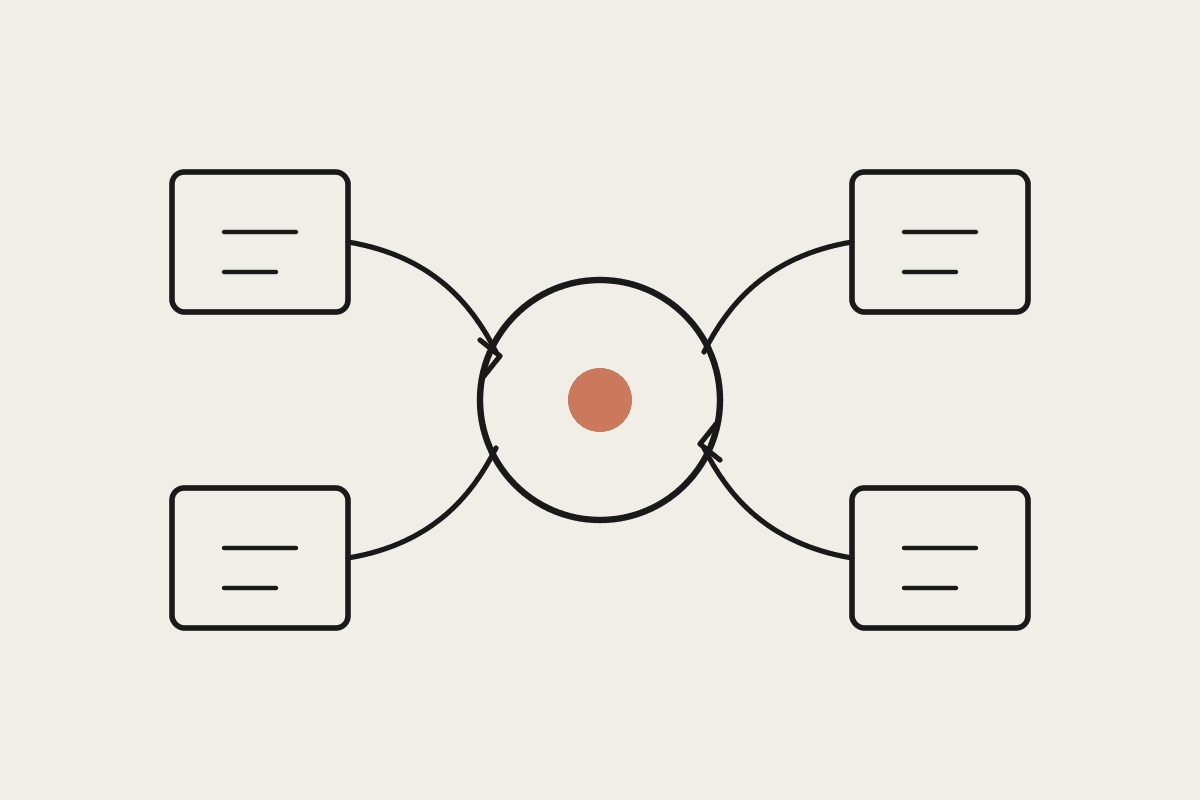
The practical build connects your invoicing or accounting platform and your timesheet system through Cowork, with a scheduled task that pulls the week's costs, matches them to the relevant job code, and updates a running summary. The part worth getting right is job-code matching from invoice descriptions that are rarely clean; a supplier invoice that says 'materials, various' needs a sensible fallback to flag for manual job assignment rather than silently miscoding it.
A Gold Coast electrical contracting business running eight jobs at a time was reconciling job costs only at completion, and had discovered on more than one occasion that a job had run at a loss only after it was already closed out and invoiced. After moving to a weekly job costing summary, the owner caught a residential job tracking 22% over its labour allowance in week three instead of week eight, and renegotiated scope with the client before the gap grew further. Across a year, the owner estimated catching variance early on just three jobs saved close to $27,000 that would otherwise have been absorbed as margin loss.
Keeping the numbers trustworthy
Job costing summaries only earn trust if the underlying data entry stays disciplined, so the weekly review needs a human checking the flagged exceptions rather than assuming the automated matching got everything right. Treat the summary as a decision-support tool the office manager or owner reviews weekly, not a fully hands-off system, especially in the first couple of months while the job-code matching logic is being tuned to your specific invoice formats. Once that tuning period settles, most businesses find the weekly review takes ten to fifteen minutes rather than the hour or more it took when the matching logic was still learning their supplier patterns.
Matching invoices to jobs when descriptions are useless
Supplier invoices in the trades are notoriously bad at self-describing which job they belong to, often just a supplier name and a total with no reference number at all. The workable fix is teaching the matching logic your business's actual patterns: which suppliers you use for which types of jobs, typical order sizes per job type, and delivery addresses where those are captured. It won't get every match right unattended, and the weekly review step exists specifically to catch and correct the ones it gets wrong before they skew a job's numbers.
Where this doesn't help
This won't fix a quoting process that's underpricing jobs from the start; it will just show you that faster. If your job costing consistently comes back tight regardless of which crew or supplier's involved, the real fix is in how you're quoting, not in faster reporting on the same numbers.
Automata AI builds this job-costing connector setup for Australian trade businesses on whatever invoicing and timesheet tools you already run. Get in touch through /contact if margin visibility is currently a quarter behind where you need it.