New-client intake is the point where most small businesses lose the most time relative to how simple the task looks. A form comes in, or an email, or someone leaves a voicemail, and then somebody has to open the CRM, create the contact, tag it correctly, assign an owner, and kick off whatever follow-up sequence applies. Miss a step and the lead sits untouched for three days. This is a generic, tool-agnostic pattern that works whether you're a Brisbane trades business, a Sydney consultancy, or anything in between. It is not specific to any one industry's intake form.
What actually goes wrong with manual intake
The failure mode is rarely 'we forgot the lead existed'. It's slower and less visible than that: the contact gets created with the wrong owner, or with a generic tag instead of the specific service they asked about, or the follow-up email goes out from a template that doesn't match what they actually enquired about. None of that shows up as an obvious error. It shows up three months later as a lower conversion rate that nobody can quite explain.
Contact created in the CRM within minutes of the enquiry landing, not at end of day
Correct source, service interest, and owner tagged based on what the enquiry actually said
A same-day acknowledgement sent automatically, personalised to the enquiry, not a generic auto-reply
A task created for the owner with a one-line summary instead of a raw email dump
Building the automation without over-engineering it
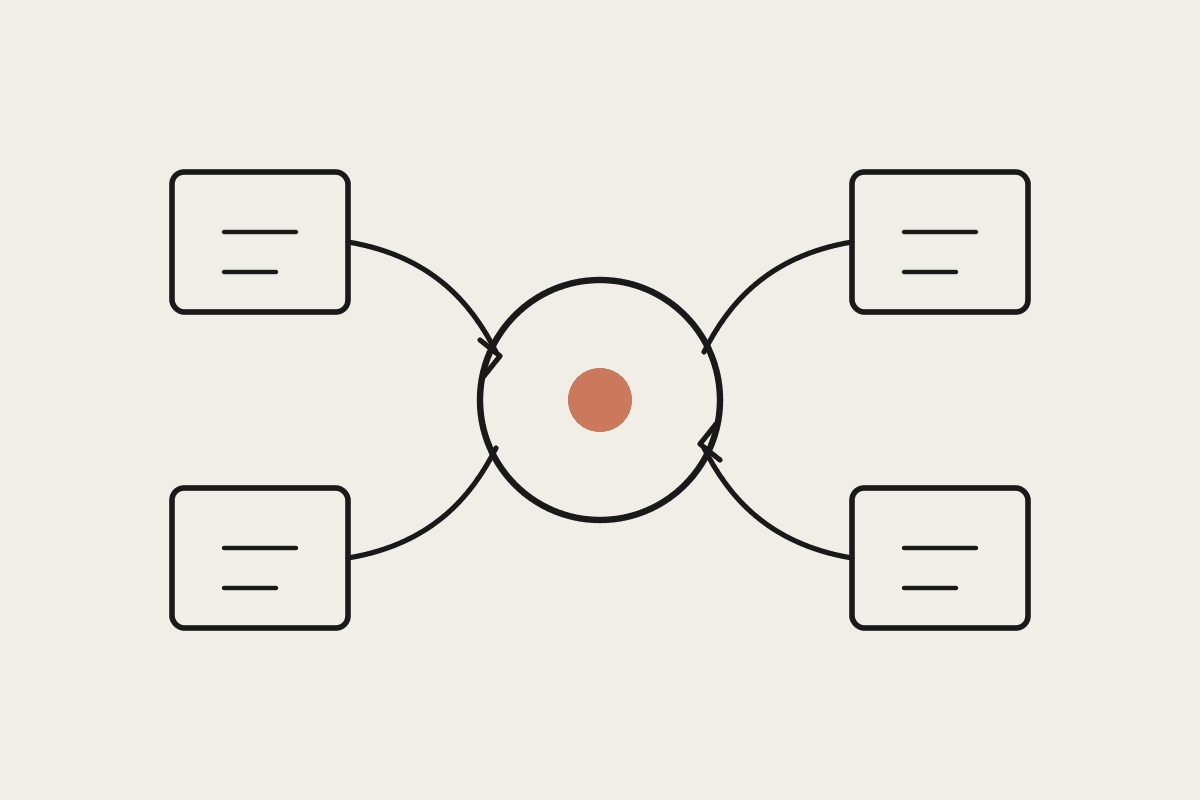
The workable version of this connects your inbox or web form to your CRM through Claude Cowork, with a scheduled task or an inbox trigger that reads new enquiries, extracts the relevant fields, and creates or updates the CRM record. The part worth getting right is the extraction step: don't just dump the raw email into a notes field, have Cowork pull out name, contact details, what they're asking about, and any urgency signal, and write that as a proper structured record. That's the difference between a CRM that's searchable in six months and one that's just an inbox with extra steps. It also means reporting on lead source and conversion actually works later, because the underlying data was captured cleanly from day one instead of retrofitted from a pile of unstructured notes.
A Sydney bookkeeping practice we worked with was losing an average of 14 hours a month to manual intake across three staff, work that was genuinely worth about $38,000 a year once you price it against the client work those hours displaced. After automating the extraction and first-touch acknowledgement, staff time on intake dropped to reviewing and approving what Cowork had already drafted, roughly 20 minutes a day rather than an hour. That freed-up time went straight back into client billable work within the same month, which is the part that made the case for the build easy to justify to the practice's partners.
Handling the edge cases
Not every enquiry fits neatly into the extraction template, and the setup needs a sensible fallback for the ones that don't: a spam contact form submission, a wrong-number voicemail, or an enquiry so vague it can't be tagged with confidence. The right behaviour is to flag anything below a confidence threshold for manual review rather than force a guess into the CRM, because a wrongly tagged contact is often worse than an untagged one; it looks handled when it isn't.
What good extraction actually looks like
A well-built extraction step reads more like a human assistant's handover note than a form dump: who they are, what they want, how urgent it sounds, and which existing client or deal it might relate to if any. Getting that right typically takes a short calibration period where Cowork's draft is checked against what a staff member would have written by hand, with corrections fed back in until the two line up closely enough that review takes seconds rather than minutes. Businesses that skip calibration end up with technically-automated intake that still needs a full rewrite every time, which defeats the purpose.
Where to draw the line
Keep a human in the loop on anything that commits the business: don't let the automation book a paid appointment or quote a price without someone checking it first. The safe scope is record creation, tagging, and a first-touch acknowledgement: the mechanical parts of intake, not the sales judgement calls.
Automata AI builds this exact connector-and-template setup for Australian small businesses running on Cowork. If your intake process still depends on someone remembering to check three inboxes, get in touch via /contact and we'll scope what a same-day build looks like.