Purchase order matching, checking that what you ordered, what arrived, and what you're being invoiced for all agree, is one of those small-business tasks that's simple in principle and tedious in practice. Miss a mismatch and you either pay for stock you never received or short-pay a supplier by mistake, straining a relationship over an error nobody caught in time. It rarely feels urgent, which is exactly why it tends to get done last, or not at all, once a business is busy.
The three-way check
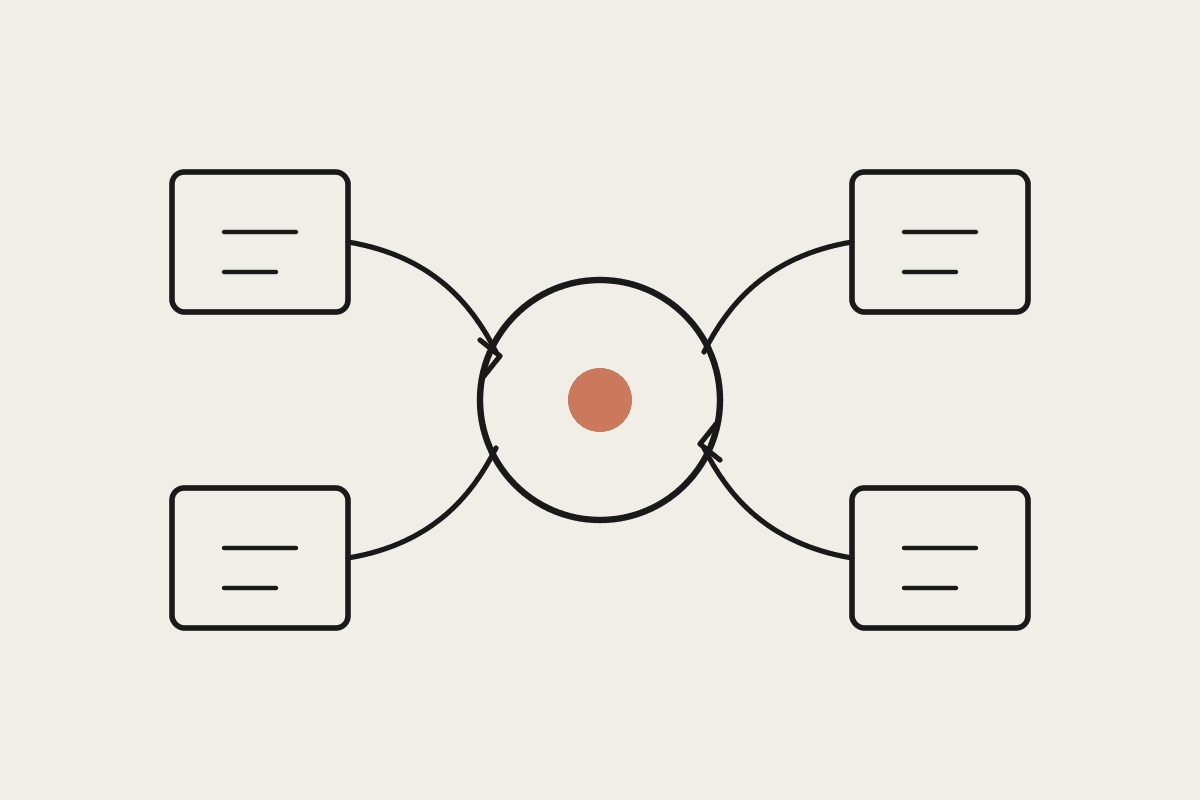
Proper purchase order matching compares three documents: the original purchase order, the delivery docket or goods-received note, and the supplier's invoice. When quantities and prices line up across all three, the invoice can be approved for payment without a second look. When they don't, that's exactly the case that needs a human to work out what happened, a short delivery, a price change, a billing error.
What Claude Cowork does in this workflow
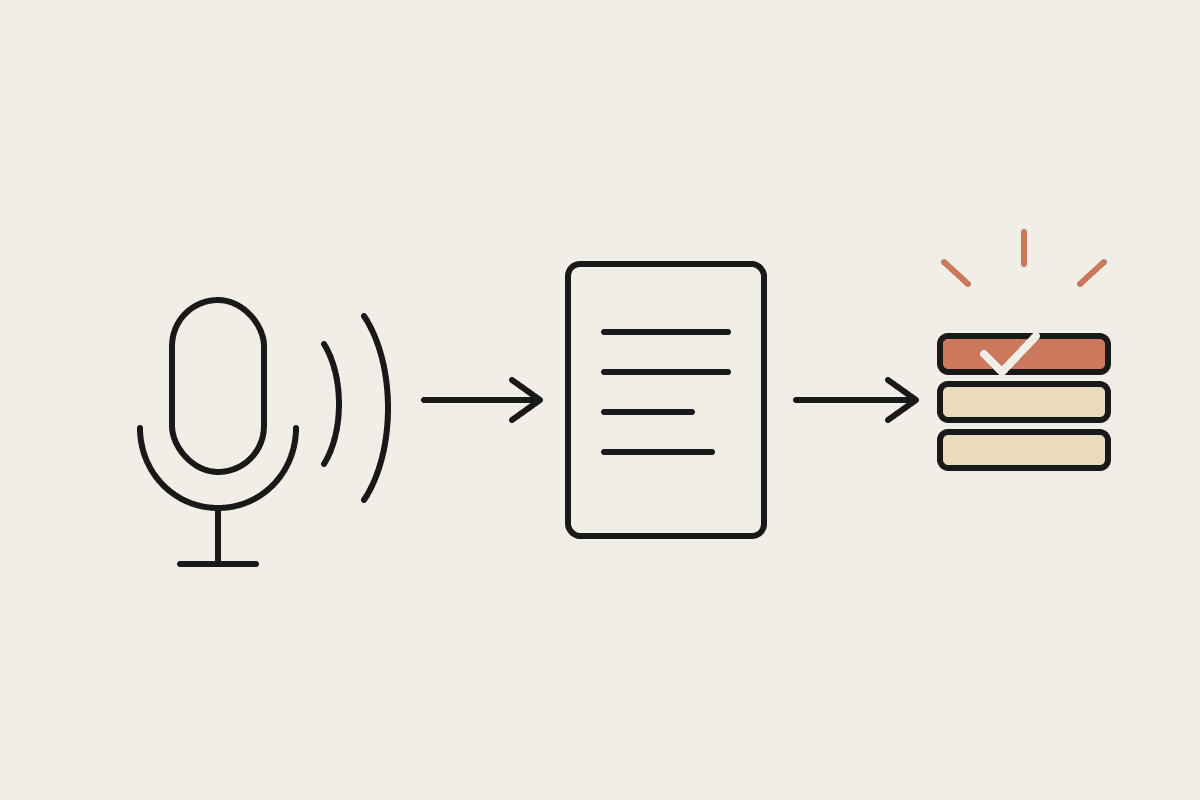
Reads the purchase order, delivery docket and invoice, three documents that often arrive as PDFs or emails at different times
Matches line items across all three by product code and quantity, not just the total dollar figure
Flags discrepancies with the specific line item and the size of the mismatch, not just a generic mismatch warning
Queues clean matches for a one-click bulk approval, so a person's attention goes to the exceptions only
Why this matters more than it looks
A single missed mismatch rarely sinks a business. The problem is volume: a business processing 40-50 supplier invoices a month, each one a small manual reconciliation task, adds up to real hours, and the error rate on manual matching climbs precisely when someone's rushing to clear a backlog at month-end. Automating the matching step doesn't remove the need for judgment, it removes the tedious part so judgment gets applied where it's actually needed, on the handful of invoices each month that genuinely deserve a closer look.
A worked example
A Perth building-supplies wholesaler processing around 60 supplier invoices a month automated the three-way match against purchase orders and delivery dockets, keeping final payment approval with the accounts team. The bookkeeper estimated the manual matching process previously took roughly 12 hours a month; the automated version cuts that to under 3 hours of exception review, a saving worth close to $9,000 a year at a $40 hourly bookkeeping rate, on top of catching two significant overbilling errors in the first quarter that manual checking had missed.
Where this connects to your accounting system
The matching logic works best when it can read purchase orders and invoices directly from wherever they already live, an inbox, Xero, or a dedicated procurement tool, rather than requiring manual re-entry. If your purchase orders currently exist only as a verbal agreement or a text message, that's worth fixing first; matching needs something concrete to match against.
A quick audit you can run today
Pull your last twenty supplier invoices and check how many were paid without anyone actually comparing them against the purchase order and delivery docket. If the honest answer is most of them, that's the exposure this workflow closes first.
What this isn't
This isn't a payment system, it flags what's ready to pay and what needs a human look, but the actual payment run should stay a deliberate, approved step. It also isn't a substitute for a proper purchase-order process if you don't have one yet; the matching only works once there's a real PO to match against.
Getting started
Confirm you're issuing purchase orders consistently across every supplier, not just verbal or emailed agreements that are easy to forget
Standardise how delivery dockets get captured across the whole team, photographed, scanned, or emailed by the supplier, so nothing arrives as an unreadable photo taken in a dark warehouse
Start with your five highest-volume suppliers before rolling out across every vendor on your books
Review flagged exceptions weekly for the first month to calibrate what counts as a genuine mismatch
Three-way matching is one of the few automation projects where the payback is easy to measure. Track the exceptions caught in the first month, the dollar value of each one, and you'll usually have a clear answer on whether the setup earned its keep well before the quarter is out. Most businesses find the answer inside the first six to eight weeks, once a handful of genuine mismatches have been caught and priced.
If invoice matching is eating hours every month and still letting errors through, that's a fixable process gap worth closing before the next EOFY reconciliation makes it someone else's problem to untangle. Get in touch: https://www.automataai.com.au/contact