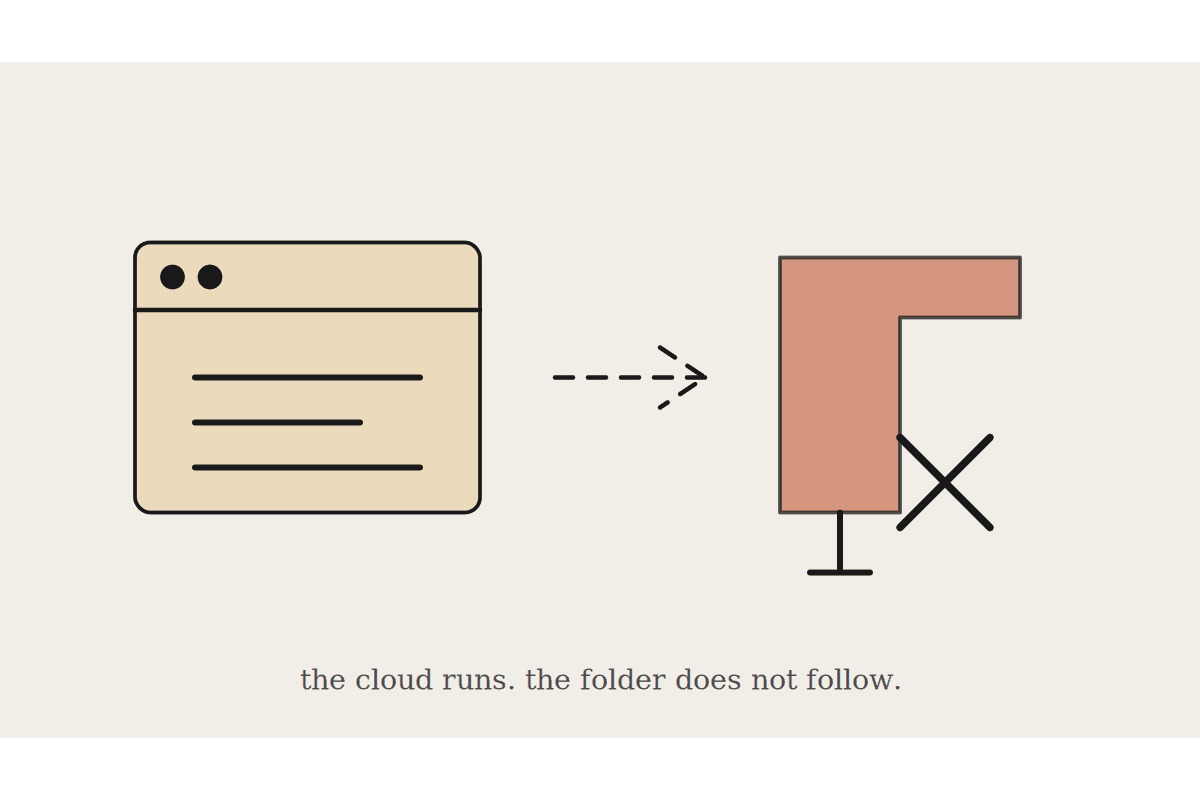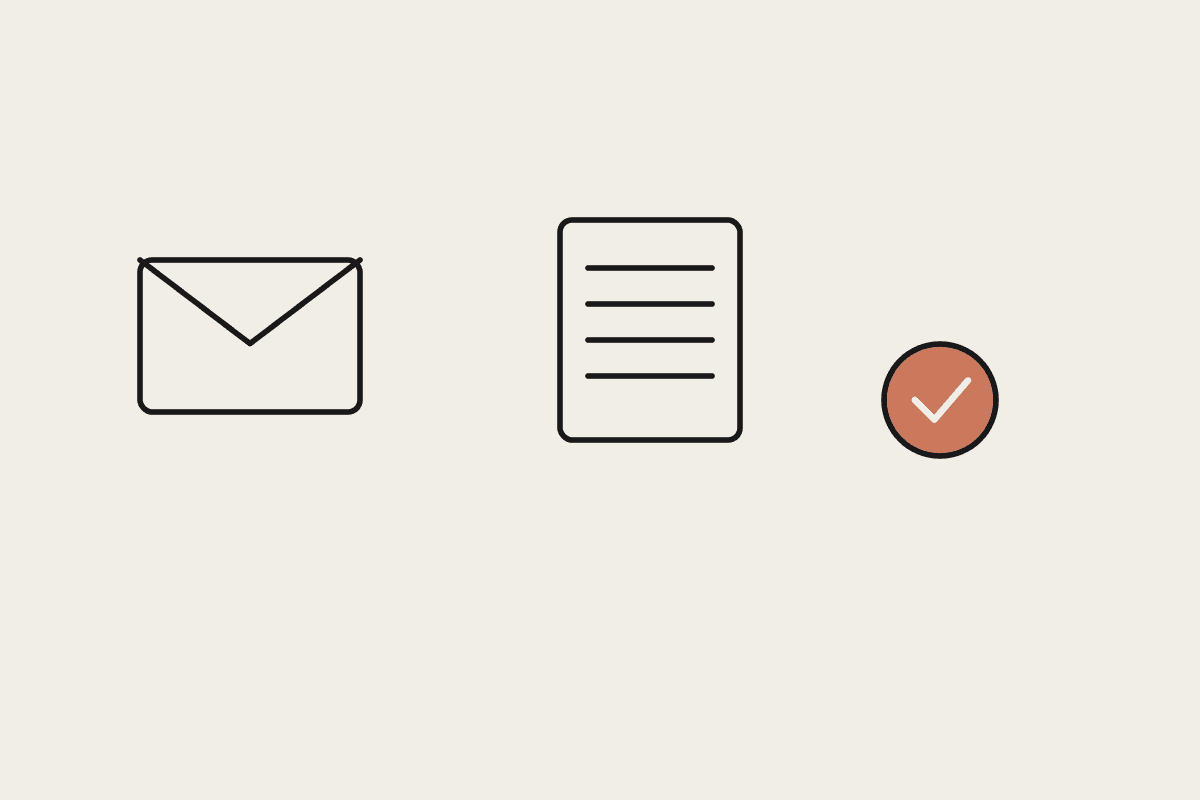
Every business with more than a handful of suppliers has the same inbox problem: invoices arrive as PDFs, forwarded emails, and the occasional photo of a paper bill, and someone has to open each one, work out which supplier and job it belongs to, key it into the accounting system, and route it for approval before it can be paid. That process is slow, error-prone, and almost entirely mechanical, which makes it a strong candidate for automation done properly rather than half-heartedly, since the mechanical steps rarely need judgement while the approval step almost always does.
Where the AP inbox actually costs money
The visible cost is the time spent keying invoices in. The less visible cost is what happens when that time pressure causes shortcuts: an invoice gets coded to the wrong cost centre because nobody had time to check, a duplicate payment goes out because two versions of the same invoice landed from different senders, or a genuine invoice sits unactioned for three weeks because it got buried under forty others. Late payments to suppliers who matter for your ongoing relationship are their own quiet cost, showing up as worse terms or slower service over time, and once a supplier starts treating your business as a slow payer, that reputation is genuinely hard to undo even after the process improves.
Invoices extracted from email attachments automatically, with supplier, amount, due date, and line items pulled out
Duplicate detection against invoice number and amount before a second payment can go out
Automatic routing to the right approver based on amount threshold or cost centre
A weekly ageing view so nothing sits unactioned past your standard payment terms
Building the inbox workflow without losing approval control
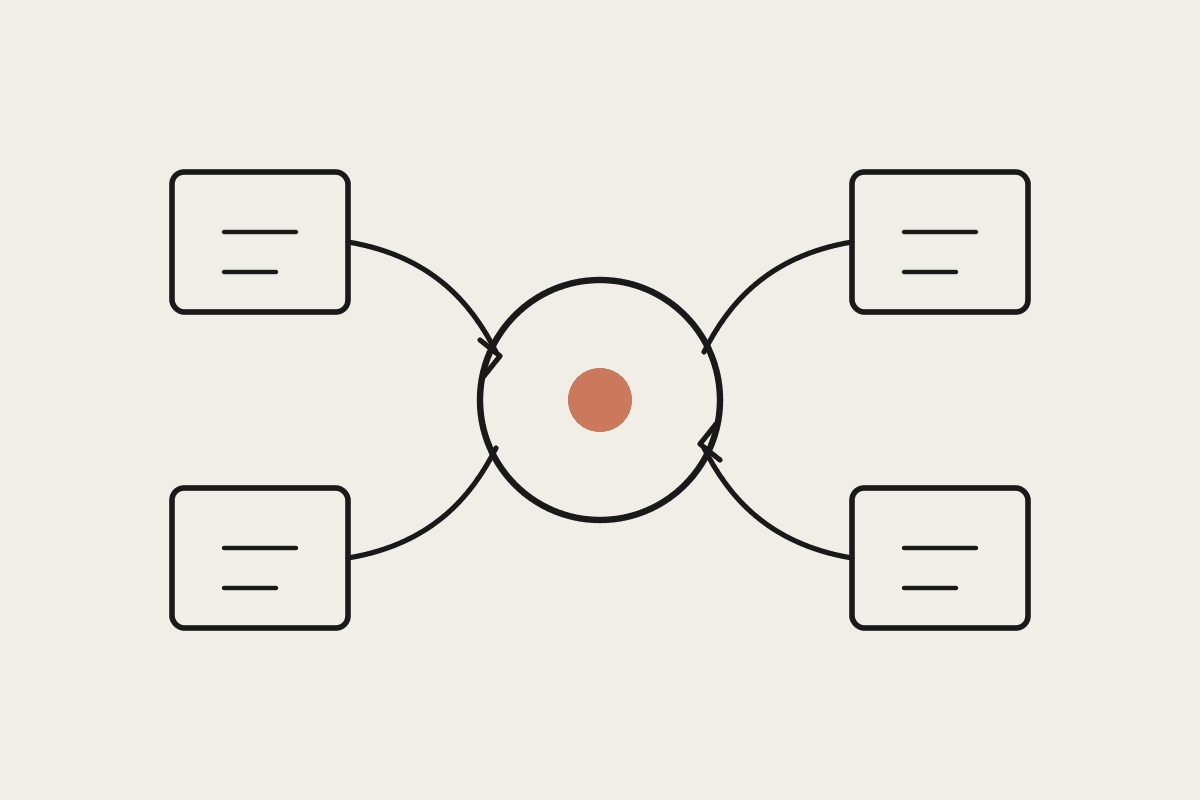
The right architecture reads the AP inbox via a connector, extracts structured data from each invoice using the document itself rather than guessing from the email subject line, and creates a draft bill in your accounting platform for a human to approve. Critically, this stops short of actually paying anything automatically; the approval step stays with a person, which matters both for fraud prevention and because plenty of invoices genuinely need a human judgement call on whether the amount or line items look right before money moves.
A Perth commercial cleaning business processing roughly 180 supplier invoices a month was spending close to 20 hours monthly on manual AP data entry across two admin staff, and had caught (after the fact) three duplicate payments in the prior year worth a combined $4,100 that took real effort to claw back. After automating extraction and duplicate detection, manual entry time dropped to under 4 hours a month reviewing and approving drafts, and no further duplicate payments have gone out since the detection step went live.
Handling the invoices that don't extract cleanly
Not every invoice arrives as a clean, machine-readable PDF; some are scanned images, some are formatted oddly enough that automatic extraction gets a field wrong. The workable fallback is confidence scoring on the extraction itself, with anything below the threshold flagged for a human to key in manually rather than silently guessing at an amount or due date. That's a small minority of invoices in most businesses, but it's the minority most likely to cause a real problem if it's guessed wrong, and treating that minority with more caution rather than less is the right trade-off given what a wrong guess actually costs.
Setting sensible approval thresholds
Not every invoice needs the same level of scrutiny, and a workflow that routes a $45 stationery invoice through the same approval chain as a $12,000 subcontractor payment wastes everyone's time on the small stuff. Most businesses that set this up well use a tiered threshold: anything under a set dollar figure auto-drafts and routes to a single approver, while larger amounts or unfamiliar suppliers get flagged for a closer look, ideally from whoever actually owns that supplier relationship rather than a generic finance queue.
What this isn't
This doesn't make payment decisions or improve your cash position by itself; it just removes the mechanical friction between an invoice landing and a properly coded draft bill being ready for approval. Deciding what to pay and when is still squarely a human call, particularly when cash is tight and prioritisation matters.
Automata AI builds AP inbox automation for Australian small businesses on Xero, MYOB and QuickBooks, with approval thresholds set to match how your business actually wants to review spend. If your accounts payable process still runs on someone remembering to check an inbox, get in touch through /contact.