MYOB is still the accounting platform of record for a huge share of Australian small businesses, particularly outside the Xero-heavy startup and services world: trades, manufacturers, and retailers who have run MYOB for a decade or more. If you want Claude to actually work with that data, read invoices, check GST coding, draft reconciliation summaries, rather than exporting CSVs by hand, an MCP server is the piece that connects the two. Here is what building one for MYOB actually involves.
What an MCP server needs to do
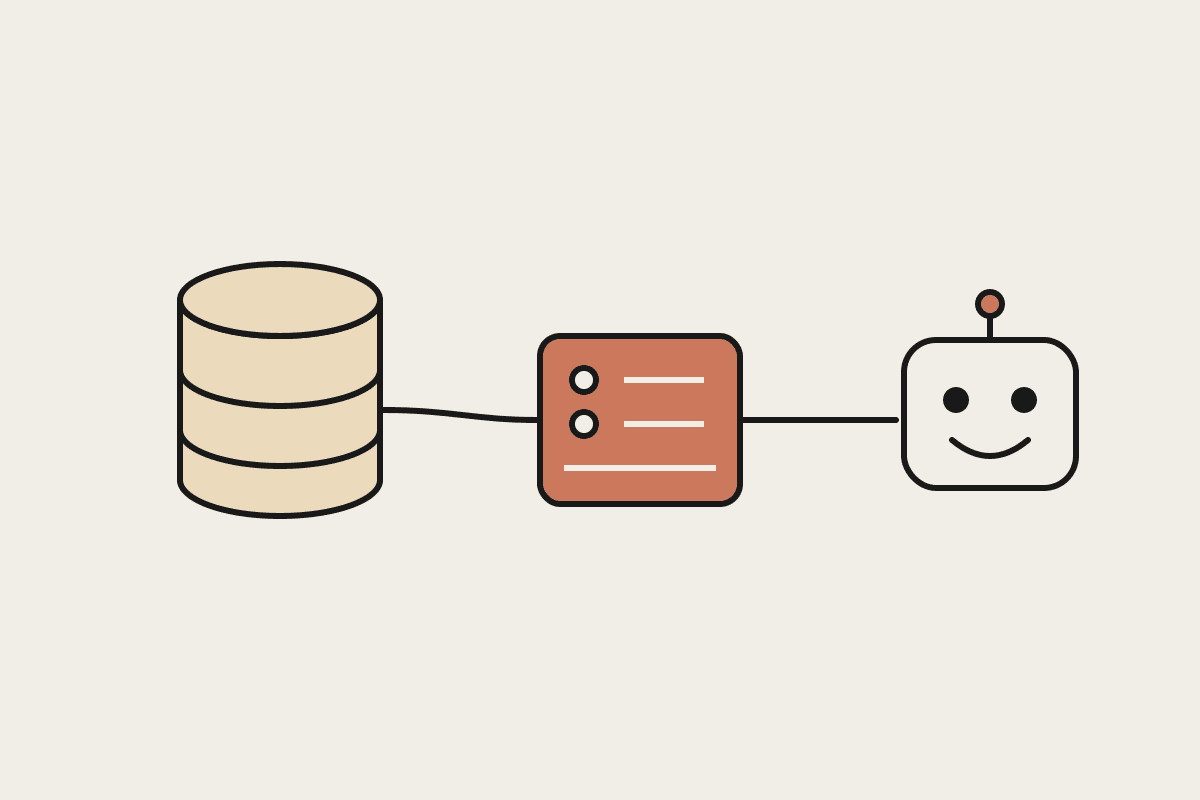
The Model Context Protocol gives Claude a standard way to call out to an external system and get structured data back. For MYOB specifically, that means wrapping the MYOB AccountRight or MYOB Business API behind a small set of well-defined tools: list invoices, get a contact's transaction history, create a draft invoice, pull a GST summary for a period. The server itself is a thin translation layer, Claude calls a tool with plain parameters, the server turns that into an authenticated MYOB API call, and hands the response back in a shape Claude can reason about.
Authentication first: MYOB's OAuth2 flow needs a registered developer application and a token-refresh strategy the server handles automatically, not something Claude should ever touch directly.
Read-only tools before write tools: start with listing invoices, contacts and transactions, and only add create-or-update tools once the read path is solid and tested.
Company file selection: MYOB AccountRight is multi-file per business, so the server needs an explicit company-file parameter rather than assuming a single default.
Rate limits and pagination: MYOB's API paginates large result sets, and the server needs to handle that transparently rather than truncating results silently.
The build sequence that actually works
Start narrow. A server exposing three or four read-only tools, list invoices, get contact details, pull a GST summary, and search transactions by date range, covers most of the actual use cases an AU business wants Claude to help with day one: drafting a reconciliation summary, chasing an overdue invoice, answering a plain-English question about last quarter's spend. Write tools, creating an invoice or updating a contact, come later, once the read path has been tested against real company data and the failure modes are understood.
Anthropic's own MCP builder guidance is worth following closely here: each tool should do one well-defined thing, return data in a format that is easy for a model to reason over rather than a raw API dump, and fail with a clear, actionable error message rather than a stack trace. A tool called get_overdue_invoices that returns a clean list with due dates and amounts is far more useful to Claude than a generic query_api tool that requires the model to construct MYOB's own query syntax from scratch.
It is worth being specific about the difference between AccountRight and MYOB Business here too, since the two products use meaningfully different APIs. AccountRight, still the more common choice for established trades and manufacturing businesses, uses a company-file-based desktop-first API with its own quirks around sync and offline access. MYOB Business, the newer cloud-first product, has a more conventional REST API closer to what a Xero integration looks like. A server built against one does not port cleanly to the other, so the first real decision in scoping a build is confirming which product the client is actually running, not assuming MYOB means one thing.
Where this actually pays off for an AU business
Once the server is live, the practical wins are the same ones we see across every accounting-platform integration: automated invoice-reminder drafts pulled straight from real MYOB data, a weekly reconciliation summary generated without anyone exporting a CSV, and plain-English answers to questions like which customers are more than 30 days overdue, without opening MYOB at all. None of that requires touching MYOB's write API, which keeps the initial build both cheaper and lower-risk.
Security is worth naming plainly too. Any MCP server touching accounting data should run with the minimum OAuth scope the tools actually need, log every write action for an audit trail, and never store MYOB credentials anywhere Claude itself can read them directly. That last point matters more than it sounds: the server, not the model, should hold the credentials and make the authenticated call.
Testing deserves its own mention. MYOB's sandbox company files are a genuine gift here, they let a developer exercise the full tool set, including edge cases like a contact with no transaction history or an invoice with a partial GST credit, without touching a live business's real books. Skipping the sandbox and testing directly against production data is the single most common mistake we see in early integration builds, and it is entirely avoidable.
The Automata AI take
We have built MCP servers against MYOB, Xero and a handful of other AU accounting platforms, and the pattern above, read-only first, tight tool scopes, credentials held server-side, holds across all of them. A scoped MYOB MCP server covering the core read tools and one or two write tools typically runs A$4,000 to A$8,000 depending on how much of the AccountRight versus MYOB Business API surface you need.
Book a brainstorm and we will scope what a Claude-MYOB integration should actually cover for your business.