Short answer: yes, with conditions. Claude can read and draft from a connected inbox and calendar, but it does not get open-ended access by default. You choose what gets connected, how far Claude can act, and whether it can send anything at all without a person checking first. For most Australian small and mid-sized businesses, the safe version of this looks less like handing over the keys and more like adding a fast assistant who drafts everything and sends nothing until you say go.
How Claude actually connects to your inbox and calendar
There is no ambient access. Claude reaches your email and calendar through a specific connector you turn on, similar to installing an app that asks for permission the first time you open it. The connection runs through OAuth, the same authorisation standard Google and Microsoft use for any third-party tool, so Claude never sees your account password and the access token can be revoked at any time from your own account settings.
Gmail and Google Calendar, added as connectors and authorised per mailbox, so connecting one inbox does not expose others in the same Google Workspace
Microsoft 365 and Outlook, connected the same way through Microsoft's own consent screen
Claude Code or Cowork sessions running an email or calendar MCP server, the setup most Automata AI clients use for automations like invoice chasing or meeting prep
Claude in Chrome, which can read what is already on screen in a webmail tab but cannot click send or create an event without you approving the action first
What "safely" actually means in practice
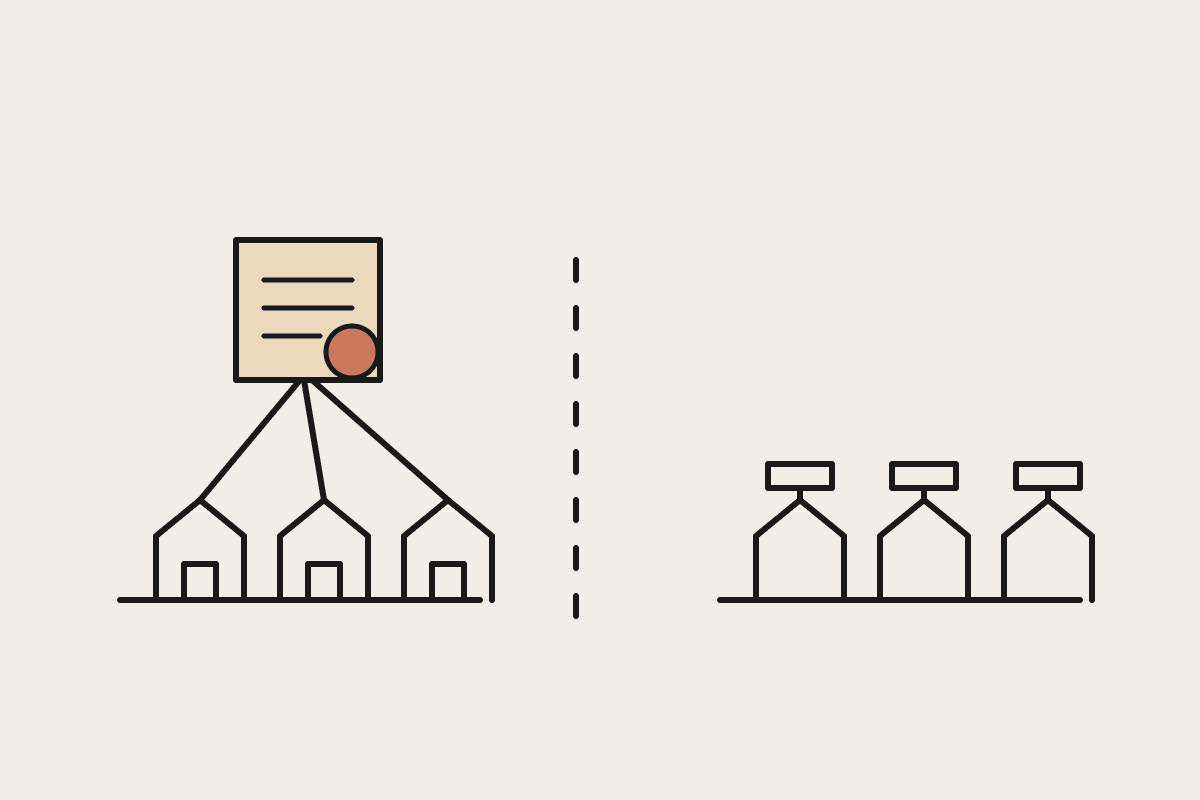
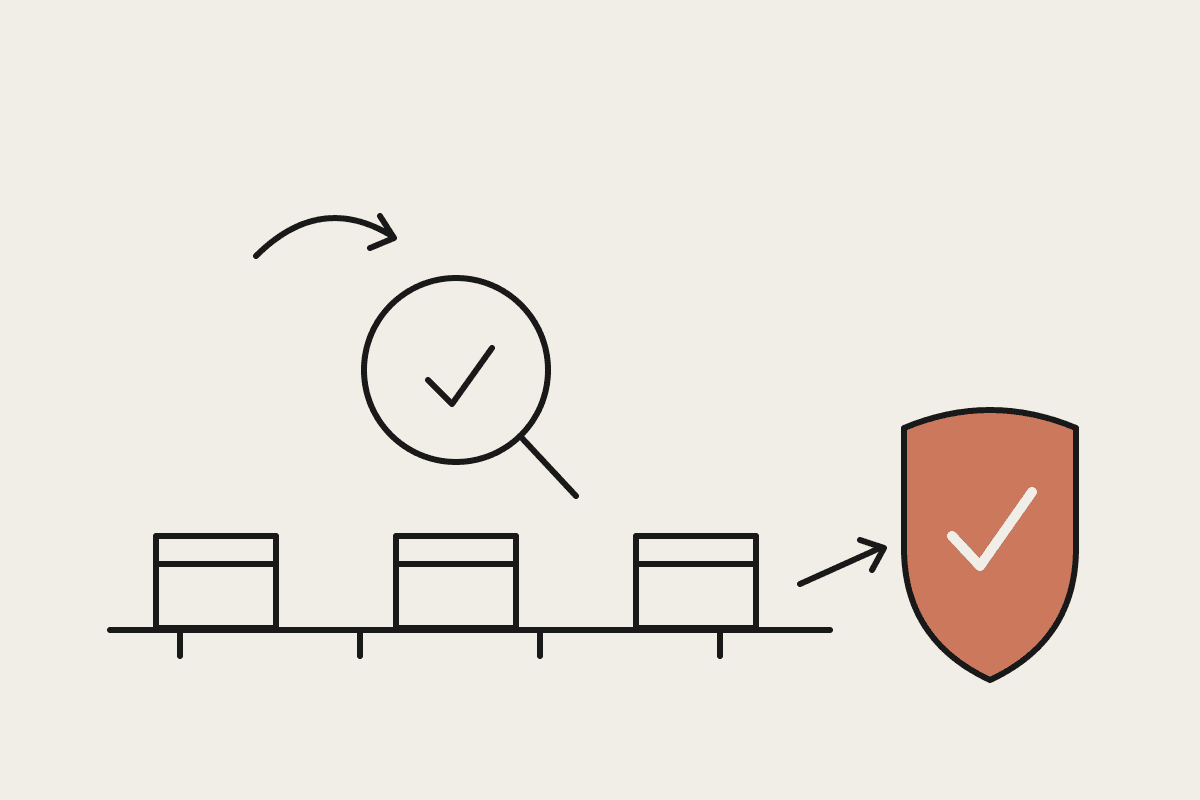
Safe does not mean invisible. It means the access is scoped, logged and reversible, and that nothing leaves your business without a person reading it first. That is the model Automata AI sets up for every Sydney client who connects Claude to email or calendar: draft, don't send.
Draft-only by default: Claude prepares the reply or the calendar invite, a team member reviews and sends it
Scoped connections: you connect one mailbox or one calendar, not an entire Microsoft 365 tenant
An audit trail: every read and every draft action is logged and visible to whoever administers the account
One-click revocation: disconnecting the integration does not touch the underlying Gmail or Outlook account
No default model training: on Claude for Work plans, conversations and connected data are not used to train future models unless you opt in
Where Australian privacy rules come in
Connecting an AI tool to email and calendar puts you squarely inside the Privacy Act 1988 and the Australian Privacy Principles, specifically APP 6 on how personal information can be used, and APP 11 on keeping it secure. That obligation sits with your business, not with Claude, so the governance work, deciding who can connect what, how long drafts sit before review, what happens if a client's personal information turns up in an email thread, needs to happen before the connector goes live, not after.
Businesses regulated by APRA, banks, insurers and superannuation funds, carry an extra layer under CPS 234 and should treat any AI connector as a new third-party system requiring its own risk assessment, not a feature toggle. Serious or repeated breaches under the Privacy Act can attract penalties of up to $50 million for a body corporate, which is one more reason the access review happens before launch, not after.
What this looks like for a real business
One Sydney-based professional services client had a single admin spending roughly $45,000 a year in wages on inbox triage and meeting scheduling: sorting client emails, chasing calendar confirmations, drafting the same three reply types on repeat. Connecting Claude to that one inbox, in draft-only mode, cut drafting time by more than half. The admin still reads and sends everything; Claude just removed the blank-page problem on routine replies.
What not to conclude from this
A safe connector does not remove your Privacy Act obligations, it gives you a defensible way to meet them. Draft-only mode reduces risk; it does not remove the need for someone to actually read what Claude writes before it goes out. And not every business should connect the same way: a two-person consultancy and an APRA-regulated lender need different levels of sign-off before the same integration goes live. If you are not sure which category you are in, that is a conversation worth having before the connector goes in, not after.
Getting started without over-engineering it
Most businesses do not need a full connector rollout on day one. Start with one mailbox, draft-only mode, and a two-week trial before deciding whether to widen access. That gives you a real record of what Claude drafted, how often a human changed it, and whether the time saved actually shows up in someone's week rather than just sounding good in a pitch.
Pick one inbox or calendar, not the whole team, for the first month
Keep draft-only mode on until you have reviewed at least a few weeks of output
Assign one person to own the connector: who can add scopes, who gets the audit log
Revisit the Privacy Act and APRA questions above before adding a second mailbox, not after
Automata AI sets up these connections for Australian businesses that want the time saved without the exposure. If you are weighing up whether to connect Claude to your inbox or calendar, book a short call and we will walk through what a safe setup looks like for your team.