OpenAI published a piece in September 2026 on how AI-native companies turn workflows into operating capability. It closes with a six-step framework and three case studies, and the framework is genuinely good. It is also written on the assumption that the agent you build sits on OpenAI's stack.
Nothing in the six steps requires that. We scope Claude engagements for Australian mid-market clients against almost exactly this shape, and the mapping is close enough to be worth writing down, step by step, with the Claude component that does each job.
What does an AI-native workflow framework look like on Claude?
It looks like a small number of named agents attached to work that already has a business owner, rather than a general assistant sitting beside everyone's inbox. Each agent gets a written job description, a defined output, and a measurement that existed before the agent did. Claude supplies three building blocks for this: Skills, which package a repeatable procedure so it can be reused rather than re-explained; subagents, which carry their own scoped context for one account or one surface; and Cowork scheduled tasks, which run the work on a clock instead of waiting for someone to ask.
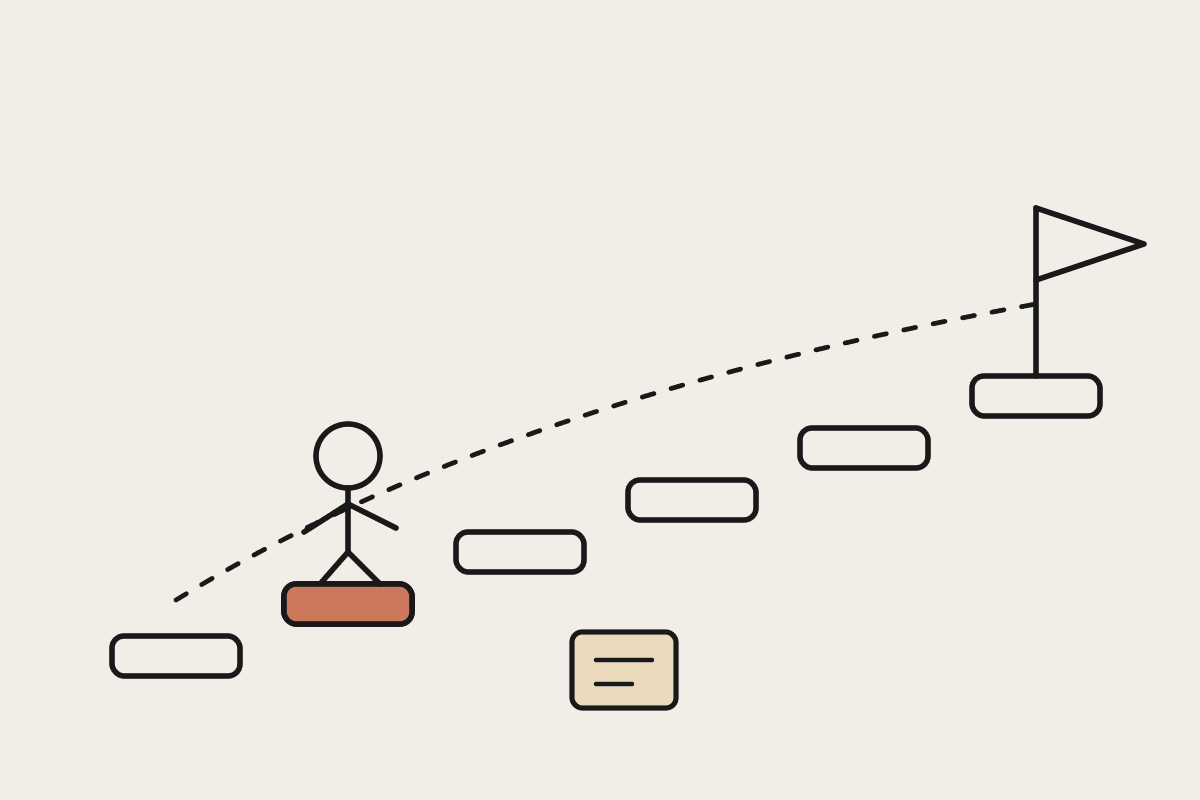
The six steps and the Claude component that does each job
OpenAI's framework moves from picking a surface to carrying the pattern forward. Read the middle steps carefully. Steps three and four are where most builds fail, and they are the two with the least to do with technology.
Each framework step and the Claude building block that carries it
| Step | What it asks for | Claude component |
|---|---|---|
| 1. Choose one consequential value surface | One workflow that matters commercially | Scoping exercise, no build yet |
| 2. Define the outcome and measurement | A number that existed before the agent | Baseline capture from current systems |
| 3. Write the agent's job description | Scope, inputs, outputs, limits | A Claude Skill, written and versioned |
| 4. Build the human system around it | Who reviews, who approves, who owns it | Approval gates and named reviewers |
| 5. Make experimentation visible and reusable | Others can find and reuse what worked | Shared Skills and subagent definitions |
| 6. Carry the operating pattern forward | The next surface starts from the last one | Cowork scheduled tasks and a written pattern |
Step three is the one worth labouring. An agent job description is a real document: what it handles, what it hands back, what it must never do without a person. We write these before any configuration, because a Skill that cannot be described in a page is a Skill nobody will trust. The same discipline shows up in proving an agent's work is actually done.
What the three case studies actually show
The examples in the piece are useful because none of them are a chatbot. Each one attaches an agent to a specific operating problem and measures the result against how the work ran before.
Basis, an accounting-firm agent build, cut first-day onboarding from two hours to 30 minutes using one reusable skill.
Clay gives every account a persistent workspace and a dedicated subagent that reviews sources overnight and produces a morning priority list, saving around an hour a night of inbox triage.
Exa Labs uses an agent to watch for integration opportunities, gather context, create pull requests, run tests, and draft announcements for human review.
In all three, a person still reviews the output. None of them removed the human from the loop, they moved the human to the end of it.
All three replaced a named, recurring task rather than adding a general assistant on top of existing work.
The Clay pattern maps most directly onto Claude. A subagent per account with its own context, running on a schedule, producing a ranked list a person reads first thing. That is a Cowork scheduled task with a scoped subagent, and it is the build we are asked for most often by Australian sales and service teams.
The one number to treat carefully
OpenAI reports from its Enterprise Signals data that frontier firms, meaning the top 10 per cent of AI usage, generate 8.3 times as many output tokens per active user as typical firms, up from 2.6 times in January. That figure is OpenAI's own, drawn from its own customers, and it measures consumption rather than results.
Read it as a symptom, not a target. Token volume rises when people delegate substantial work instead of asking small questions, which is the useful reading. It also rises when an agent loops badly, when context is re-sent needlessly, and when nobody has looked at the bill, which is the reading that costs money. Either way, the metric to hold your build to is the one from step two, not the token count. A simple time ledger method is how we capture that baseline before the work starts.
Where Australian mid-market teams get stuck
The step that stalls builds here is almost never step one. Most owners can name the workflow that costs them time within a minute. The failures cluster at step four, the human system, because it requires deciding who owns the output when an agent produces it, and that is an org design question dressed up as a technology question.
A first agent build of this shape typically runs between $18,000 and $45,000 for a Sydney or Brisbane mid-market team, and about a third of that is the work in steps two and four rather than configuration. Teams that skip those two steps ship faster and then quietly stop using the agent within a quarter, which is the pattern described in where AI costs actually balloon between pilot and production. Our ROI calculator exists to force step two before anyone writes a prompt, and our services page sets out how the rest runs.
Name the reviewer before the build, not after the first bad output.
Write the baseline measurement down while the manual process is still running.
Keep the first agent to one surface, even when the second one looks easy.
Version the Skill like code, because the job description will change.
What not to take from the framework
The case studies come from technology companies with engineering teams on staff. A 30-minute onboarding result at a software firm does not transfer as a forecast to a professional services business in Melbourne with different systems and different staff turnover. Use the structure, treat the numbers as theirs.
The framework also says nothing about which model to build on, and that is a separate decision with its own trade-offs. If you want the source in full, OpenAI's piece on AI-native company workflows sets out the six steps and the case studies in its own words. The steps hold up. The stack underneath them is yours to choose.