On 25 August 2026 Claude's memory stopped being two separate things. The context Claude builds up in a chat window and the context it uses inside Cowork are now the same store. Brief it once about how your business works, and that briefing is there the next time you hand Cowork a task.
For anyone running Claude across a small Australian team, this removes the most tedious part of daily use: re-explaining your business at the top of every session.
What changed in Claude's memory in August 2026?
Four things shipped together on 25 August 2026. Chat and Cowork now read and write one shared memory store rather than two. Memory updates live as you talk instead of being summarised once a conversation ends. Every saved topic is listed, readable and editable in Memory settings. And sensitive categories are excluded unless you opt in.
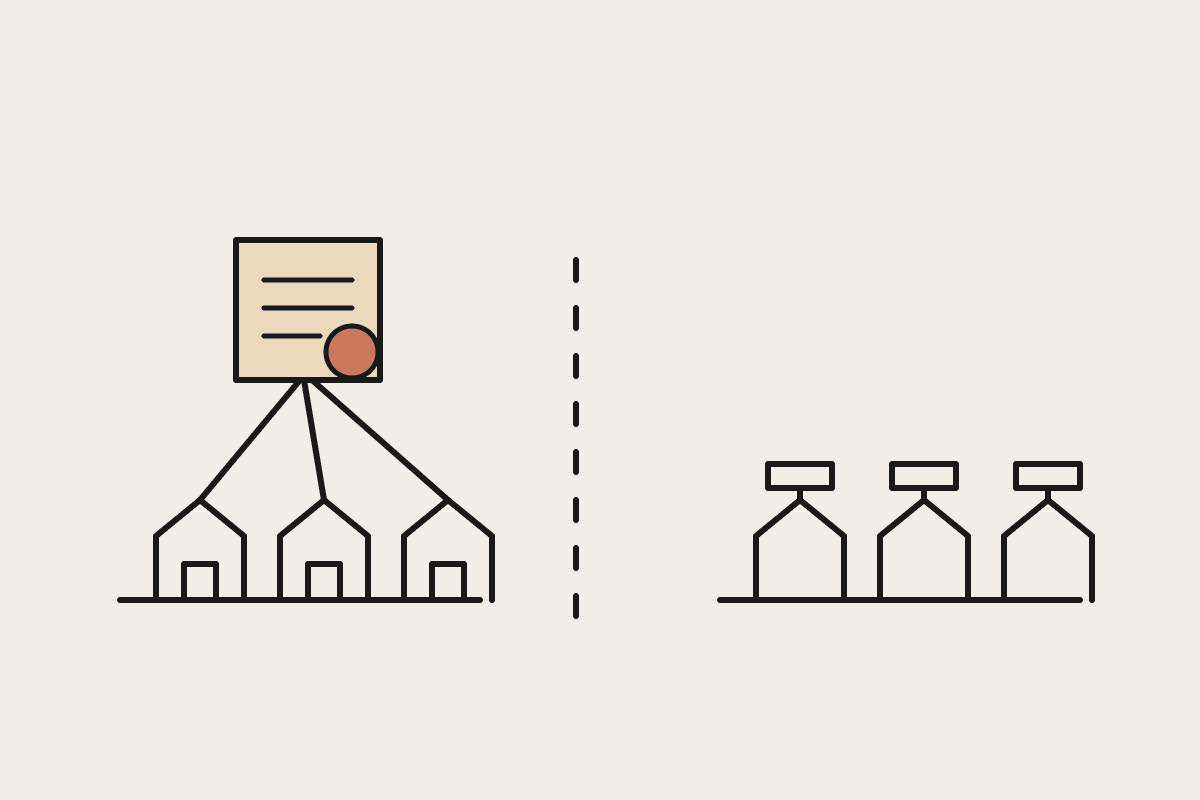
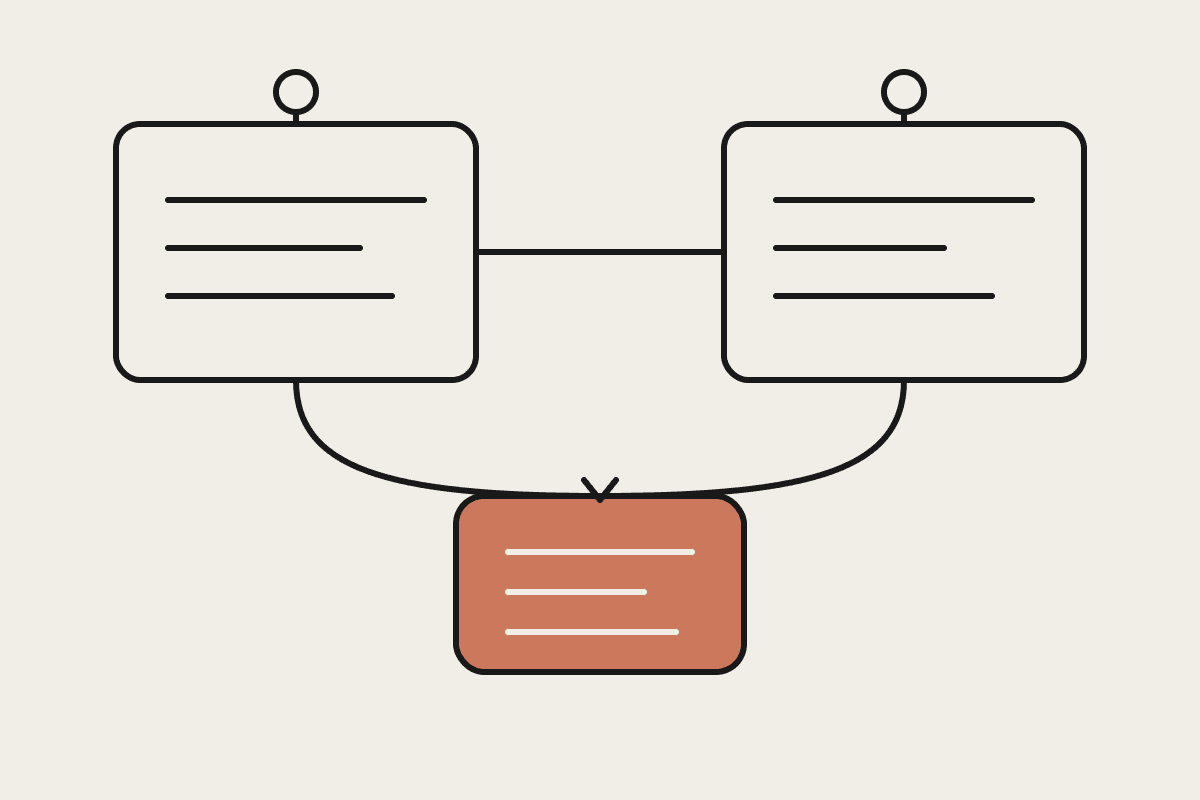
One memory across chat and Cowork. What Claude learns in a conversation carries into Cowork tasks, and what surfaces during a Cowork task carries back to chat.
Memory updates live. Claude now adds topics as you talk, rather than writing a summary after the conversation ends. Nothing is lost if a session gets cut short.
Everything is visible and editable. Saved memories are listed topic by topic in Memory settings. You can read each one, correct it, or delete it.
Sensitive categories are off by default. Health, race, ethnicity, religion, politics and gender identity are not stored unless you opt in. Government ID numbers, criminal history and immigration status are never stored, whatever the setting.
Availability differs by plan. On Free, Pro and Max it is on by default across web, desktop and mobile. On Team and Enterprise, an admin decides for the whole organisation, and individual users have memory switched off until that happens.
| Plan | Memory default | Who decides |
|---|---|---|
| Free | On | The user, across web, desktop and mobile |
| Pro | On | The user, across web, desktop and mobile |
| Max | On | The user, across web, desktop and mobile |
| Team | Off until enabled | An admin, for the whole organisation |
| Enterprise | Off until enabled | An admin, for the whole organisation |
What does shared memory change on a normal working day?
The practical shift is that context becomes an asset you build once instead of a cost you pay every session.
Take a Sydney services business with six staff. Someone spends twenty minutes in chat explaining the client list, the pricing structure, which supplier invoices go to which account, and the two things the bookkeeper always gets wrong. Before this change, that briefing lived in the chat thread. Open Cowork the next morning to sort a folder of supplier invoices, and you started from zero.
Now the same briefing is already loaded. The invoice task starts with Claude knowing your suppliers and your account codes.
Put a number on it. If four people each burn fifteen minutes a day re-establishing context, that is five hours a week. At a A$95 per hour internal cost, roughly $24,700 a year of chargeable time goes into repeating yourself. Most of that is now recoverable, though the honest figure for any given team is lower than the arithmetic suggests, because some of that re-explaining was people thinking out loud rather than typing a briefing.
Is Claude memory on by default for Team and Enterprise?
No. On Free, Pro and Max memory is on by default across web, desktop and mobile. On Team and Enterprise it is off until an admin enables it for the whole organisation, and individual users cannot turn it on themselves. That default is the right call, but it means the feature does nothing for your business until someone owns the decision.
Before flipping that switch, three questions are worth working through:
What ends up in memory that you would not want written down? Memory is built from working conversations, and working conversations contain client names, deal values and staff issues. Under the Privacy Act, personal information in a memory store is still personal information you are accountable for.
Who reviews it? Memory is visible and editable per user, which is genuinely useful, but nobody reviews it unless someone owns that job. Assign it.
Does memory cross a boundary it should not? If one person works across two clients who compete, shared context is a risk rather than a convenience. Separate accounts or separate projects remain the answer.
None of these are reasons to leave it off. They are the fifteen minutes of thinking that turns a default into a decision you can explain to a client or an auditor.
What not to conclude from this
Shared memory is not a knowledge base. It captures what came up in conversation, in Claude's words, shaped by whatever you happened to discuss. It is not a substitute for documented process, and it should not become the only place a business rule is written down. If a rule matters, it belongs in a file that a person can read and version.
It also does not remove the need for project-level context. A memory store that knows everything about everything is less useful than one paired with tight, per-project instructions. The teams getting the most out of Claude are still the ones writing good project briefs.
Where to start this week
If you are on Pro or Max, open Memory settings and read what is already there. Most people are surprised by both what Claude picked up and what it missed. Correct the wrong entries, then spend one deliberate session briefing it on your business rather than hoping it infers the shape from context.
If you are on Team or Enterprise, work out who owns the decision, run the three questions above, and turn it on with a short written note on what staff should and should not discuss in Claude. That note takes an hour and saves a much longer conversation later.
If you would rather work through the rollout with someone who has done it, book a time and we will walk through it with your setup in front of us.
Automata AI helps Australian businesses put Claude to work on the things that cost real time and money. Book a brainstorm and bring one workflow you are sick of doing by hand.