Front-end teams working across React and Vue, often in the same codebase or across sibling projects, hit a specific kind of friction: a design system with real conventions, component patterns everyone's supposed to follow, and the daily grind of translating a design file into code that actually matches both. Claude Code fits into that workflow at the component level, where the repetitive translation work actually happens.
Where Claude Code earns its place in a front-end workflow
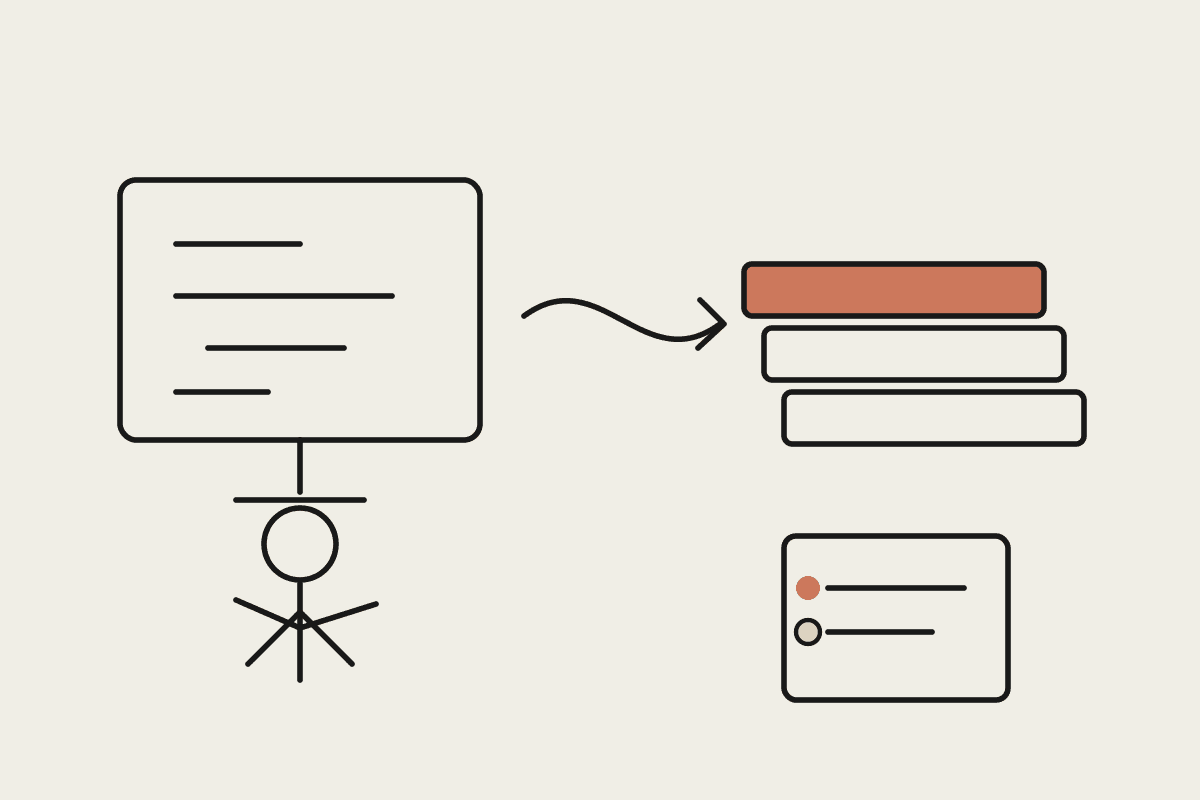
The strongest pattern isn't asking Claude Code to invent new UI from a vague description, it's pointing it at your existing design system, component library and conventions, and having it build new components or screens that genuinely match what's already there. That means feeding it your actual Tailwind config, component prop patterns, and naming conventions as context, not letting it default to generic patterns that then need reworking to fit.
What the day-to-day workflow looks like
Scaffold a new component from a design reference, matching existing prop naming and styling conventions rather than inventing new ones
Refactor a component that's grown unwieldy, splitting it while preserving existing tests and behaviour
Write or update component tests alongside the component itself, not as an afterthought
Flag inconsistencies against the design system, a component using a colour or spacing value outside the defined tokens
React and Vue in the same team
Teams running both frameworks, common during a migration or with legacy and new projects side by side, benefit from Claude Code holding the conventions of each separately rather than blending them. Keep framework-specific guidance in each project's own configuration file so component patterns don't leak incorrectly between a React codebase and a Vue one that happen to share a design system.
A worked example
A Melbourne product team midway through a React-to-Vue migration used Claude Code to build new components against the shared design system in whichever framework the target page required, while flagging any drift from the token system as it went. The lead engineer estimated new component build time dropped by roughly a third, worth close to $70,000 a year in reclaimed senior front-end time across the team once the reduced design-system rework was factored in.
Keeping the design system as the source of truth
The design system, not Claude's judgement, should be the final word on spacing, colour and typography decisions. Point Claude Code at your actual design tokens file and component documentation, and have it flag proposed deviations for a design review rather than silently introducing a one-off value that technically renders correctly but breaks consistency.
Testing discipline matters more here, not less
Front-end changes are easy to eyeball and hard to properly regression-test without discipline. Require Claude Code to update or add component tests alongside any change, and treat a component change without an updated test the same way you'd treat one from a human contributor: not ready to merge.
Where junior developers fit
This workflow tends to shift junior developer time away from repetitive component scaffolding and toward reviewing what Claude Code produces against the design system, a genuinely useful skill to build early. Treat the review step as part of their growth, not just a quality gate.
A quick audit you can run today
Pick your last five merged components and check how many needed a follow-up fix for a design-system inconsistency, a wrong spacing token, an off-brand colour, after they were already reviewed and merged. That number tells you how much drift is currently slipping through, and it's the number this workflow is built to shrink.
What this isn't
This isn't a design tool, and it won't make good design decisions on its own, it implements what the design system and your design team have already decided. It's also not a substitute for a proper code review, particularly on anything touching accessibility, which needs a human check beyond what automated tooling reliably catches.
Getting started
Document your design system and component conventions somewhere Claude Code can actually read them, not just in a design tool
Start with net-new components before refactoring existing ones
Require test updates alongside every component change, no exceptions
Track build-time changes on a handful of components to see if the pattern is actually saving time for your team
Teams that invest in documenting their design system properly before adopting this workflow tend to see the benefit fastest, because Claude Code is only as consistent as the conventions it's been given to follow. The documentation work is not wasted effort, it pays off well beyond just this use case.
If your front-end team is on GitLab or GitHub and wants Claude Code wired properly into your design system, that's a setup we do regularly. Get in touch: https://www.automataai.com.au/contact