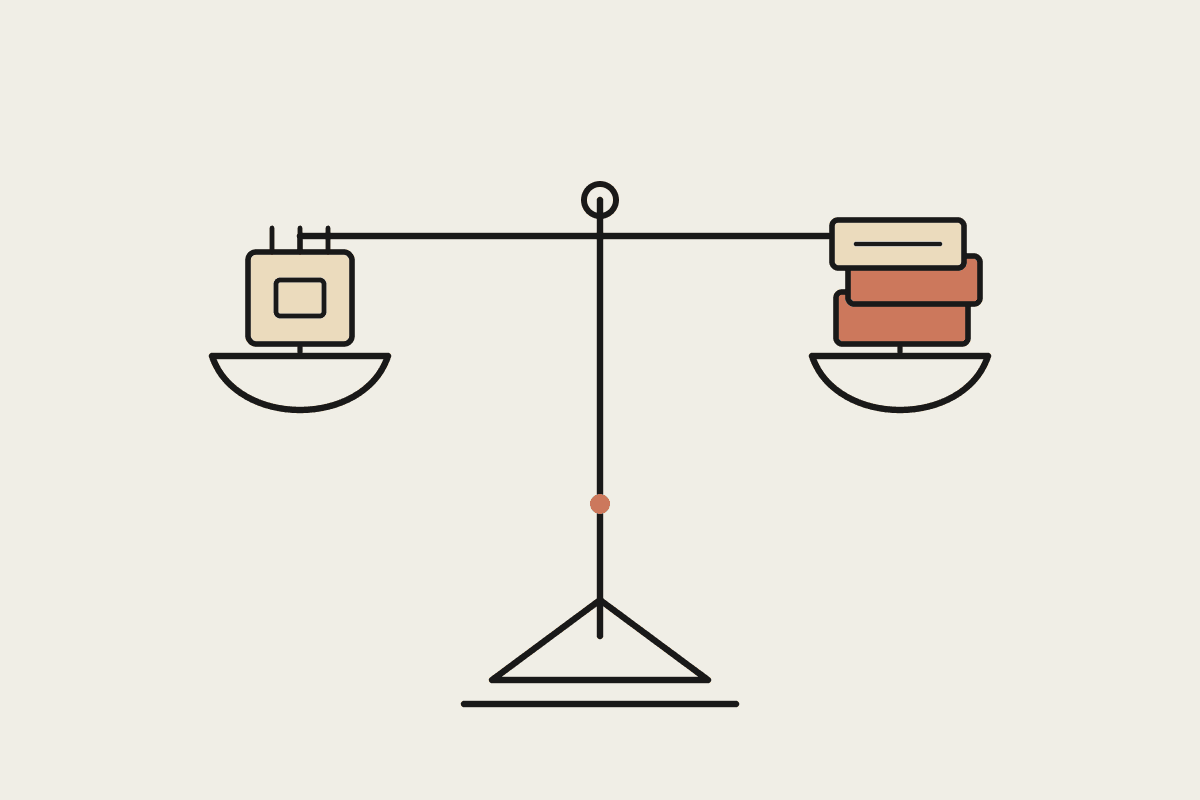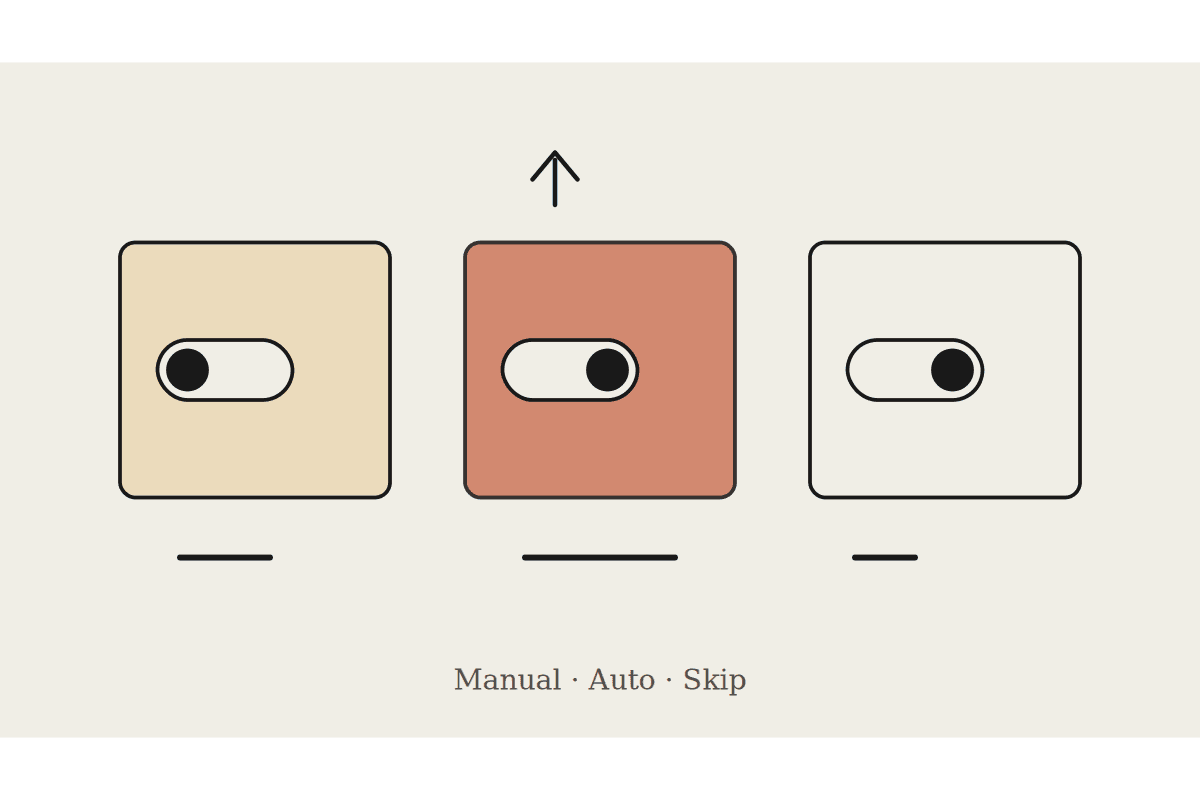
Claude Cowork has three permission modes: Manual, Auto and Skip. Most Australian teams pick one in the first ten minutes of setup and never look at it again. That is a mistake, because the mode is not only a safety setting. Anthropic's documentation states plainly that Auto mode consumes more of your usage limit than the other modes. The choice sets your monthly spend as well as your risk posture.
If your team has concluded that Cowork is expensive, there is a good chance nobody has looked at this setting since the day it was installed.
What each mode actually does
Manual: Claude pauses and asks before each step that uses a connector or takes an action. Slowest to run, and the easiest to audit afterwards because every decision has a human attached to it.
Auto: Claude reviews every action for safety before it runs and blocks anything suspicious. Convenient, and the heaviest of the three on your usage allocation.
Skip: no automatic review at all. Fastest, and the only mode with nothing sitting between the instruction and the action.
The reason Auto costs more is structural rather than incidental. The safety review is itself model work. Every action gets a second look before it runs, so a task making forty tool calls pays for forty reviews on top of the task itself. On a long research job that fans out across dozens of sources, the review overhead can rival the work.
None of that makes Auto the wrong choice. It makes Auto a choice you should be making deliberately, on the jobs that warrant it.
The rule we apply to Australian teams
We run a fixed-fee Cowork setup for Australian businesses at $3,500, and mode selection is one of the first decisions in it. The rule is per task type, never per person. Assigning a mode to a staff member means the cautious ones run everything in Auto and the confident ones run everything in Skip, which is precisely backwards.
Manual for anything that sends, publishes, pays or deletes. Client emails, invoices, CRM writes, calendar invites to people outside the business.
Auto for research, drafting, reconciliation and file work inside folders you have connected deliberately.
Skip only for a task you have watched run correctly at least five times, on data that would not hurt you if it went wrong.
The failure we see most often is a business owner who sets Auto globally on day one, watches the usage allocation disappear in a fortnight, and decides the product does not stack up commercially. The product was fine. It was asked to double check every action in a job that never needed checking.
Read the usage page, not the invoice
Claude reports consumption under Settings, then Usage. Check it in week one and again in week three of any rollout, before habits set hard. By week six the pattern is established and changing it is a conversation rather than a setting.
Two questions answer most budget concerns:
Which tasks are consuming disproportionately, and are they running in Auto when a human is already watching the screen anyway?
Is anyone running long research jobs in Auto out of general caution, when the job never touches a write tool at all?
That second one is worth sitting with. A read only task cannot compromise you through a write it is not able to make. Paying for safety review on a job that only reads is paying for a lock on a door that does not open. If the task has no write tools in scope, the review is buying you nothing but latency and consumption.
Where this lands in the business case
For an Australian business weighing Cowork against another part time admin hire, the usage question decides the commercial case more often than capability does. A part time administrator in Sydney runs around $45,000 a year once superannuation and on-costs are counted. Cowork sits nowhere near that number, but only if the permission mode matches the work being done. Set Auto everywhere and you are buying compute you never needed, then comparing the wrong figure against the salary.
There is a governance benefit too, and it arrives free. A written mode policy is the artefact your accountant, your board or your insurer will ask for when they want to know how AI is controlled in the business. Three lines covering which task types run in which mode does more for that conversation than a vendor security page.
What to do this week
Open the usage page and look at the last fortnight. Pick the three tasks your team runs most often and write the mode next to each one. Anything that sends or pays goes to Manual today. Anything read only in Auto moves down a rung.
Review the list once a quarter, or whenever someone adds a new connector, because a new connector changes what write tools are in scope. That single page is most of what separates a Cowork rollout that holds after six months from one that quietly stops being opened.
If you want a second opinion on how your modes are set before you scale past a handful of seats, we run short setup reviews for Australian teams. Get in touch through /contact and we will look at the actual configuration rather than the brochure.
Related reading
The end-to-end walkthrough lives in our Claude Cowork setup guide. Closest neighbours to this piece: