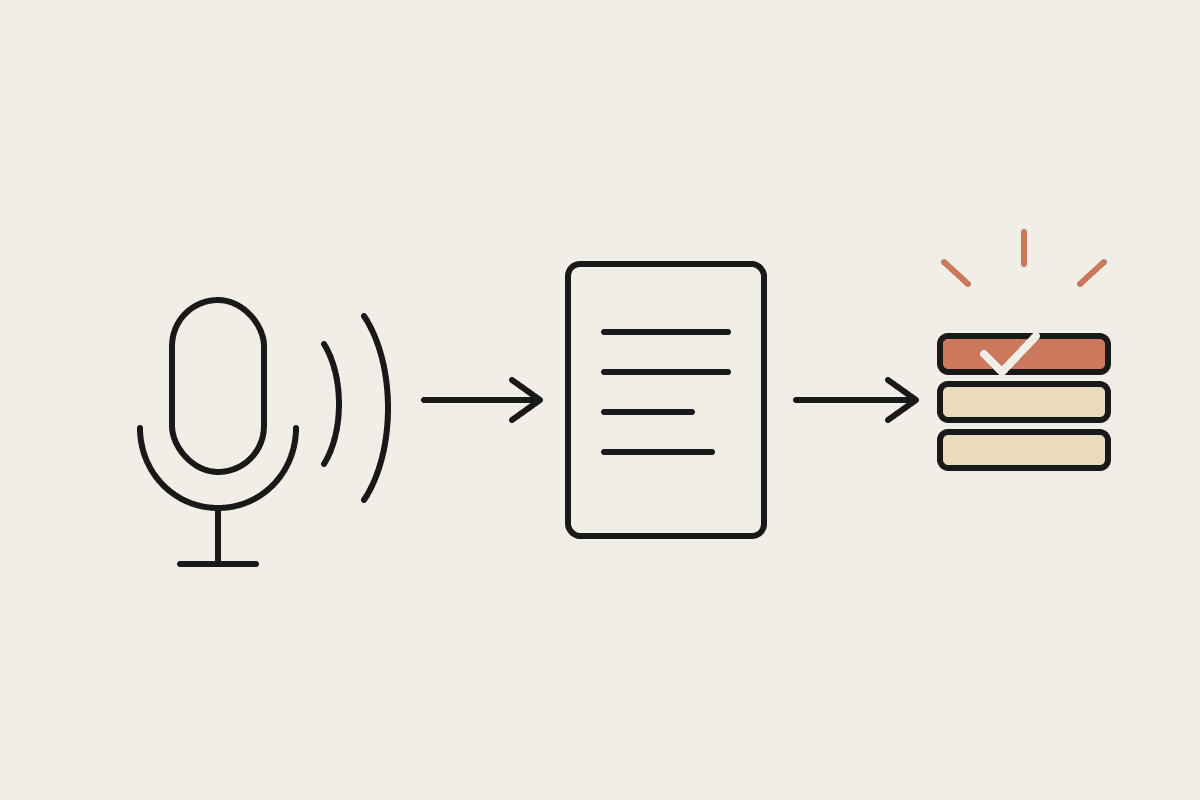
Most AI tools need you sitting at the keyboard. You ask, it answers, the session ends when you close the tab. Claude Cowork's scheduled and background tasks work differently. You set up a job once, it runs on its own timetable, overnight, first thing in the morning, every Monday, and the output is waiting for you rather than something you have to remember to ask for.
What actually runs in the background
A background task is a Cowork session that starts on a trigger you define: a time of day, a day of the week, or an event like a new row appearing in a connected spreadsheet, rather than a message you type. It has the same connector access as a live session (email, calendar, CRM, file storage), so it can do real work. It can pull yesterday's sales figures into a summary, chase three overdue invoices, or draft the week's social posts from what actually shipped.
What to run overnight versus what to keep live
Good overnight candidates: report generation, data reconciliation, draft-only outreach queued for morning review, inbox triage that sorts but doesn't send
Keep live: anything that sends externally without a review step, anything touching money movement, anything where the input changes minute to minute
Middle ground: draft-and-queue tasks that do the thinking overnight and wait for a one-click approval when you're back online
A worked setup
A Perth logistics broker runs three background tasks: a 6am daily job that pulls overnight shipment status from three carrier portals into one summary email, a Monday 7am job that compiles the prior week's margin by lane, and a nightly inbox triage that labels and files routine carrier updates so the inbox is already sorted by the time the team logs on. None of them send anything externally without a person reading it first. The value is having the thinking done before the day starts, not removing the person from the loop.
What it actually saves
The broker estimated the manual version of these three tasks, checking three carrier portals, compiling a weekly margin report by hand, sorting an inbox, took close to 40 minutes a day across the team. At a blended $40 an hour rate, that's roughly $3,600 a year in reclaimed time, on top of the reports simply existing more reliably than when they depended on someone remembering to run them.
Where background tasks tend to go wrong
The most common mistake is scheduling a task that depends on data which isn't ready yet, a 5am report pulling from a system that doesn't finish its overnight batch until 6. Check your data sources' own schedules before setting Cowork's trigger time, and build a few minutes of buffer in.
The second most common mistake is scope creep. A task that started as "summarise shipment status" quietly grows to include price negotiation drafts and customer emails, until nobody remembers what it was originally scoped to do. Keep each background task to one job and add new jobs as new tasks, not new branches inside an old one.
Monitoring the monitors
A background task that silently stops running is worse than no task at all, because you stop checking manually and the system isn't checking either. Have Cowork log a simple heartbeat, a line in a sheet or a Slack message confirming the run happened, even on days when there's nothing to report. If the heartbeat goes missing, that's your signal to look.
A quick audit you can run today
List every report or check someone on your team does manually before 9am. Time how long each one actually takes over a week, not how long you assume it takes. Most owners are surprised by the total, and it's usually higher than the three-task example above once every small daily habit is counted.
What this isn't
Background tasks aren't a way to avoid setting up proper approval gates. Anything that could embarrass you or cost money if it goes out wrong should still queue for a human, no matter what time it runs. Treat the overnight window as thinking time, not sending time, unless you've deliberately decided otherwise for a specific low-risk task.
Getting started
List the three tasks you or your team do first thing every morning that don't require judgment calls
Check when your source data actually becomes available, not when you assume it does
Start with draft-and-queue rather than fully autonomous sends
Review the output for the first two weeks before trusting it unattended
We set up scheduled and background Cowork tasks for AU businesses regularly. If you've got three things you check every morning before coffee, that's usually the first place to start. Get in touch: https://www.automataai.com.au/contact
Related reading
The end-to-end walkthrough lives in our Claude Cowork setup guide. Closest neighbours to this piece: