Claude Cowork can run as a scheduled task on your own desktop or as a cloud-hosted session, and the choice between the two genuinely matters for how a workflow behaves, not just where it technically executes, because the two modes have real, practical differences in what they can access and when they actually run.
What actually differs between the two modes
Most Australian businesses running Cowork past the initial pilot stage end up with a genuine mix of both modes across their scheduled tasks, and treating that as the normal, expected end state rather than something to consolidate into one mode or the other is the right mental model; the goal is matching each specific workflow to whichever mode actually suits it, not standardising on one for its own sake.
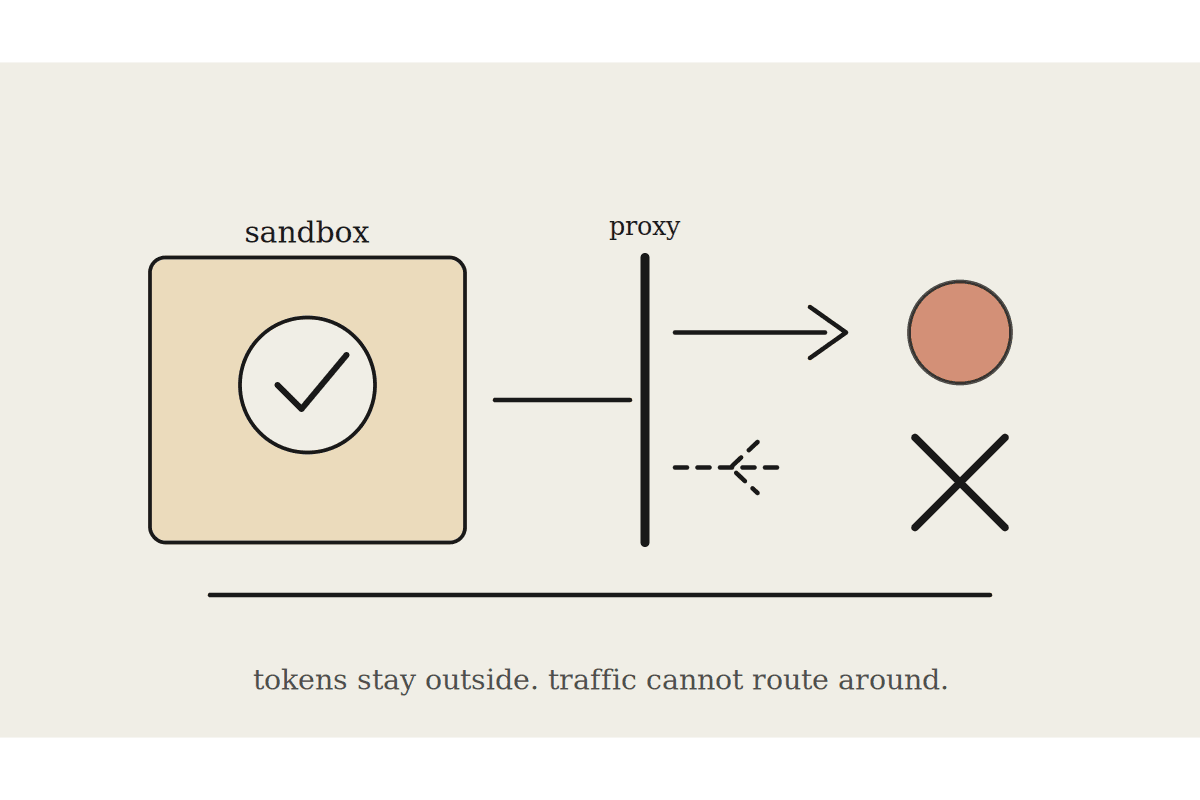
A desktop-scheduled task runs against whatever's on and connected on your actual machine at the scheduled time, which means it inherits your local network access and any locally-installed connector, but it also means the task simply doesn't run if the machine is asleep, shut down, or disconnected at the scheduled time. A cloud-hosted session runs independent of any specific machine being on, which is more reliable for anything time-sensitive, but it depends entirely on cloud-compatible connectors, and not every integration a business relies on has reached cloud-connector parity yet.
Desktop tasks: full access to whatever's running locally, but only when the machine is actually on and connected
Cloud tasks: reliable execution regardless of any one machine's state, but limited to cloud-available connectors
Desktop tasks are the right default for anything genuinely tied to local software with no cloud equivalent
Cloud tasks are the right default for anything time-critical that must run reliably at a fixed time
The mistake that costs businesses the most
The costliest mistake we see is assuming a workflow scheduled in the cloud has access to every connector a desktop session would, when in practice cloud-scheduled runs sometimes lack a connector that's only available locally, silently producing a partial result, half the check the workflow was meant to run, rather than a clear failure that would at least get noticed and investigated.
A Sydney consultancy had a daily pipeline health check scheduled to run in the cloud each morning, and for several weeks the check was quietly running only half its intended scope because the cloud environment lacked a specific connector available only locally, producing a report that looked complete but was missing a genuinely important check the whole workflow existed to catch. Once discovered, moving the task to a desktop-scheduled trigger instead, run each morning on a machine deliberately kept on for exactly this purpose, restored full coverage, and the team estimated the earlier gap had gone unnoticed for roughly three weeks, a genuine risk window the business was fortunate not to have been caught out by in that time.
A simple decision test before scheduling anything
Before scheduling any recurring Cowork task, explicitly listing every connector the workflow touches and checking each one's cloud availability, not assuming parity, is a five-minute check that avoids exactly this silent-partial-coverage failure mode; treating that check as a standing step for any new scheduled task, not a one-off audit, keeps new gaps from opening quietly as workflows evolve over time.
Budgeting the audit properly
Running the connector-parity check across every existing scheduled task for the first time, rather than just new ones going forward, is worth budgeting as a deliberate one-off project, typically a day or two of review time for a business running a dozen or more scheduled workflows, a cost the Sydney consultancy above put at roughly $1,800 in review time against the risk of further silent gaps, a figure the team judged well worth it after finding the first one.
Choosing a hybrid approach where it genuinely makes sense
Some businesses run the reliable, cloud-compatible parts of a workflow in the cloud and the locally-dependent parts as a separate desktop task, stitching the two together rather than forcing an entire workflow into whichever mode happens to be more convenient; this adds a bit of setup complexity but avoids compromising on either reliability or local access.
What this isn't
This is about execution mode specifically, distinct from the broader Cowork versus Claude Desktop Chat distinction, which is about agentic task execution versus conversational chat, a different axis entirely from where a task actually runs.
Automata AI audits Cowork scheduled tasks for Australian businesses to confirm every connector a workflow depends on actually has parity in the mode it is scheduled to run in. Get in touch via /contact with a list of your current scheduled tasks, before the next one quietly runs half its intended scope without anyone noticing.
Where to go next
If you are setting Cowork up from scratch, start with Claude Cowork setup guide. Two pieces that sit closest to this one: