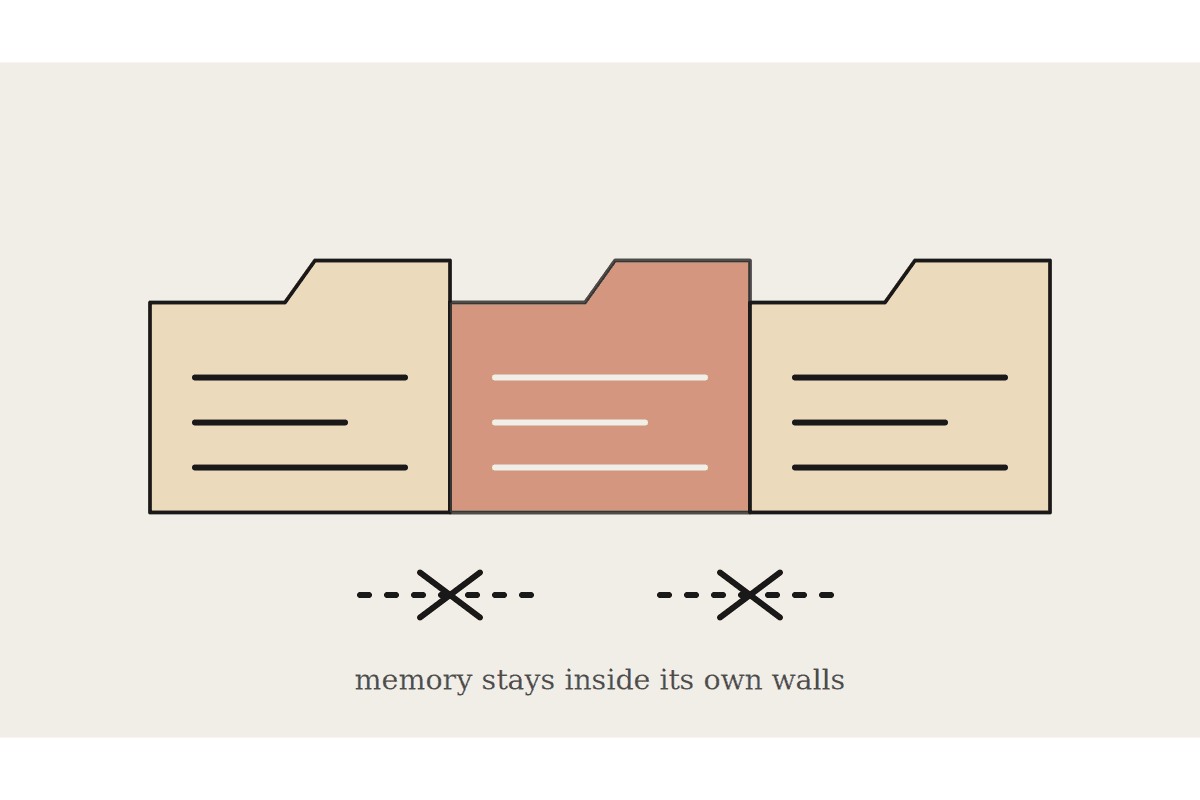
Claude Projects gives a team a shared space with its own uploaded files, instructions and conversation history, so five people working on the same client or the same internal process aren't each re-explaining the context from scratch in separate chats. Done properly, it removes a specific, repeated tax on team time. Done badly, it becomes a dumping ground nobody trusts.
What a Project actually holds
A Project is a container: reference documents (a style guide, a pricing sheet, past reports), custom instructions specific to that context, and every conversation anyone on the team has had inside it. Anyone with access sees the same shared knowledge rather than whatever happens to be in their own personal chat history. For a Sydney marketing team running client campaigns, that means a new team member can open the client's Project and immediately see the brand guidelines, the last three months of approved copy, and the tone corrections that were made, without a briefing meeting.
Compare that to the old default: five separate chat histories, five slightly different understandings of the current pricing, and a client-facing mistake that traces back to someone working from a document that was superseded two weeks earlier. Projects don't eliminate that risk automatically, but they concentrate the fix in one place instead of five.
Reference files: the documents everyone should be working from, kept current
Custom instructions: rules specific to this Project, not the whole account
Shared conversation history: visible to anyone with access, not private by default
Access control: who's actually added to the Project, reviewed periodically
Getting the setup right the first time
The most common mistake is uploading everything at once and hoping it sorts itself out. A Project works best with a curated, current set of files, not an archive. Outdated pricing sheets or superseded process documents left in a Project actively produce wrong answers, because Claude treats everything uploaded as live reference material unless told otherwise. Assign one person to own the file list and prune it monthly.
Custom instructions matter more than most teams expect. A generic "be helpful and professional" instruction does nothing. Specific instructions, like "always cite the page number from the pricing sheet when quoting a rate" or "flag anything that contradicts the March compliance update," change how useful the Project is on day one rather than after months of informal correction.
What it costs against the alternative
For a 12-person team, a shared Project replaces a scattering of individual chats, a Slack channel of pasted context, and the inevitable Friday afternoon where someone asks "wait, which version of the brief are we using." A Melbourne agency estimated that setup, roughly two hours to structure the files and write the instructions properly, saved each account manager close to 30 minutes a week in repeated context-setting, worth around $780 a month across the team at a modest hourly rate.
Where it breaks down
Projects scoped too broadly, one Project trying to cover every client rather than one per client or per major workstream, get messy fast. Reference files pile up, instructions contradict each other across contexts, and nobody's sure which rule applies to which situation. The fix is narrower scope: one Project per client, per department, or per recurring process, not one giant shared brain for the whole business.
Reviewing access as the team changes
Access lists drift. Someone leaves the account still connected to three client Projects six months after they've moved to a different role, or a contractor who worked on one campaign still has visibility into every conversation in that Project long after the job wrapped. A quarterly access review, ten minutes per Project, checking who's still actively working in it, catches this before it becomes a data-handling problem rather than an administrative one. For businesses under the Privacy Act obligations that come with holding client data, that review is worth treating as a standing calendar item, not an afterthought.
If your team is bigger than a handful of people and you haven't structured your Projects deliberately yet, it's worth an hour to map out how many you actually need and who owns each one before file sprawl makes that harder to untangle.
None of this requires deep technical setup. It requires one person willing to own the file list, write instructions that are actually specific, and check access quarterly. That's a smaller commitment than most teams assume, and it's the difference between a Project that earns trust and one that quietly gets ignored after the first month.
Start small: one Project for the highest-friction client or process, structured properly, before rolling the pattern out everywhere else.