Inbox triage is the first hour of the day for a lot of people, and almost none of it is decision-making. It is sorting: what is urgent, what is a client, what is a newsletter, what needs a reply that only takes a sentence. That shape of work suits automation well, provided the automation sorts and drafts rather than sends.
What a morning triage run actually does
A scheduled job runs before you start. It reads what arrived overnight, groups it, flags what genuinely needs you, and drafts replies for the routine items. You open one summary instead of forty separate decisions, which is a different cognitive job entirely and a much smaller one.
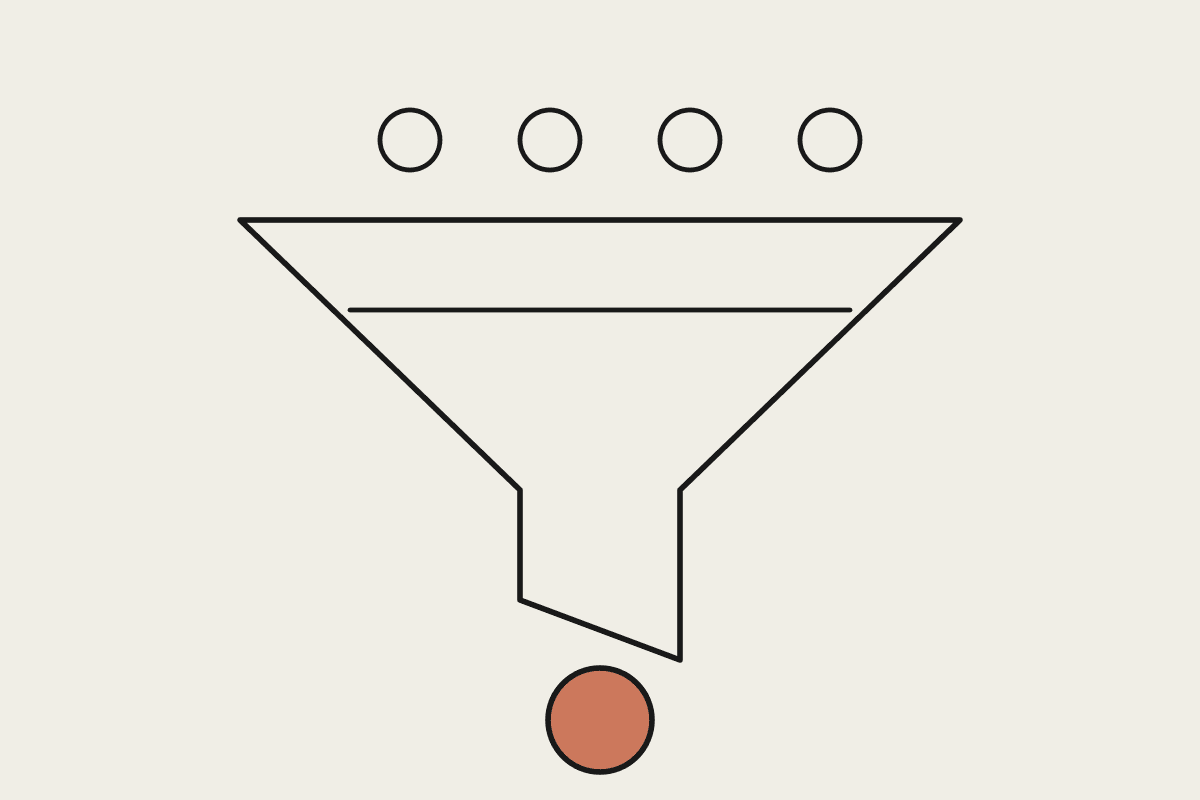
Sorts overnight mail into needs-you, routine, and no-action-required
Drafts replies for the routine items, left unsent in your drafts folder
Flags anything time-sensitive or from a named client at the top
Notes threads that have gone quiet and are waiting on you rather than them
The last item is the one people underestimate. Most inboxes lose things not by deleting them but by burying them, and a daily list of threads where the ball is in your court catches more than any folder system ever has.
Why it must not send
The temptation is to let it handle the easy replies outright. Resist it. The cost of a wrong automated reply to a client is far higher than the minute it saves, and the cases where it will be wrong are exactly the ones that look routine and are not.
Drafting preserves nearly all the benefit. The hard part of a short reply is deciding to write it, not typing it, so a folder of ready drafts removes most of the friction while keeping a person on every outbound message. You skim, adjust a line, and send.
Teaching it what urgent means for you
Urgency is business-specific and no general rule captures it. A message from a supplier about a delivery might be trivial for one business and the most important thing in the inbox for another, and a model with no context will guess wrong in both directions.
Name the clients and contacts that always surface, regardless of content
List the phrases that signal a real problem in your world, not generic urgency words
Say explicitly what to deprioritise: newsletters, automated notifications, internal noise
Give it a handful of real examples of messages you would have wanted flagged and ones you would not
What it is worth
An hour a day of a senior person's time at a fully loaded $180,000 a year is roughly $22,000 annually. Triage will not remove the whole hour, but halving it is realistic once the rules settle, and the recovered time sits at the start of the day when attention is worth most.
The other return is fewer dropped balls. For a Sydney business where a missed client email can mean a lost job, the value of nothing slipping through is larger than the hourly arithmetic suggests, and considerably harder to measure.
Getting the rules right takes a fortnight
The first week will misclassify things. That is expected and it is why the run produces a summary rather than acting: you correct it in place, and those corrections become the rules for the following week.
After two weeks most inboxes stabilise. If it is still getting things wrong after a month, the problem is usually that urgency in your business depends on context that never appears in the email itself, which is worth knowing in its own right.
Privacy considerations
An inbox holds other people's personal information, which brings the Privacy Act 1988 and the Australian Privacy Principles into scope. The obligations are yours, not the tool's, and they apply whether the sorting is done by a person or by a system.
Practically that means connecting one mailbox rather than a whole tenant, keeping an audit trail of what was read and drafted, and being able to disconnect cleanly. None of that is onerous, but it should be decided before the first run, not after.
Who should not automate their inbox
If your role is mostly relationship work and the volume is low, this is solving a problem you do not have. Twenty considered emails a day does not need triage, it needs uninterrupted time, and a summary layer just adds a step.
The threshold where it starts paying is somewhere around sixty or seventy messages a day with a meaningful share being routine. Below that the setup cost outweighs the return for most people.
What not to conclude
This does not fix an inbox that is a substitute for a proper system. If quotes, jobs and support requests all live in email because there is nowhere else for them, triage makes the symptom more bearable and leaves the cause alone.
It also will not know what you have already handled by phone. Expect a draft occasionally offering to answer something you resolved yesterday, and treat that as the ordinary cost of a system that cannot see your whole day.
If your mornings are disappearing into the inbox, book a short call and we will look at what can be sorted automatically and what genuinely needs you.