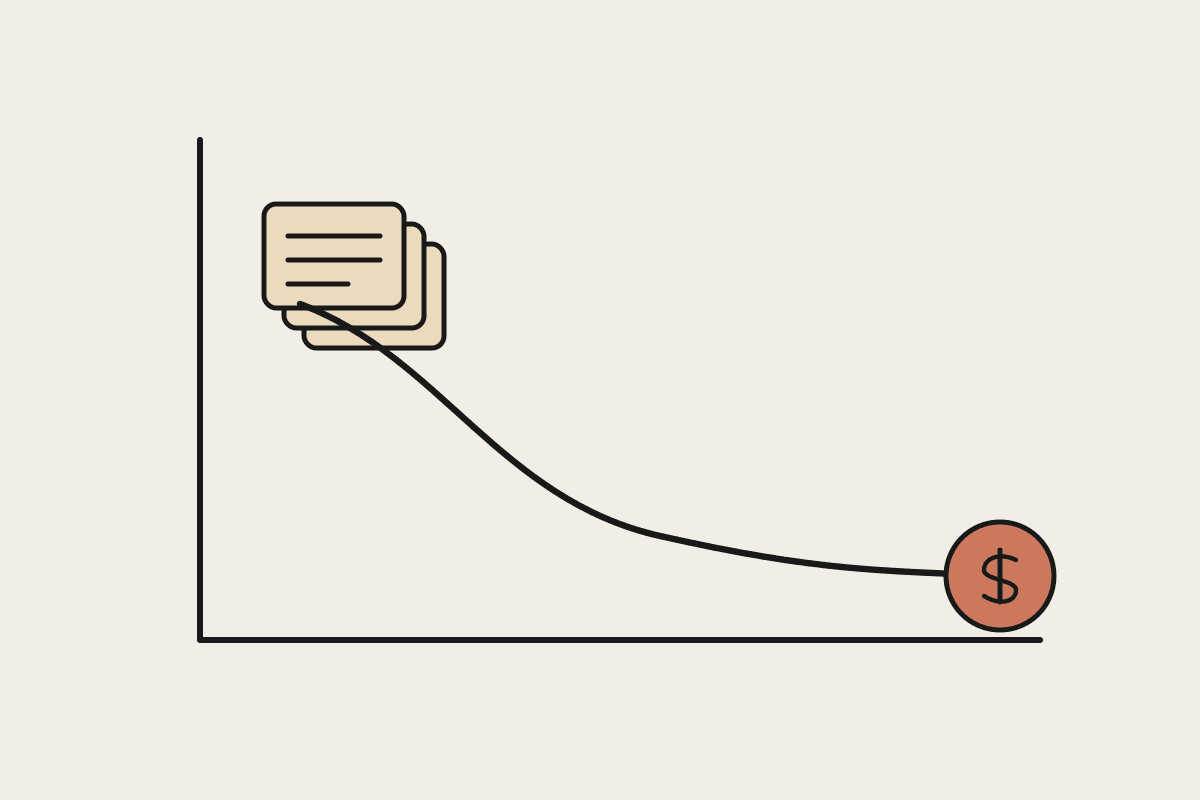
The instinct when an AI bill looks too high is to use it less, which usually means quietly reverting to the slower manual process you were trying to escape in the first place. That's not a cost fix, it's giving up the value. The actual levers for cutting spend without losing capability are almost always structural, not usage-based.
Four levers that cut cost without cutting what the AI does
Prompt caching for any workflow that repeats similar context across requests, often a 60 to 90% reduction on the cached portion of the input
Model right-sizing, routing easy classification and extraction work to a cheaper tier and reserving the expensive model for genuinely hard reasoning
Batching non-urgent work into off-peak processing windows, which on some workloads runs at roughly half the per-token cost of real-time calls
Trimming prompt bloat, removing instructions and examples that accumulated over months but no longer earn their place in every single call
A worked example
A 25-person Adelaide retail group was spending $1,450 a month on an AI workflow that drafted product descriptions and answered customer emails. Auditing the workflow found three of the four levers above unused: no caching on the repeated brand-voice instructions sent with every request, no model tiering (everything ran on the top-tier model regardless of difficulty), and a prompt that had grown from 200 words to nearly 1,800 words of accumulated edge-case instructions over a year of ad hoc additions. Applying all three brought the monthly cost to $520, with output quality reviewed and confirmed unchanged by the team actually using it day to day.
The trap: cutting the wrong thing
The lever to avoid is simply reducing how often the AI runs, or reverting specific tasks back to manual, because that's not a cost optimisation, it's a rollback of the value the tool was providing in the first place. If a $520-a-month workflow is genuinely saving 20 hours of staff time monthly, that's a strong return regardless of whether it was originally $1,450 or $520 -- the fix is trimming the waste inside the workflow, not shrinking the workflow's usefulness to fit a smaller number.
Where to start if you haven't audited yet
Pull your last three months of usage and look for the single largest workflow by spend first, because that's where a percentage saving translates into the biggest dollar figure. A 40% reduction on your smallest workflow might save $40 a month; the same percentage reduction on your largest workflow might save $600. Audit in order of spend, not in order of which workflow is easiest to look at.
If you want a cost audit run against your actual usage rather than general advice, get in touch through /contact and we'll find the levers specific to your workflows.
A checklist for a first-pass audit
Pull the last three months of usage broken down by workflow, not just a single account total
For each workflow, check whether repeated context (brand voice, system instructions, standing examples) is set up for caching
Check which model tier each workflow runs on, and whether the task actually needs that tier's capability
Read through the actual prompt text for accumulated instructions nobody has trimmed since the workflow launched
Most Australian SMBs running AI workflows for six months or more have at least one of these four issues sitting untouched, simply because nobody circled back to review a workflow once it was working. The audit itself typically takes an afternoon for a business running four or five distinct workflows, and the savings it uncovers usually pay for that afternoon within the first month.
It's worth running this audit as a recurring quarterly task rather than a one-off exercise. Prompts drift over time as staff add ad hoc instructions to handle edge cases, and a workflow that was lean six months ago can accumulate the same bloat that triggered the original audit, quietly, one small addition at a time, until the bill creeps back up without anyone deciding it should.
A useful discipline for the audit itself: bring in someone who didn't build the original workflow. The person who wrote a prompt eighteen months ago tends to defend every line in it, because each addition solved a real problem at the time. A fresh set of eyes, reviewing against the current task rather than the history of how it got there, spots the bloat faster and with less resistance to trimming it.
If nothing else, the exercise of walking through all four levers once, even without finding a large saving, tends to leave a business with a clearer picture of what its AI spend is actually buying it, which is worth something on its own regardless of the dollar figure it uncovers.