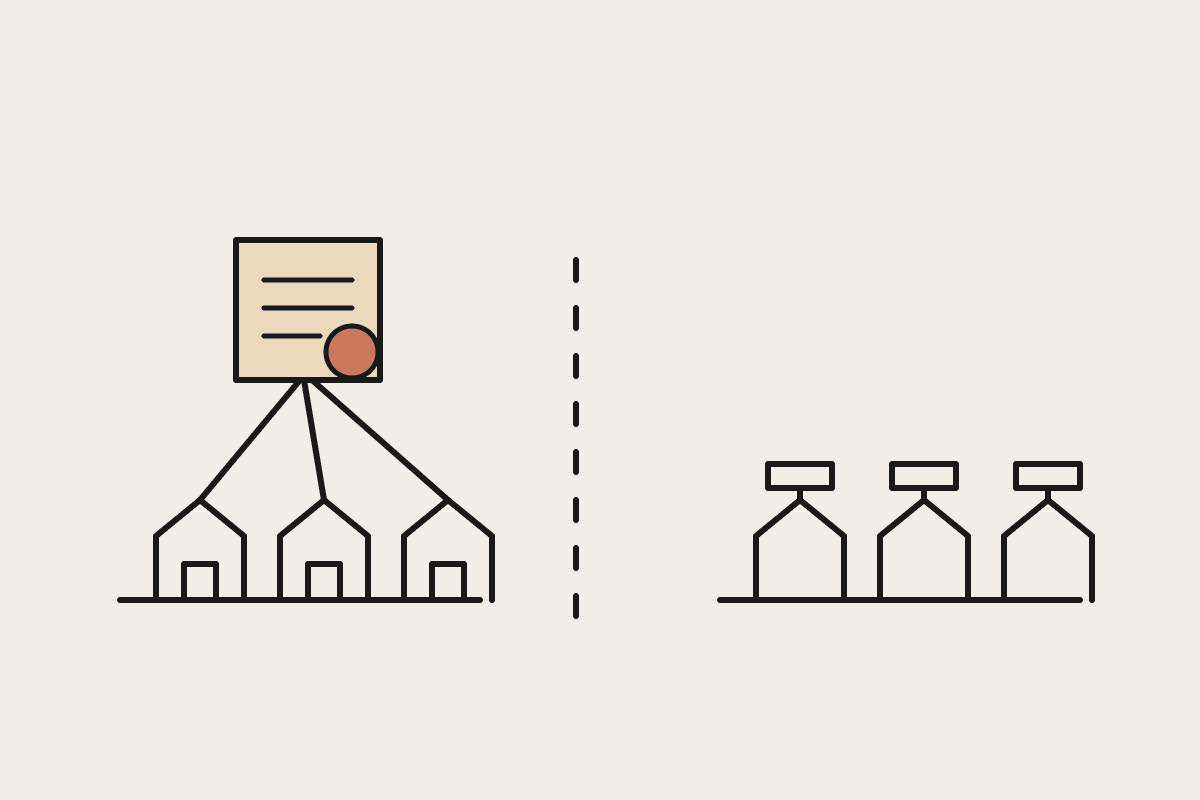
AI vendor pricing pages are getting harder to read on purpose, not by accident. Usage-based pricing, tiered feature gates, add-on charges for 'premium' models, and seat minimums buried in the fine print mean the headline number on the page is rarely what you'll actually pay. Before signing up for anything, it's worth knowing exactly where the gaps between advertised and actual cost usually hide.
The four places the real cost hides
Usage caps disguised as a flat fee -- the advertised price covers a token or query allowance that a genuinely active team blows through in the first two weeks, after which overage pricing kicks in at a much higher effective rate.
Feature gating behind a higher tier -- the capability you actually need (often the best model, or an integration you require) sits one or two tiers above the advertised entry price.
Per-seat minimums -- some vendors bill for a minimum seat count regardless of your actual team size, which matters if you're a five-person business quoted a ten-seat minimum.
Add-on API costs on top of a subscription -- a 'flat fee' subscription that still bills separately for API usage above a modest included allowance, effectively becoming two bills instead of one.
Questions worth asking before you sign
Ask directly: 'what does a team our size, doing roughly this much volume, actually pay in a typical month, all-in?' A vendor confident in their pricing will answer this plainly. A vendor who redirects to the pricing page or gives a vague range is telling you something about how the real cost compares to the advertised one. Also ask what happens at the usage cap specifically -- does it throttle, does it auto-upgrade you to a higher tier, or does it bill overage at a stated rate? The answer should be a specific number, not 'it depends.'
A worked comparison
A Sydney marketing agency evaluating three vendors for a similar AI writing tool found headline prices of $49, $79 and $99 per seat per month. After asking the four questions above, the effective all-in cost for their actual 12-person team and expected usage came out at $58, $79 and $340 respectively -- the cheapest headline price and the most expensive were the same tool once usage caps and per-seat minimums were factored in properly, because the $49 option's advertised price assumed light usage the agency's team would exceed within the first week.
Reading the fine print efficiently
You don't need to read every word of every terms page. Search specifically for 'overage,' 'additional usage,' 'per-seat minimum' and 'included' -- these four terms are where pricing pages hide the gap between the headline number and what you'll actually pay. If a pricing page makes these hard to find, that's itself useful information about how the vendor expects most customers to end up paying more than the number at the top of the page.
Getting a straight answer from a sales rep
Vendor sales reps aren't necessarily being deceptive when a quoted price turns out lower than what you actually pay -- pricing pages are often written by a marketing team optimising for the lowest defensible headline number, and the rep genuinely may not have modelled your specific usage pattern unless you ask them to. Come to the conversation with your own rough numbers (expected team size, expected monthly volume) and ask them to model the all-in cost against those specific figures, rather than accepting a generic answer built around a hypothetical light user.
Get any all-in estimate in writing before signing, even informally over email. A vendor who's confident in their real number will give it to you without hesitation; one who hedges or won't commit anything to writing is telling you something worth taking seriously about the gap between the advertised price and what you'll likely end up paying once your team is genuinely using the tool.
This applies whether you are evaluating a single-purpose AI add-on or a broader platform. The four questions and the four hiding places stay the same regardless of scale, and five minutes spent on them before signing routinely saves far more than five minutes of negotiation after the fact.
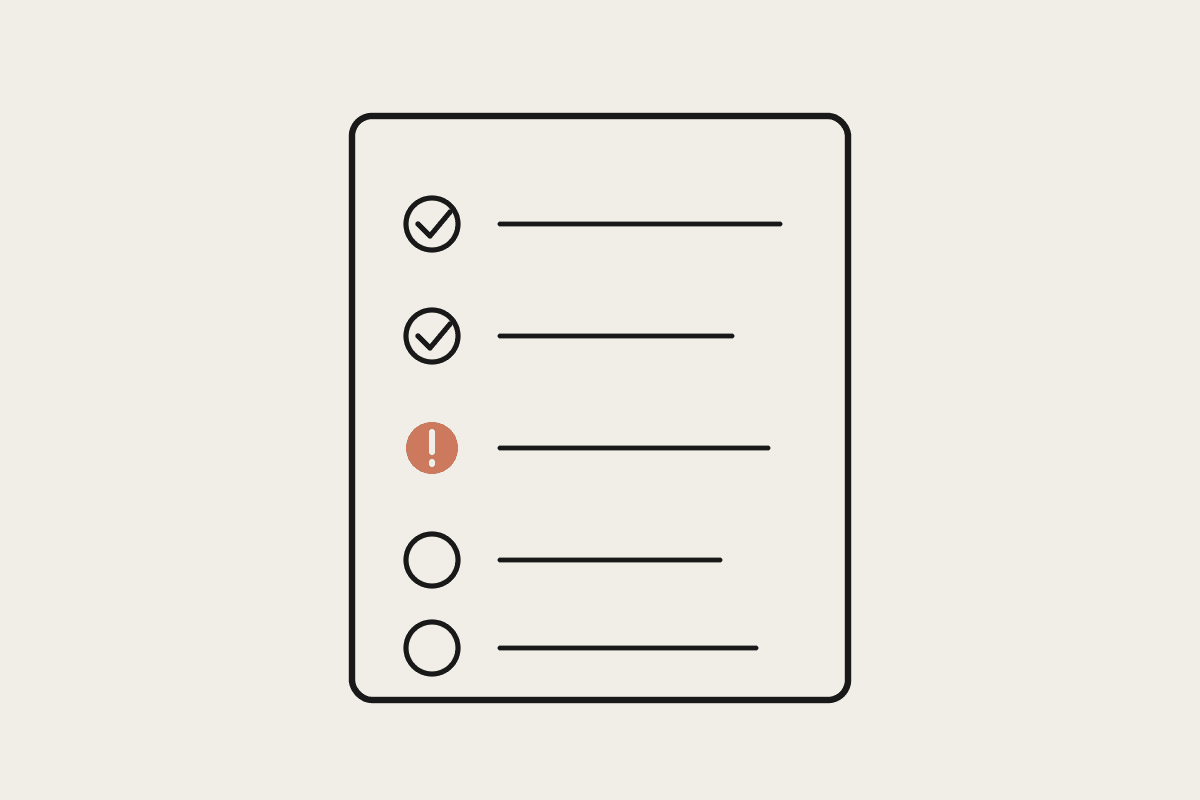
Print the four hiding places out, keep them next to you on your next vendor call, and work through them one at a time. It takes less time than most vendor demos and it is the part of the process that actually determines what you pay.
If you're comparing vendors right now and want a second read on a specific pricing page before you commit, send it through /contact and we'll help you find the real number.