Most Australian business owners asking how to start using AI in their business are stuck at the same point: not lacking ideas, but drowning in too many of them, a hundred possible use cases and no clear place to start that will actually move a number. The good news is that the first week does not need a strategy document. It needs one well-chosen task and an honest look at how much time it currently costs you.
Day one and two: find the actual bottleneck
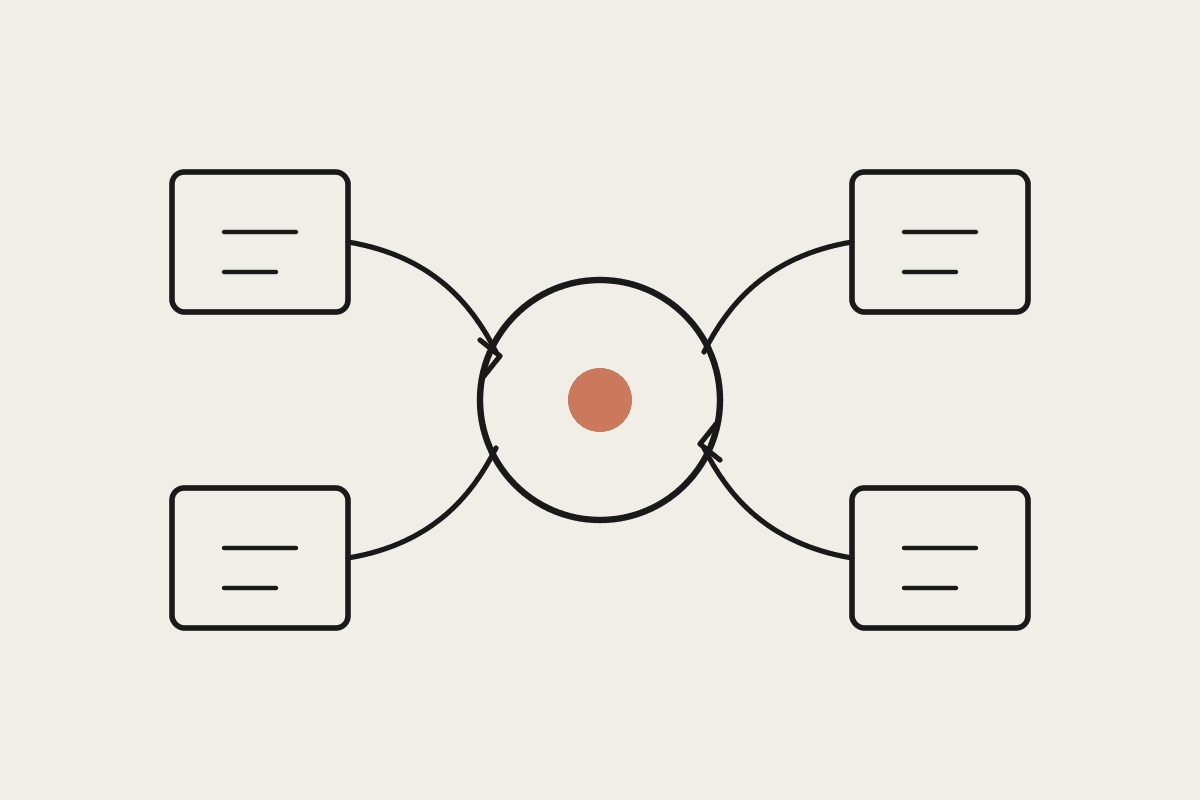
Before touching a tool, spend the first two days doing something unglamorous: tracking where your own time or your team's time actually goes for a normal week. Not where you think it goes, where it actually goes. Most business owners are surprised by the answer. It is rarely the strategic work that eats the hours. It is inbox triage, chasing invoices, drafting the same three types of email over and over, and reformatting data between systems that don't talk to each other.
Pick one recurring task you or a staff member does at least three times a week, not a one-off project.
Estimate honestly how many minutes it takes each time, then multiply by frequency to get a real weekly cost.
Rule out anything that requires judgement a regulator or client would expect a licensed human to make, that is not week-one territory.
Favour a task with a clear right answer, an invoice reminder either goes out correctly or it doesn't, over something subjective like brand voice.
Day three and four: build the narrowest possible version
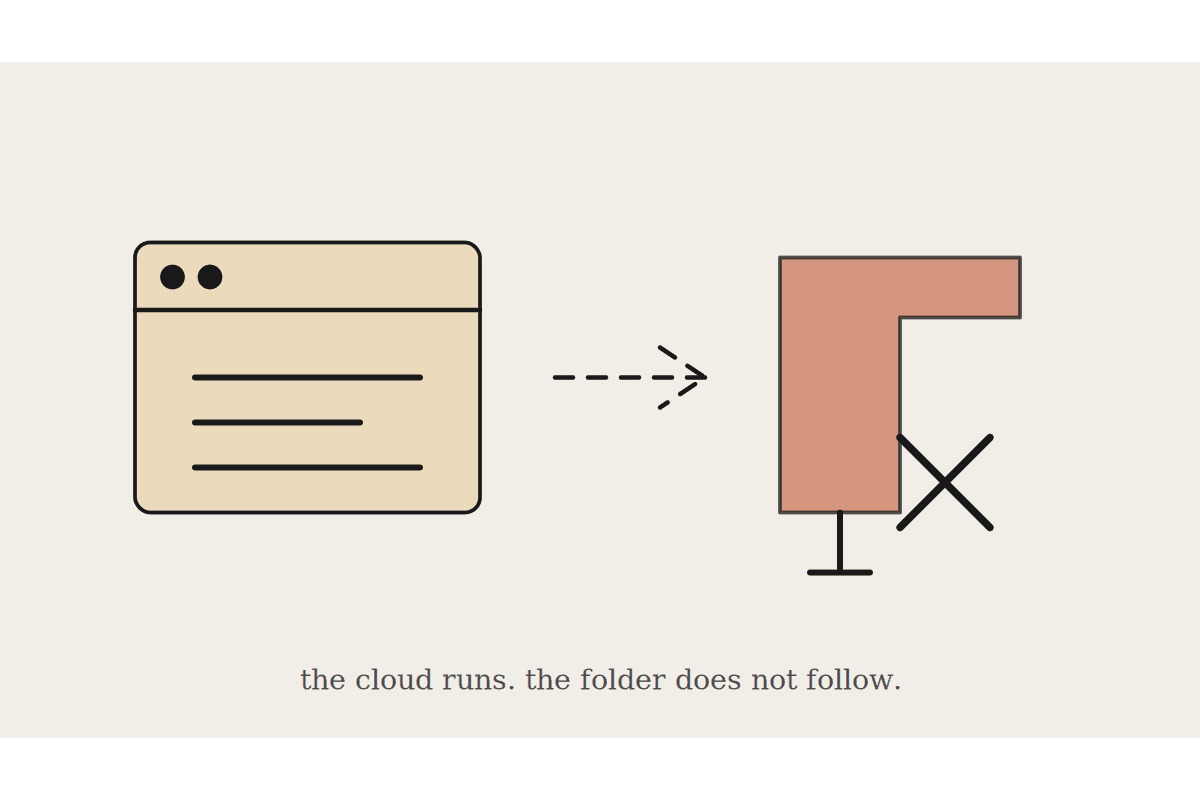
Resist the urge to automate the whole process end to end in week one. Build the narrowest slice that produces something useful: a draft, not a sent email; a categorised list, not an automatic action. Claude reading your inbox and drafting three replies you personally review and send is a legitimate week-one outcome. Claude reading your inbox and sending replies unsupervised is not, no matter how good the drafts look in testing.
This is also the point where most first attempts either work or reveal a real gap, usually messy or inconsistent data. If a business has never coded transactions consistently, or invoices live across three different formats, that gap needs a short cleanup pass before automation adds real value. Better to discover that in week one on a small task than after committing budget to a bigger build.
Day five: measure it honestly, then decide
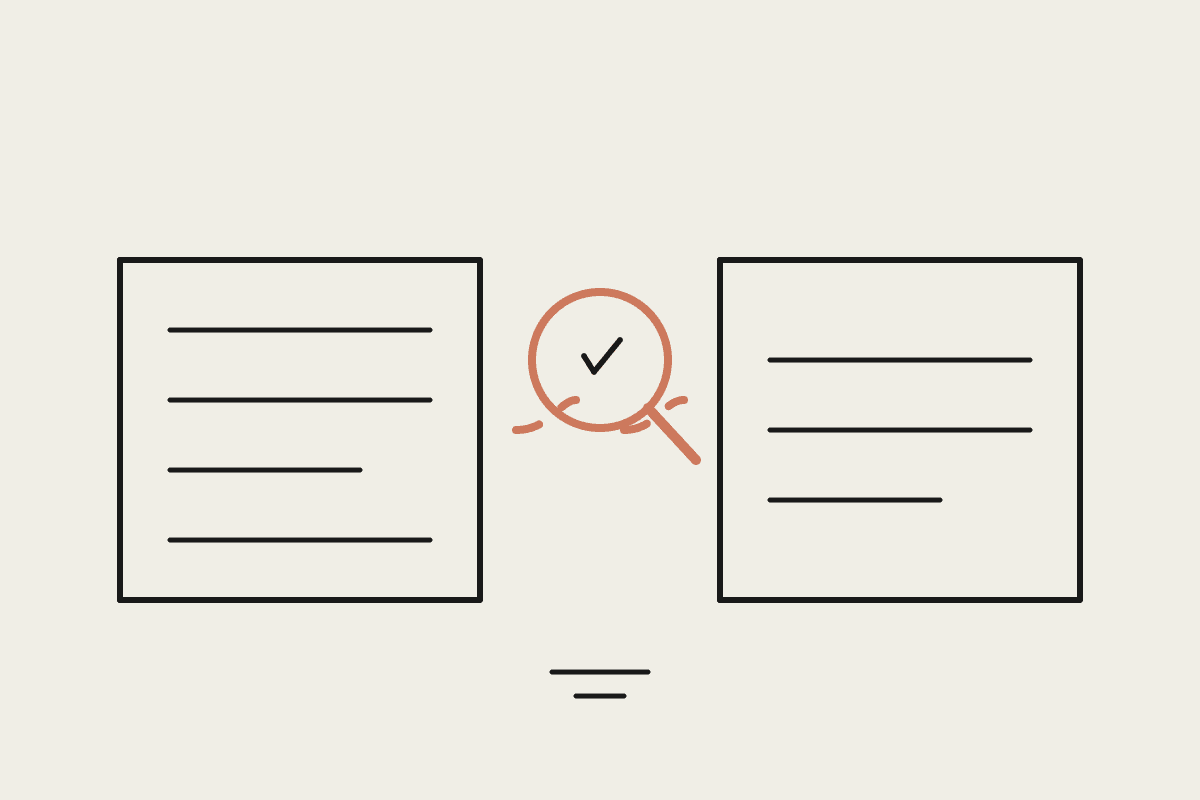
By day five you should have a real number: how much time the task took this week with AI assistance versus the honest baseline from day one. If it saved meaningful time and the output quality held up under review, that is your evidence to expand, either deeper into the same workflow or sideways into the next bottleneck on your list. If it didn't, that is useful information too, not every task is a good automation candidate, and finding that out cheaply in week one beats discovering it after a A$15,000 build.
It also helps to name who should own week one. It does not need to be the most technical person in the business, and it should not be delegated entirely to a junior staff member with no context on why the task matters. The ideal owner is whoever currently does the task and is frustrated enough by it to actually engage with checking the output carefully, because a week-one experiment only produces a trustworthy answer if someone is genuinely reviewing the results rather than rubber-stamping them to get back to other work.
What to avoid in week one
The most common first-week mistake we see AU business owners make is starting with the hardest problem in the business instead of the most repetitive one. Complex, judgement-heavy work is a poor place to build confidence in what AI can and can't do reliably. Start boring. Start with the task that is repetitive enough to be genuinely tedious and simple enough to verify quickly, and let the harder problems wait until week three or four.
There is also a cost side worth being upfront about. A week-one experiment using Claude's standard chat interface costs nothing beyond a subscription most businesses already have or can trial. It is only once you decide to expand a working pilot into something wired directly into Xero, your CRM, or your inbox that real setup cost enters the picture, typically A$2,500 to A$6,000 for a first properly automated workflow. Keeping week one cheap and low-commitment is deliberate: it lets you find out what is actually worth that spend before you commit to it.
The Automata AI take
We run exactly this first-week structure with new AU SMB clients: track, pick one narrow task, build the smallest useful version, measure honestly. It costs nothing but a week of attention, and it tells you more about whether a bigger AI investment is worth it than any vendor pitch will. If you want a second pair of eyes on which task to pick, that conversation is free and takes about twenty minutes.
Book a brainstorm and we will help you find the actual bottleneck worth automating first.