It is a fair question, and it deserves a specific answer rather than a marketing reassurance. Data safety with Claude depends on which product you are using, what plan you are on, and what you have configured, not on a single blanket guarantee. Here is the plain-English version of what actually happens to your data and where the real controls sit.
What happens to a conversation by default
For a standard claude.ai account, conversations are not used to train Anthropic's models by default for business and paid consumer accounts, and Anthropic states it does not sell personal data. Free-tier consumer usage has historically had different defaults around model training, so the plan you are on matters more than most people assume when weighing this question. If your business is running Claude for anything involving client or staff information, a paid business-tier plan with training turned off is the baseline worth confirming, not assuming.
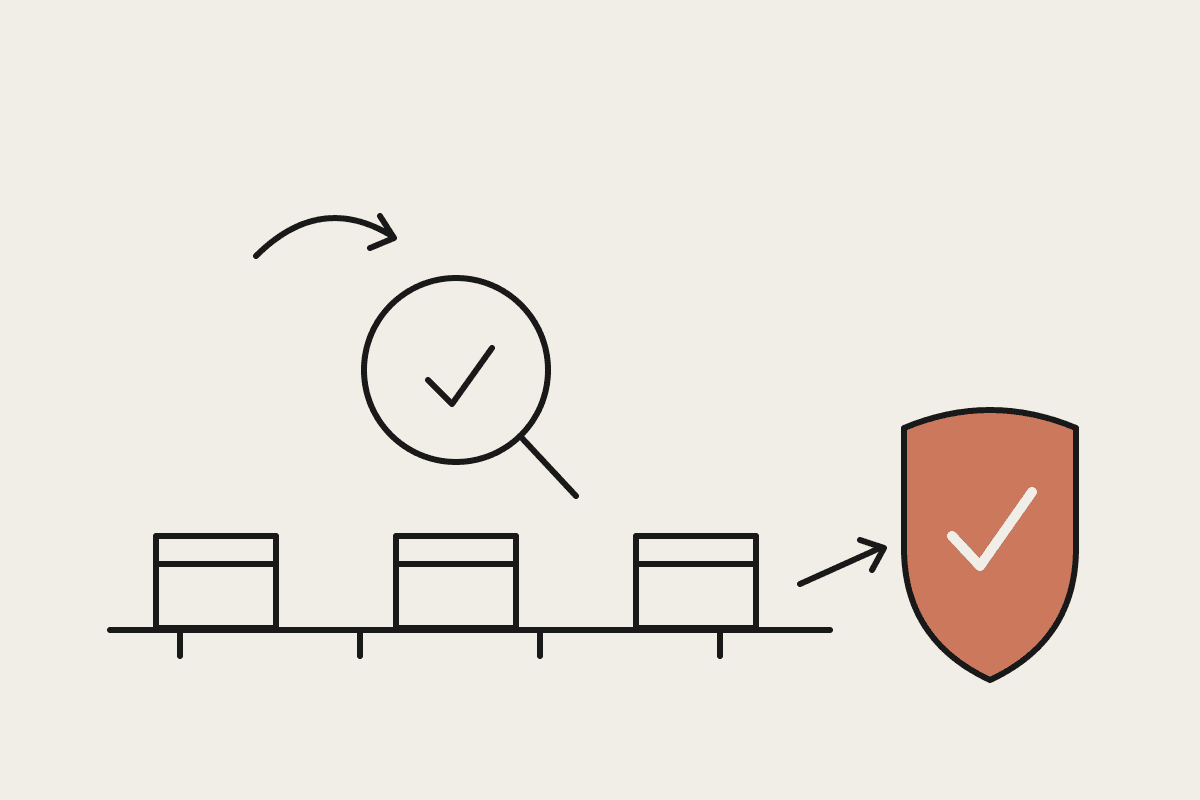
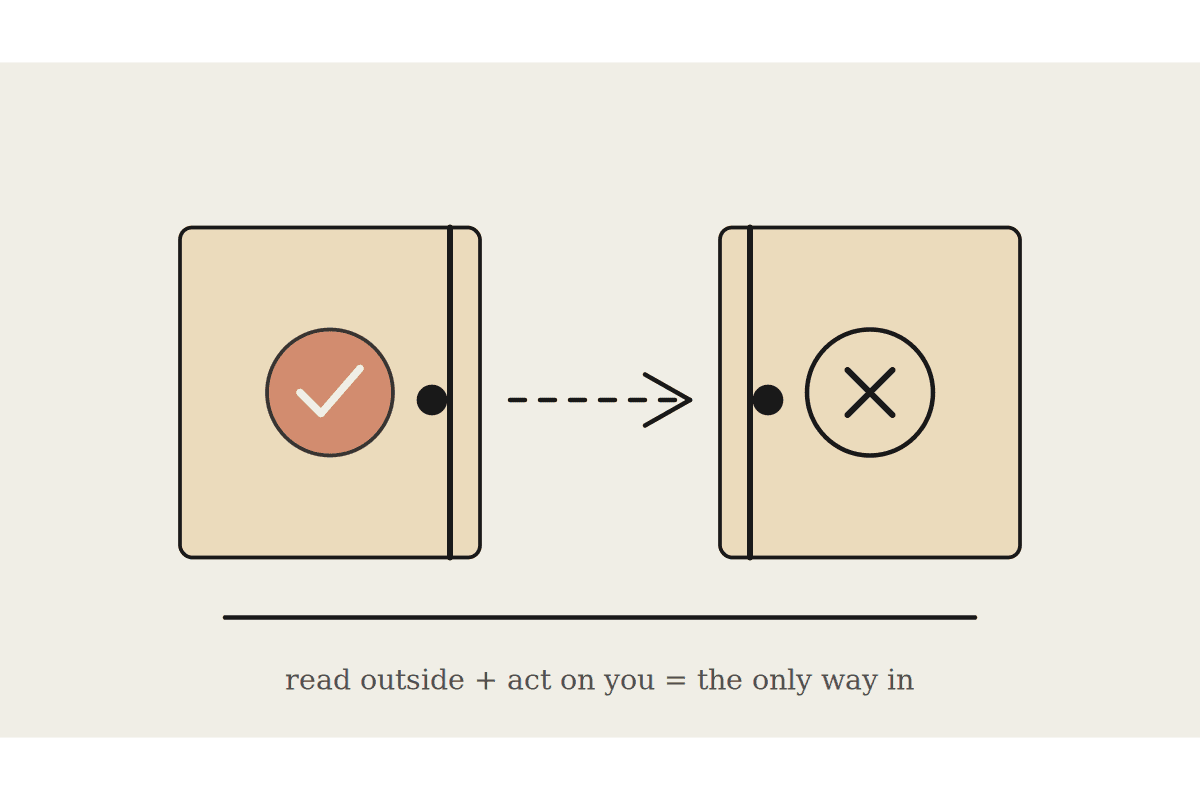
Claude Enterprise adds a further layer specifically built for this concern: admin-controlled data retention settings, audit logs of what was asked and what tools were used, and now inference hooks, a beta feature that lets a compliance team inspect and block sensitive data before it ever reaches the model, across chat, Claude Code, and connected tools.
What changes once you connect real systems
The more interesting question for most Australian businesses is not "is Claude safe" in the abstract, it is "what happens once I connect Claude to my inbox, my CRM, or my accounting system." Connectors and MCP integrations follow the access scope you grant them explicitly, Claude reading your Gmail can only read what the connector permission allows, not your entire account by default, and every connected tool can be revoked individually without touching the others.
Check what plan you are actually on, business-tier defaults differ meaningfully from a free personal account.
Confirm data retention and training settings explicitly in admin controls rather than assuming a default.
Scope connectors narrowly, grant read access before write access, and review what each connector can actually touch.
For anything under the Privacy Act or APRA-regulated obligations, keep an audit trail of what was asked and what data left your systems.
Deleting data matters too, and it is often overlooked in these conversations. A business should know how to actually delete a conversation or revoke a connector's access, not just how to grant it, and should check that deletion genuinely removes the underlying data rather than just hiding it from the interface. Admin controls on Enterprise plans generally make this straightforward; a personal account's deletion options are worth checking rather than assuming.
What Claude does not claim, and shouldn't
It is worth being precise about the limits here too, because overclaiming does a business no favours when an actual compliance review happens. Claude does not currently offer Australia-specific data residency as a standard feature, meaning data processing generally happens outside Australia unless a specific enterprise arrangement says otherwise, and no AI vendor's general terms substitute for a business's own Privacy Act obligations around what data it chooses to send an AI tool in the first place. "Is Claude safe" and "is my use of Claude compliant" are related but different questions, and the second one is on the business, not the vendor.
A worked example of getting this wrong, and right
A Sydney allied health practice we spoke with had started pasting patient case notes into a free-tier consumer Claude account to draft session summaries, without checking whether that tier's defaults matched what their own health-information obligations required. The fix was not complicated: move to a business-tier plan with training and retention explicitly configured, and de-identify notes before they touch any AI tool as standing practice, regardless of vendor. That is a fifteen-minute conversation that closes a real gap, and it is the kind of check that should happen before a practice adopts a tool, not after a data-handling review surfaces it.
The pattern holds broadly: the risk is rarely the platform's own default settings, which for a properly configured business account are genuinely reasonable. It is a staff member reaching for whatever version of the tool is fastest to open, often the free consumer one, without anyone having set or communicated what the business's actual policy is for what can and cannot go into it.
The Automata AI take
The honest answer for most AU SMBs: Claude's default settings on a business-tier plan are reasonable for the vast majority of day-to-day work, and the real risk sits in what a business chooses to feed it, unredacted client files, health information, anything genuinely sensitive without first checking retention settings and connector scopes. A data-handling review before a Claude Enterprise rollout typically takes half a day and costs around A$1,500.
Book a brainstorm if you want a plain-English review of what your business's Claude data settings actually allow.