Claude's own engineering team recently admitted something a lot of practitioners had already worked out for themselves: the system prompt driving Claude Code was cut by more than 80 percent for the Claude 5-generation models, and coding results did not get worse. If your CLAUDE.md file is still built the way it was two model generations ago, there is a good chance it is now working against you rather than for you.
That is not a hypothetical for the Australian teams we have onboarded onto Claude Code. Almost every CLAUDE.md file we have reviewed for Sydney and Melbourne businesses over the past year was built defensively: a new rule bolted on every time something went wrong once, and almost nothing ever removed once the underlying model got better at handling ambiguity. It is an understandable habit. It is also the reason so many teams are running a bloated instruction file without realising it is the actual bottleneck on their output quality, not the model.
This post is a practical checklist for finding out which of your own rules are the problem, without paying someone to manually re-read your CLAUDE.md line by line.
Why older CLAUDE.md habits do not fit newer models
Older Claude models needed heavy, defensive instructions to avoid worst-case outcomes. If there was any ambiguity in a prompt, the model needed an explicit rule to fall back on, or it would guess wrong often enough to matter. Teams responded sensibly: they wrote down every failure mode as a hard rule, so it would never happen again.
Newer models are meaningfully better at resolving conflicting guidance using judgement. That changes the calculus. A rule that used to be a necessary guardrail is now, in a lot of cases, just noise the model has to silently arbitrate on every single run. It is not that the rule is wrong. It is that the model no longer needs to be told the same thing in five different ways, and every extra instruction is competing for attention with the instructions that actually matter.
The problem is that nobody goes back and prunes. CLAUDE.md files grow one line at a time and almost never shrink, so the file quietly becomes something closer to an archive of every incident the team has ever had, rather than a clear set of working instructions for the model in front of you today.
What a CLAUDE.md audit skill should actually check for
Rather than reading the whole file top to bottom and trusting your gut, a structured audit looks for four specific failure patterns:
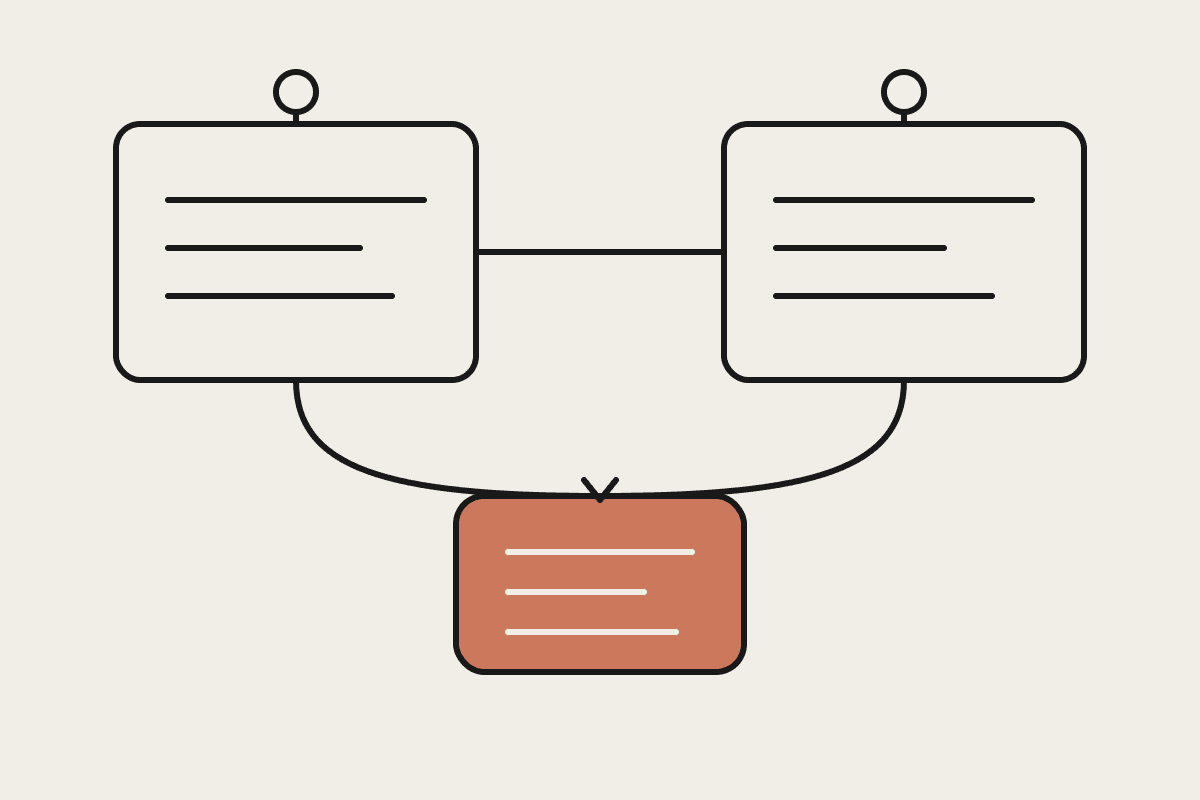
Conflicting instructions. Rules that quietly contradict each other across CLAUDE.md, subordinate skill files, and whatever the user actually asks for in the moment. This is the kind of conflict a model has to silently arbitrate on every run, and it is invisible until you go looking for it.
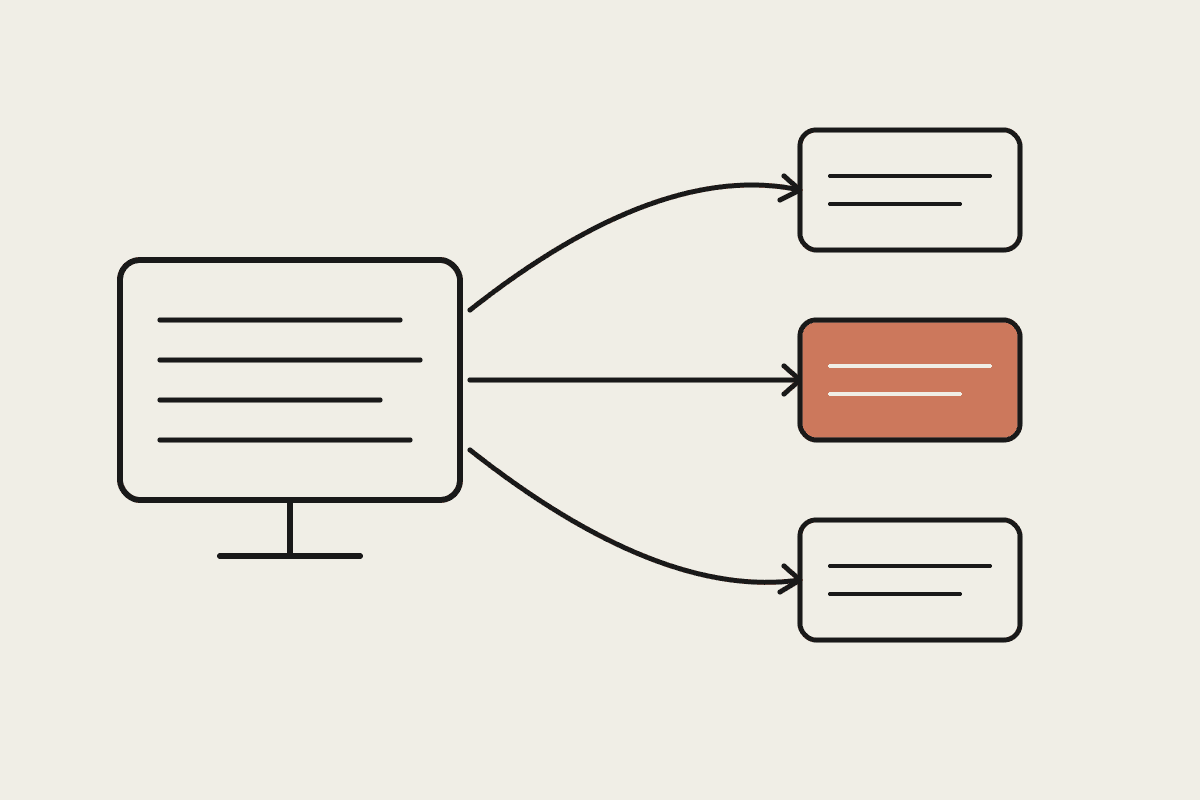
Hard rules that should be judgement calls. Instructions written as absolutes, always, never, for situations that actually need context-dependent judgement. This pattern made sense as a guardrail for older, less reliable models and is now mostly noise.
Documentation drift. Instructions that reference file paths, commands, or workflows that have since changed in the actual codebase, so the model is being confidently pointed at something that no longer exists.
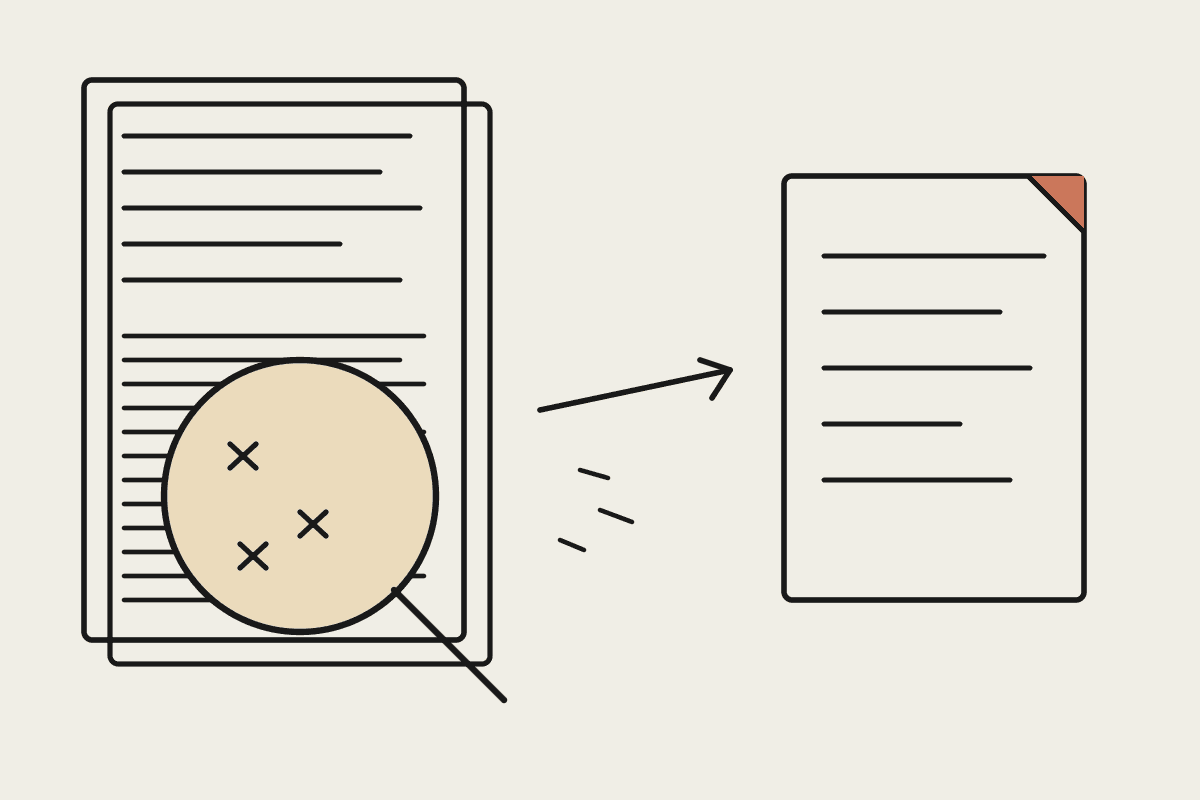
Undocumented gotchas. The tribal-knowledge fixes a team applies manually but never wrote down anywhere. An audit surfaces these gaps by testing the model against known edge cases and seeing exactly where it guesses wrong.
None of these four require a human to sit and reread every line from memory. Each one is a specific, testable question you can run against the file and the codebase it describes.
Why this is worth doing as a discrete exercise
Most Australian teams we have onboarded onto Claude Code built their CLAUDE.md defensively, the same pattern described above: a new rule added every time something went wrong once, rarely removed once the underlying model improved. That approach made sense two model generations ago. On current models, an overloaded CLAUDE.md is actively working against the team using it, and it accumulates quietly enough that nobody notices until the file is genuinely unwieldy.
The cost is not abstract. A bloated file slows the model down on every single task, confuses new team members trying to understand how the tool is supposed to be used, and gets blamed for output-quality problems that are actually instruction-conflict problems in disguise. Under Australian privacy and data-handling norms, a lot of teams also end up carrying old, overly cautious rules that reference processes or approvals that no longer apply, which is its own kind of quiet risk to leave sitting in a live prompt file.
A checklist to run this week
You do not need a dedicated tool to start this. A short, deliberate pass through your CLAUDE.md and skills library will surface most of the obvious problems:
Read CLAUDE.md end to end and flag every instruction that uses always or never. For each one, ask whether it is still a genuine hard rule or whether it is really a judgement call the current model can be trusted to make.
Cross-check every file path, command, and workflow referenced in the document against what actually exists in your codebase today. Flag anything stale as documentation drift and either fix it or cut it.
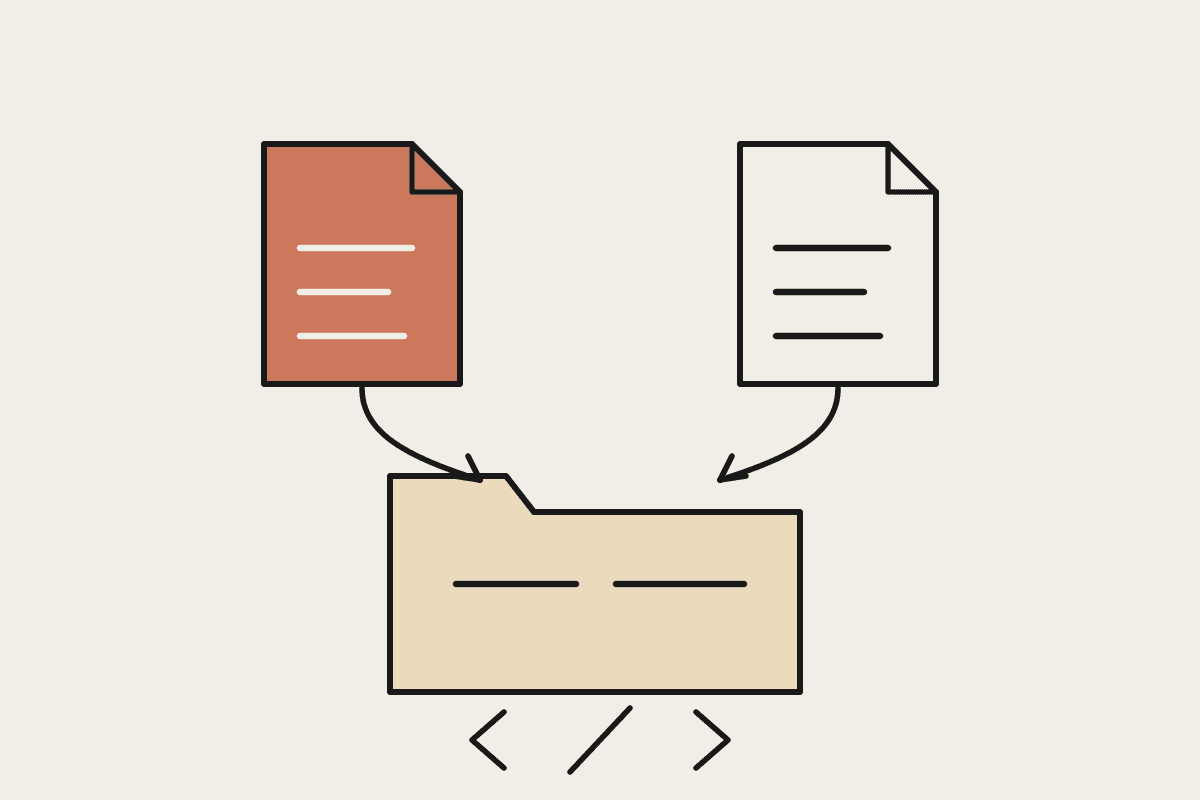
List every subordinate skill file alongside CLAUDE.md and look for instructions that quietly contradict one another. Conflicts hide well when the two documents are never read side by side.
Ask your team, out loud, what fixes they apply manually that have never been written down anywhere. Those undocumented gotchas are usually the gaps that cause the most repeated, avoidable errors.
Note the date of the last full review. If it has been more than one model upgrade since anyone looked closely at the file, treat that as the trigger to run the audit now, rather than waiting for the next visible failure.
Running through that list properly, as a structured audit rather than a skim, is roughly a half-day exercise for a small team. That is meaningfully cheaper than the alternative: a growing prompt file that slows the model down, confuses new hires, and quietly erodes trust in Claude's output because nobody can tell whether a bad result is a model problem or an instruction problem.
When it is worth bringing in help
Some teams are comfortable running this checklist internally, particularly if one person already owns the CLAUDE.md file and has the time to sit with it properly. Others find it faster and more objective to have someone outside the team run the audit, precisely because an external reviewer has no attachment to the rule that was added after last year's incident and can ask whether it still needs to exist without any of the history attached.
Automata AI runs exactly this kind of CLAUDE.md and skills audit for Australian teams, typically as a half-day engagement from around $800 AUD. If it has been more than one model upgrade since anyone looked closely at your file, that is the signal to get it checked rather than waiting for the next output-quality complaint to land on your desk.
If you want a second set of eyes on your CLAUDE.md before it becomes a genuine drag on your team's output, get in touch and we will walk you through what an audit actually finds.