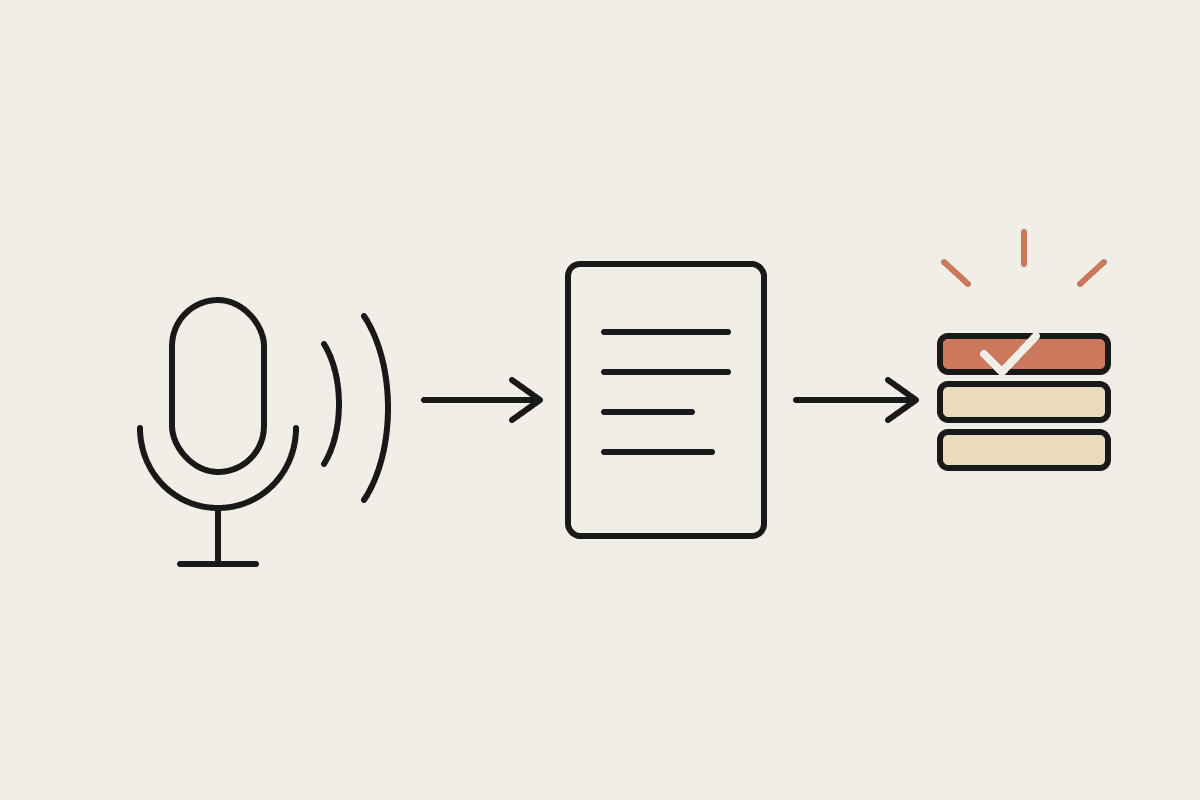
Airtable sits in an odd spot for a lot of small businesses: too structured to be a spreadsheet, too flexible to be proper software, and usually maintained by whoever set it up first. Connecting Claude Cowork to an Airtable base turns that structure into something an agent can actually operate, reading records, updating status fields, and running the small daily checks that otherwise depend on someone remembering to open the base.
Why Airtable pairs well with an agent
Unlike a general document, an Airtable base already has structure Claude can rely on: named fields, linked records, defined views. That structure means Claude isn't guessing at what a column means from context, it can read the schema directly and act on records with real precision, updating a status field rather than editing loose text in a paragraph somewhere.
What this looks like in practice
Daily or weekly checks against a base: which records are overdue, which are missing a required field, which haven't moved status in two weeks
Drafting follow-up communications from record data, a client update, a supplier chase, a candidate email, pulled straight from the relevant fields
Updating status fields as work happens elsewhere, marking a record complete once a linked task or email is confirmed done
Flagging data-quality issues: duplicate records, missing links, fields that don't match the expected format
Where to start
The safest first use is read-only reporting: have Claude summarise base state on a schedule, what's overdue, what's stuck, what needs attention, before letting it write anything back. Once that reporting proves reliable over a couple of weeks, extend to status updates on records where the update logic is unambiguous, then finally to drafting communications that a person reviews before sending.
A worked example
A Brisbane recruitment agency runs candidate pipelines in Airtable, tracking each candidate through screening, interview, reference check and offer stages. A Cowork scheduled task now checks the base every morning for candidates stuck in a stage for more than five business days and drafts a follow-up email to the relevant consultant, queued for review. The agency estimated candidates were previously falling through the cracks in roughly one in eight pipelines; that rate dropped close to zero within a month of the daily check running.
Keeping write access scoped
Airtable's permission model lets you scope a connector's access to specific bases or even specific tables, rather than every base in the workspace. Use that scoping deliberately: a task built to manage a recruitment pipeline shouldn't also have write access to a finance-tracking base just because it exists in the same workspace.
A note on automations you already have
Many Airtable users already have native Airtable automations running: a status change triggering an email, a new record posting to Slack. Claude Cowork complements these rather than replacing them; native automations handle the fixed, simple triggers well, while Cowork handles the judgment-requiring checks, the ones that need reading and reasoning about several fields together rather than a single trigger condition.
Multiple bases, one agent
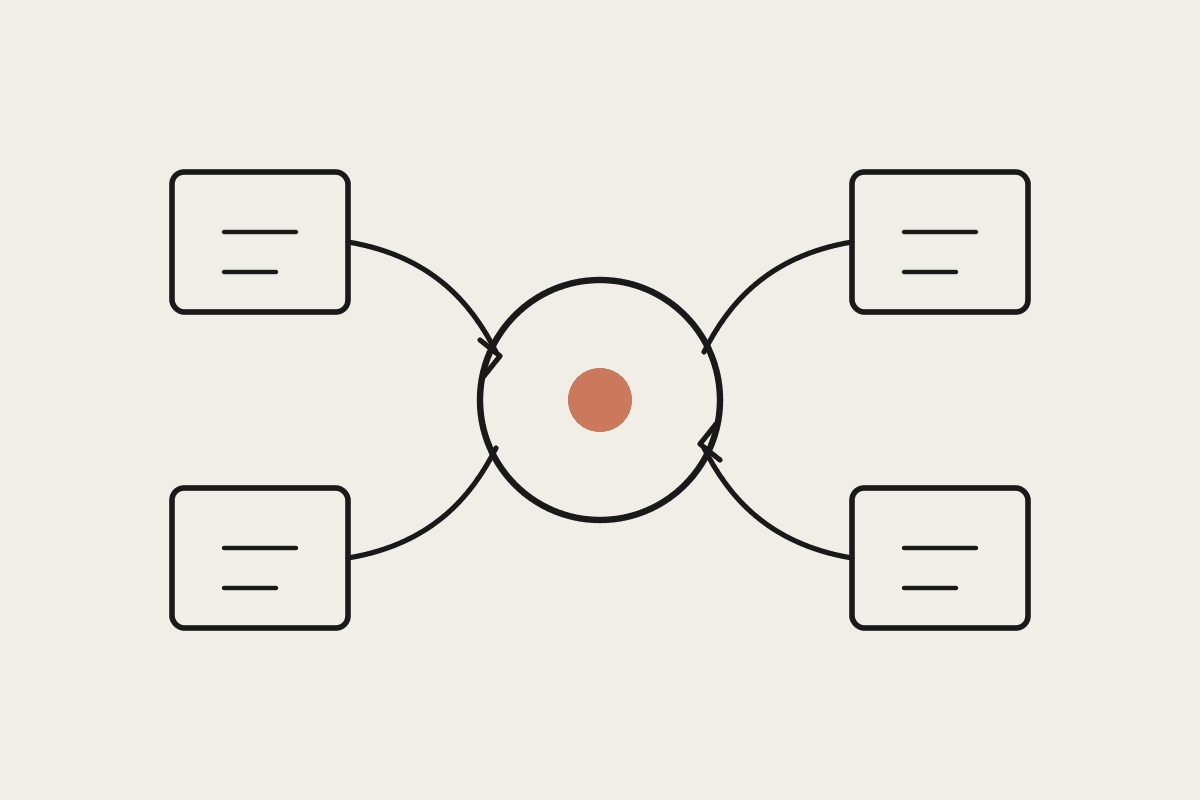
Businesses running several linked bases, a CRM base, a projects base, a resourcing base, can have a single scheduled task cross-reference all three, something native Airtable automations struggle with unless you build a genuinely complex rollup structure. This is often the point where the agent approach starts outperforming what Airtable's own automation builder can do without significant setup effort.
Sizing the payback
The recruitment agency example above translates to roughly $18,000 a year in placement fees that were previously at risk from candidates going quiet mid-pipeline, on top of the smaller daily time saved from not manually scanning the base for stuck records every morning.
What this isn't
This isn't a replacement for Airtable's own automation features when a simple trigger will do the job; use native automations for the mechanical stuff and Cowork for the parts that need judgment or drafting. It's also not a data migration tool, get your base structure right first, the agent works from what's there.
Getting started
Pick one base with clear, consistently-used fields as the pilot, not your messiest one
Start with read-only reporting before granting any write access
Scope connector access to the specific base or table the task actually needs
Review the first two weeks of output closely before expanding scope
The pattern scales past a single base too. Once one Airtable workflow is running reliably, most teams find the second and third are much faster to set up, because the connector work and the review habits are already in place.
If your team runs on Airtable and half the value is trapped because nobody has time to check it daily, that's exactly the gap Cowork closes. Get in touch: https://www.automataai.com.au/contact
Where to go next
If you are setting Cowork up from scratch, start with Claude Cowork setup guide. Two pieces that sit closest to this one: