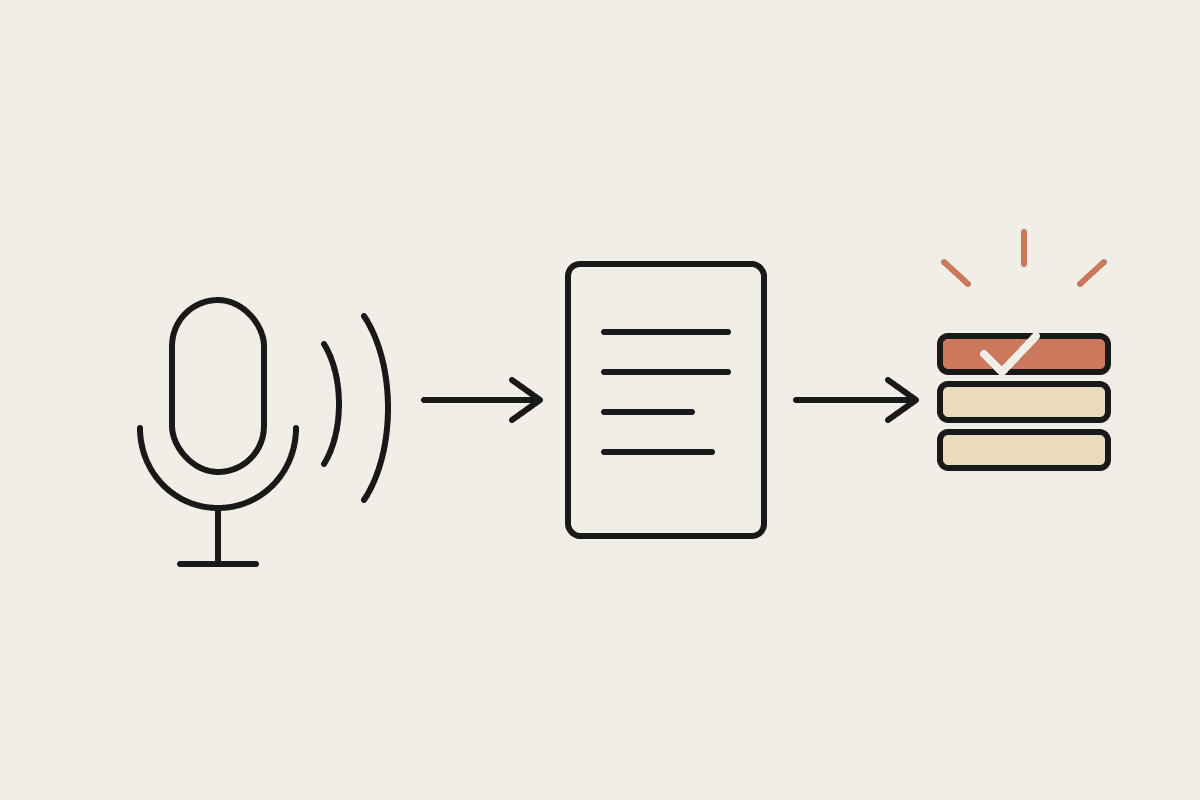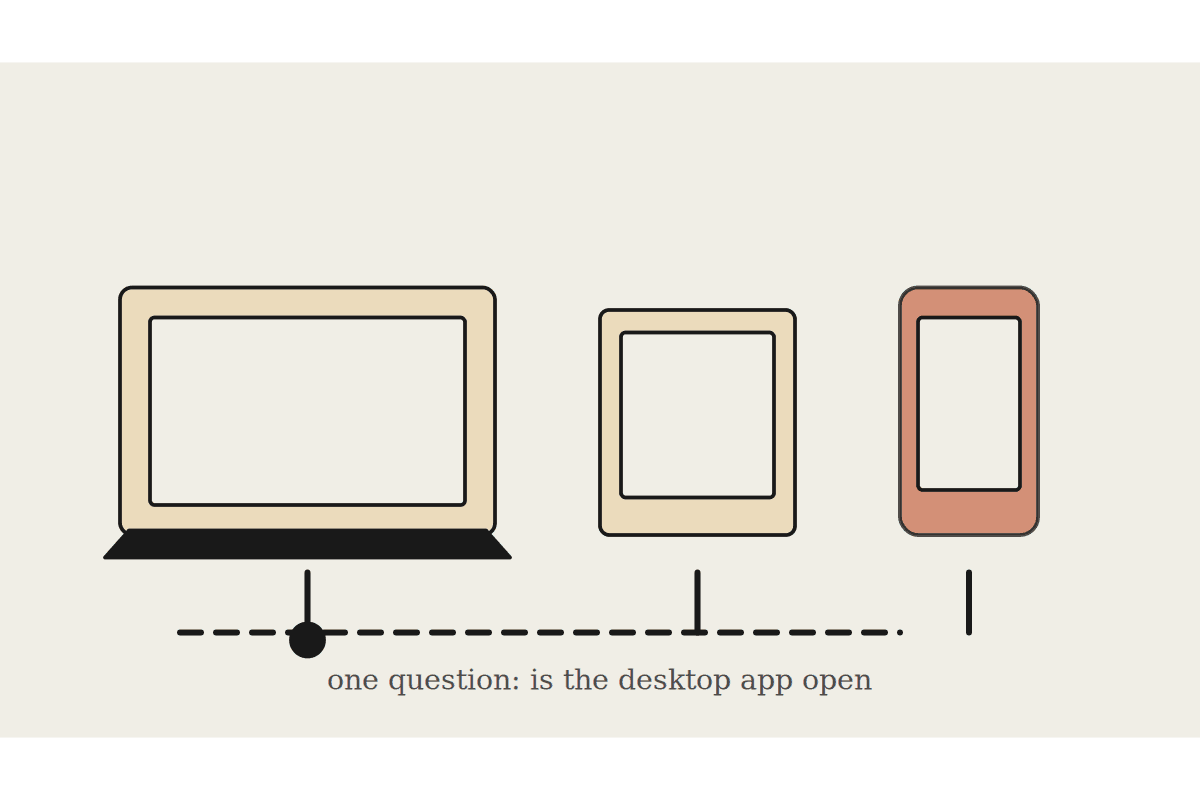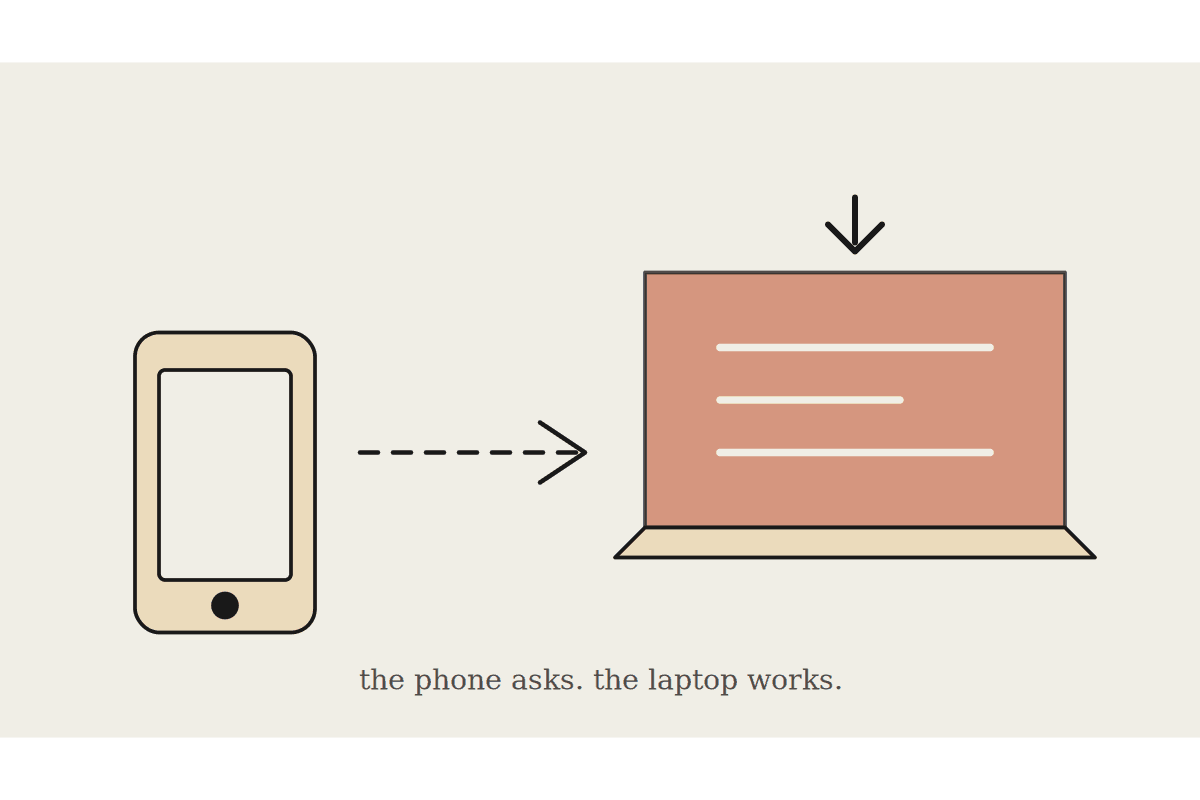
A business owner checking Claude Cowork from their phone between meetings, on a job site, or between client visits is a genuinely different use pattern to sitting at a desk running a scheduled task, and it's worth being clear-eyed about what actually works well on mobile versus what's still better saved for when you're back at a proper screen, rather than assuming full desktop parity.
What genuinely works well on mobile
This distinction matters more for Australian trade and field-service businesses than for a typical office-based one, since the owner or manager is genuinely away from a proper screen for large parts of a normal working day, which makes getting the mobile-versus-desktop split right a bigger practical factor in whether Cowork actually gets used consistently, rather than a minor convenience question.
Checking the output of something already running, this morning's daily brief, whether a scheduled task completed successfully, a quick status question about something Cowork's already handling, works well on mobile because it's a short, focused interaction that doesn't need much screen space or sustained attention, exactly the kind of task that fits naturally into a gap between meetings or a moment waiting on a job site.
Checking a completed task's output or a scheduled brief that's already landed
A quick, narrow question needing a short answer, not an open-ended research task
Approving or rejecting a flagged item waiting for a decision, a draft email, an escalated exception
Simple status checks: did the invoice send, is the report ready, has a specific task run yet
What genuinely doesn't work well yet, and why
Starting a genuinely new, complex, multi-step task from a phone is a frustrating experience for most people, not because Cowork can't technically handle it, but because the back-and-forth of clarifying scope and reviewing detailed output is a poor fit for a small screen and the interrupted attention that comes with being away from a desk; these tasks are better started at a desk, even if you check progress from your phone afterward.
A Sydney tradie-services business owner had been trying to run his morning admin, invoice chasing, quote follow-ups, entirely from his phone between job sites, and found himself frustrated trying to review and correct detailed draft emails on a small screen while standing in a client's driveway. Shifting to a pattern where the actual task setup and detailed review happened at a desk each evening, with the phone used purely to check status and approve straightforward flagged items during the day, resolved the frustration entirely, and he estimated it saved a genuine forty-five minutes a day previously lost to squinting at a phone screen trying to properly review something that needed a real screen and a clear head.
A workable mobile routine most business owners land on
The pattern that tends to work best treats the desktop as where tasks get set up and reviewed properly, and mobile as where status gets checked and simple approvals happen throughout the day; trying to force the reverse, complex work on mobile and only checking in at a desk, tends to produce more frustration than it saves time.
A note on notification fatigue
This is worth getting right early rather than retrofitting later, since a business owner who has already learned to ignore Cowork notifications after a noisy first few weeks is genuinely harder to win back than one who never had the noisy period in the first place; starting deliberately narrow and expanding notification scope only as trust builds tends to work better than starting broad and trying to quiet things down afterward.
A mobile setup that pings for every single completed task quickly becomes something a business owner starts ignoring entirely, defeating its own purpose; tuning notifications to only the genuinely worth-interrupting items, an exception flagged, an approval waiting, rather than every routine completion, keeps the phone notification meaningful rather than becoming background noise. The tradie-services owner above put the value of the recovered forty-five minutes a day, once notification tuning was sorted too, at roughly $8,000 a year against his own billable rate.
What this isn't
This is a practical guide to what suits mobile versus desktop specifically, not a technical limitation list; the constraint here is mostly about attention and screen size, not what Cowork is technically capable of running on a phone.
Automata AI sets up Cowork workflows for Australian business owners that respect the genuine difference between mobile check-ins and proper desk-based task setup. Get in touch via /contact and tell us your actual daily movement pattern, on-site, in the office, or a genuine mix of both, and we will build the notification and task-setup split around it specifically, so mobile stays useful instead of becoming one more thing competing for your attention on site.
Related reading
The end-to-end walkthrough lives in our Claude Cowork setup guide. Closest neighbours to this piece: