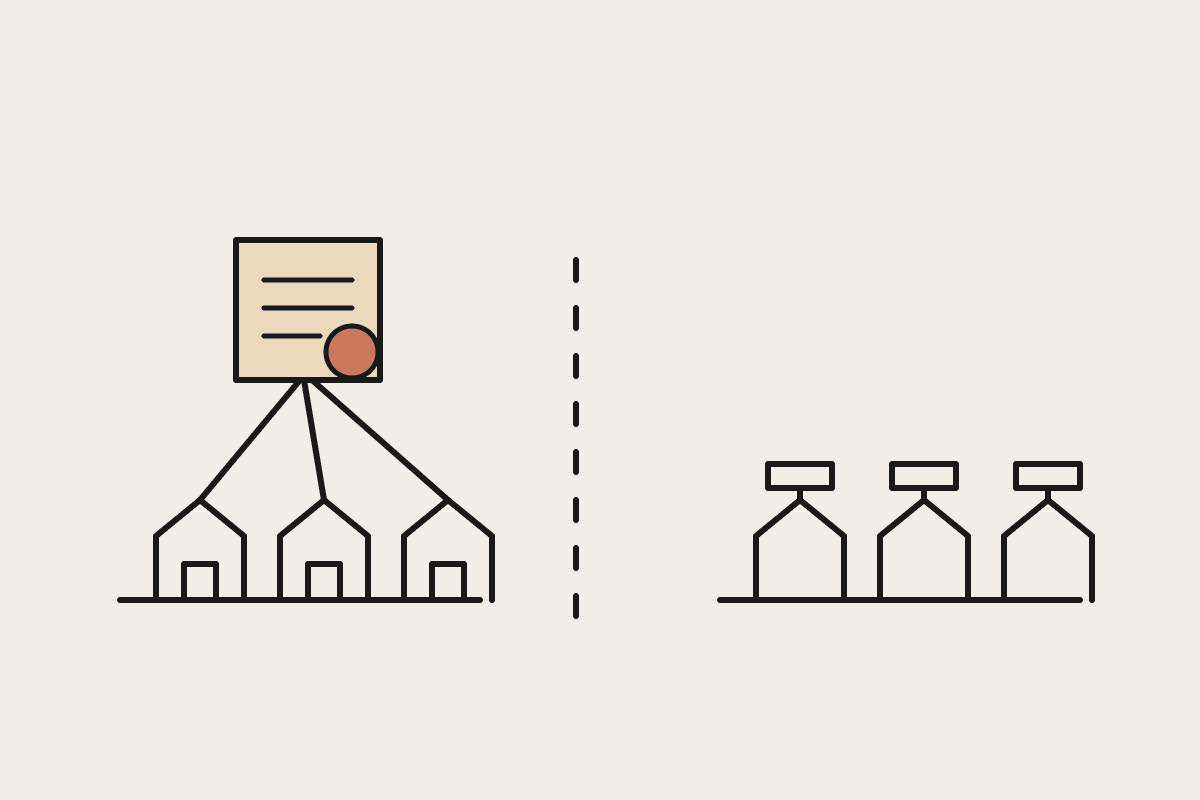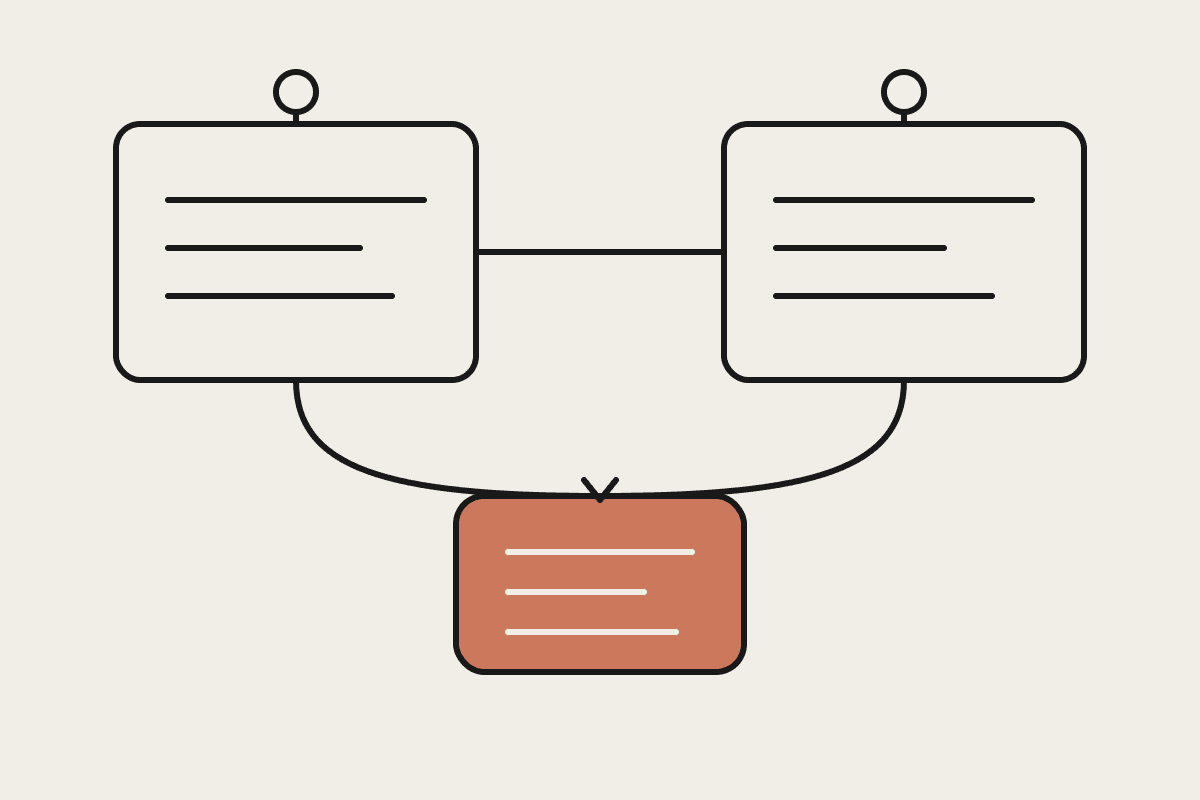
Claude's memory feature, which carries context across separate conversations, is a different thing from Claude Cowork's project memory, which learns a specific business's context inside one connected workspace. They get confused because both use the word memory. It's worth being precise about which one you're actually asking for before you build a workflow around it.
What cross-chat memory actually remembers
Personal memory across chats keeps track of things you've told Claude in past conversations: your role, preferences you've stated, recurring projects you've mentioned, and the general shape of how you like answers delivered. Start a brand-new chat next week and Claude can recall that you're a project manager at a Sydney firm, or that you prefer bullet points over long paragraphs, without you repeating it every time.
Stated preferences (tone, format, level of detail)
Roles and context you've mentioned across sessions
Recurring projects or topics you return to
Not: files, connected business systems, or a shared team knowledge base
Managing it: what you can see and turn off
Opening the memory settings page shows a plain list of retained items in ordinary language, not a technical export. Deleting one item removes only that item; deleting everything resets the account to a blank state the same way a brand-new account would behave. Neither action affects a separate Cowork workspace's project memory, because the two systems don't share storage.
Memory is visible and editable in settings, not a black box. You can review what's been retained, delete specific items, or turn the feature off entirely if you'd rather every chat start clean. For anyone handling sensitive client information, that visibility matters under the Privacy Act, and it's worth checking the settings once rather than assuming a sensible default has been applied for you without any review.
When turning it off is the right call
If you share a work login across a small team, or if you're regularly discussing different clients' confidential details in the same account, cross-chat memory can blur context in ways you don't want: a preference stated for one client's project quietly carrying into the next conversation about someone else's. In that situation, switching memory off and relying on explicit context per session, or per project, is the safer default rather than the convenient one, even though it means restating a little more each time.
How this differs from Cowork's project memory
Cowork's project memory is scoped to a connected business workspace and learns operational context like your CRM structure, your invoicing process, or which folders hold client contracts, not personal chat preferences. It's built to persist across an entire team working in the same project, not just one person's individual account. If your team wants that kind of shared, business-scoped memory, that's a Cowork setup question, not a personal-account memory setting, and configuring the wrong one leaves a real gap in what actually gets remembered.
A practical use for a small team
A Melbourne consultancy of six people found the biggest win wasn't dramatic. It was not having to restate their reporting format or client list every single session, which saved each person an estimated 10 to 15 minutes a day, worth roughly $600 a month across the team at a rough $50-an-hour rate once you add it up over a full month of daily use.
A note for regulated industries
Firms in financial services, health, or legal work in Australia often already run under strict data-handling obligations, whether that's APRA prudential standards or the Privacy Act's requirements around personal information. Memory settings don't replace those obligations. If a compliance policy says client details must not persist beyond a single engagement, that's a reason to review the memory settings explicitly as part of onboarding new starters, rather than assuming the default configuration already matches the policy. A five-minute check during setup is cheaper than explaining a retained detail to a client later.
If you're not sure whether a memory-related question belongs in personal settings or in your Cowork project setup, that's worth a quick conversation before you build a workflow around the wrong one.
Worth building into a standard onboarding checklist: when a new starter gets their Claude login, decide at that point whether memory stays on by default or gets switched off until there's a clear need for it. That five-minute decision, made once per person, is easier than untangling a mix of settings across a growing Sydney or Melbourne team six months later.
None of this requires specialist technical knowledge to set up correctly. It requires ten minutes in the settings menu and a clear answer to one question: does this account need to remember things between sessions, or would every conversation starting fresh actually suit the way this team works better.