Most agent pipelines we review send every inbound item to the same expensive reasoning call. A routine change-of-address email gets the same treatment as a complaint that could end up with the Ombudsman. The recent run of open decision models gives Australian teams a cleaner option: put a small, purpose-built classifier in front of Claude and only pay for reasoning when the case needs it.
Two releases fit this slot well. Cloudflare's Clef-flash is a 9B model under an Apache 2.0 licence, offered through Cloudflare Workers AI. Amazon's Strands Decider is a 2B model released fully open, training data included, so you can run it in your own container. This post is about the plumbing: how the pieces connect, where the threshold sits, and what tends to break.
How do you pair a decision model with Claude in an agent pipeline?
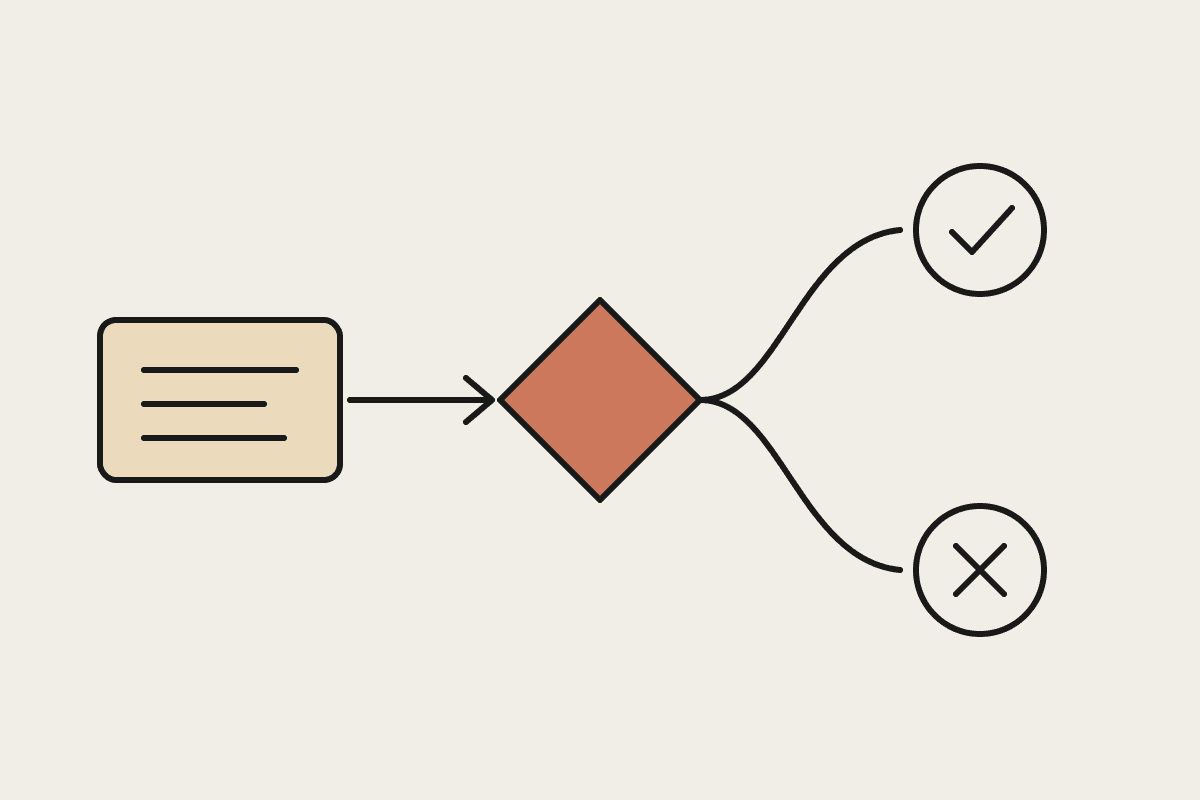
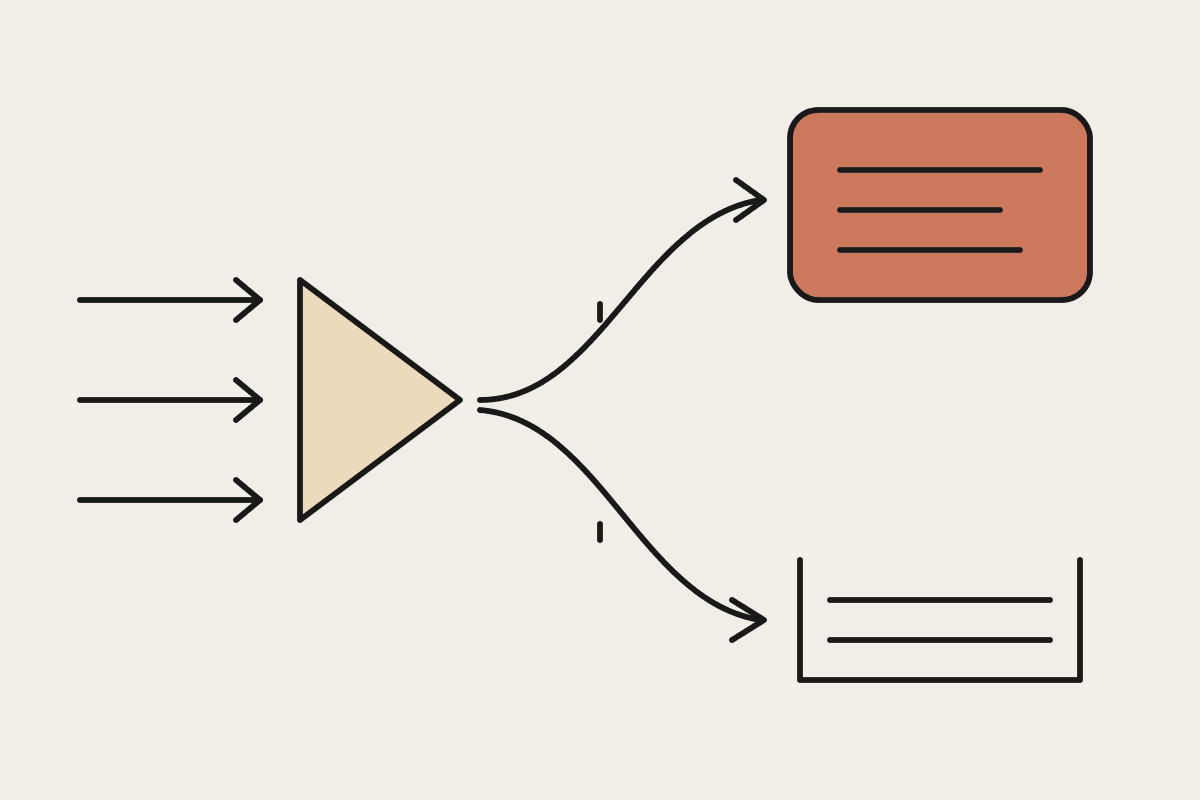
You run the pipeline in three stages. A small decision model classifies each input first, by type, urgency, category or risk band. A plain routing rule, written as ordinary code rather than another AI call, reads that label and its confidence score. Only inputs that clear the rule go to Claude for the reasoning, drafting or judgment work. Everything else is handled by a template, a queue or a person.
The important design choice is that the middle stage is not intelligent. Keeping the routing rule as deterministic logic means you can read it, test it and change it without retraining anything, and an auditor can follow exactly why a given ticket went where it did.
The three stages in practice
Stage one: classify
Deploy the decision model behind a lightweight internal API. For Clef-flash that can be Cloudflare's hosted endpoint; for Strands Decider it is usually a container on infrastructure you already run. Give it a fixed label set and ask it for a label plus a confidence score, nothing more. If it starts writing explanations, it is doing the wrong job.
Feed it the least it needs. Decision models generally have short context windows; Clef-flash tops out at 65,536 tokens. A summary, a subject line and a handful of extracted fields usually classify as well as the full document and cost less to move around.
Stage two: route
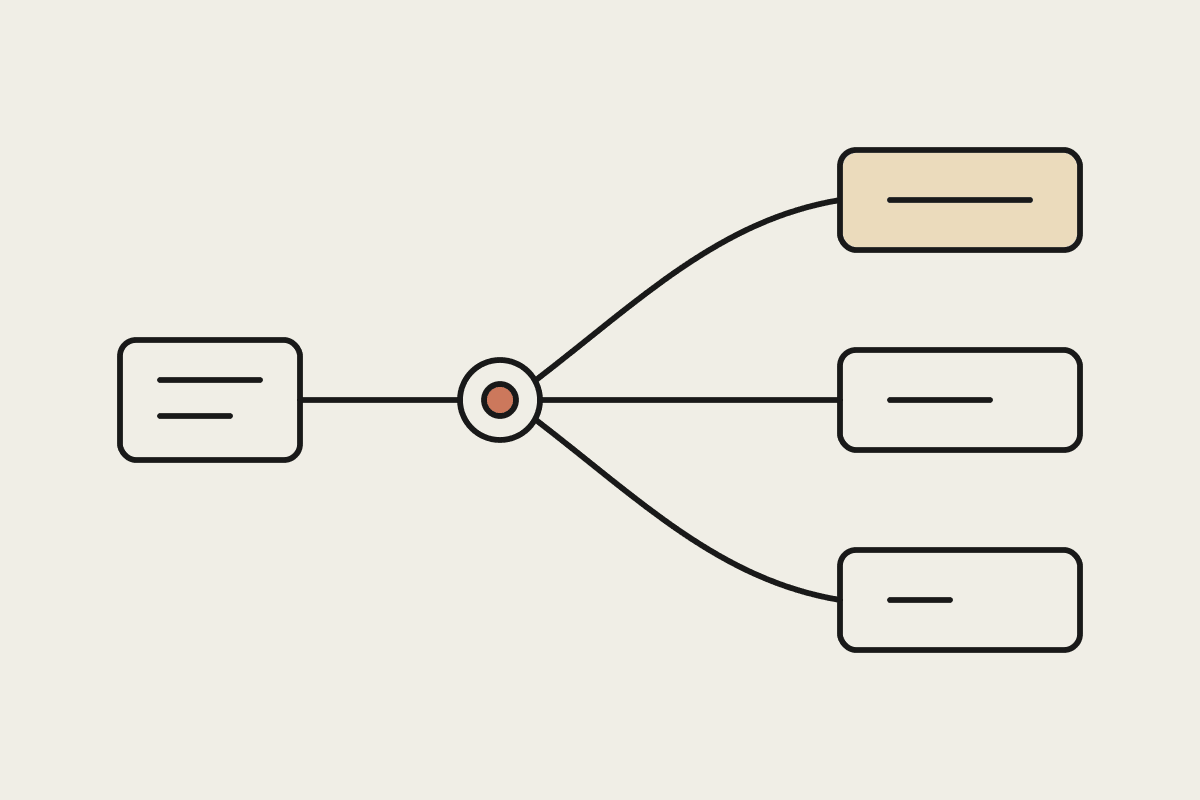
The routing rule is where your business logic lives. A typical rule set for a support inbox looks like this:
Confidence below the threshold: escalate to Claude automatically, whatever the label says.
Label is a complaint, legal matter or hardship request: always send to Claude and flag for human review.
Label is a routine request with high confidence: answer from a template or push straight to the right queue.
Label is spam or out of scope: close with a standard response and log it.
Write the rules down, version them and keep them next to the code. When someone asks in six months why refund requests stopped reaching a person, the answer should be one commit away.
Stage three: reason
Inputs that reach Claude arrive pre-labelled, which helps. You can pass the decision model's label into the prompt as context, pick a task-specific prompt for that category, and skip the part of the prompt that used to ask Claude to work out what kind of request it was looking at. Claude then spends its effort on the judgment-heavy part: reading tone, weighing policy, drafting a careful reply.
| Stage | Runs on | Job | Failure to watch |
|---|---|---|---|
| Classify | Clef-flash or Strands Decider | Label plus confidence score | Drift as your inputs change |
| Route | Plain code you control | Apply threshold and business rules | Threshold set too high or too low |
| Reason | Claude | Judgment, drafting, edge cases | Being sent work it does not need |
| Log | Your database | Record label, route and outcome | Logs nobody reviews |
Setting the confidence threshold
The threshold decides how much work goes to Claude, so it is the dial that controls both cost and risk. Set it too low and the decision model closes cases it should not have. Set it too high and almost everything escalates, which leaves you paying for two models to do the work of one.
Start conservative, then tune it with evidence. Log every classification alongside what happened next: did the routed item get reopened, re-routed by a person, or escalated by the customer? After a few weeks that log tells you where the threshold can safely move. The point to hold onto is that you tune the threshold, not the model. Moving a number in your routing rule takes minutes; retraining a model takes weeks.
Track the escalation rate as a KPI next to your accuracy numbers. If it creeps up month after month, either your inputs have changed or someone has nudged the threshold up as a safety blanket. Both are worth knowing about.
What the decision layer saves
Without a triage step, every item hits the reasoning model at full cost, whether or not it needed reasoning. We modelled this for a Sydney services client handling roughly 40,000 inbound documents a month. Sending everything through a frontier reasoning model cost close to $14,000 a month in token spend. A decision model that filtered out the roughly 70% of documents that were simple, low-risk categorisations brought that to around $5,500, with the harder 30% still going to Claude.
Treat those figures as one client's illustrative numbers in AUD, not a benchmark. Your split between routine and judgment work sets the saving, and it is worth measuring on a month of your own traffic before you build anything. Our guide to estimating Claude token costs shows how to put a defensible number on the reasoning side.
What catches teams out
A decision model is not a stand-in for your main model's judgment, and treating it as one is the most common mistake we see. Three other problems come up repeatedly:
Context mismatches. Teams pipe whole documents into a model built for short inputs, then wonder why latency and cost creep up. Extract the fields first.
Drift. A decision model tuned on last quarter's ticket mix gets quietly worse as your products and customers change. Schedule a quarterly check against freshly labelled data.
Over-escalation. A threshold set out of caution can send most traffic to Claude anyway, which removes the cost case for the layer entirely.
This is the same principle behind our broader pieces on running a hybrid Claude and open-model stack and routing narrow tasks to small 8B models. What a purpose-built decision model adds is a component designed for the classify step specifically, with a confidence score you can build rules around.
When the extra layer is not worth it
A decision layer is another moving part to deploy, monitor and own. If your pipeline handles a few hundred items a month, or almost every item genuinely needs judgment, the added complexity will outweigh the saving. The pattern pays off when volume is high and a large share of inputs are routine. If you are not sure which side of that line you sit on, a week of logged traffic will usually tell you.
If you already run an agent pipeline and want help working out where a triage layer would earn its keep, talk to us and bring a sample of your traffic.