Most Claude rollouts we see stall at the same point. People like using Claude to think through a problem, but the output stays in the chat window. Nothing lands in the system where the business actually tracks work, so an agent has nothing reliable to act on and a manager has nothing to review. A case study Anthropic published on 29 September 2026 shows one company that has closed that gap, and the pattern carries over to almost any Australian business.
The company is Asana. Its Chief Product Officer, Arnab Bose, describes how Asana's own staff use Claude, and how AI agents then pick up the work. It is the third post in Anthropic's series on human-agent teams, following an introductory piece and a Slack case study.
How does Asana use Claude with human-agent teams?
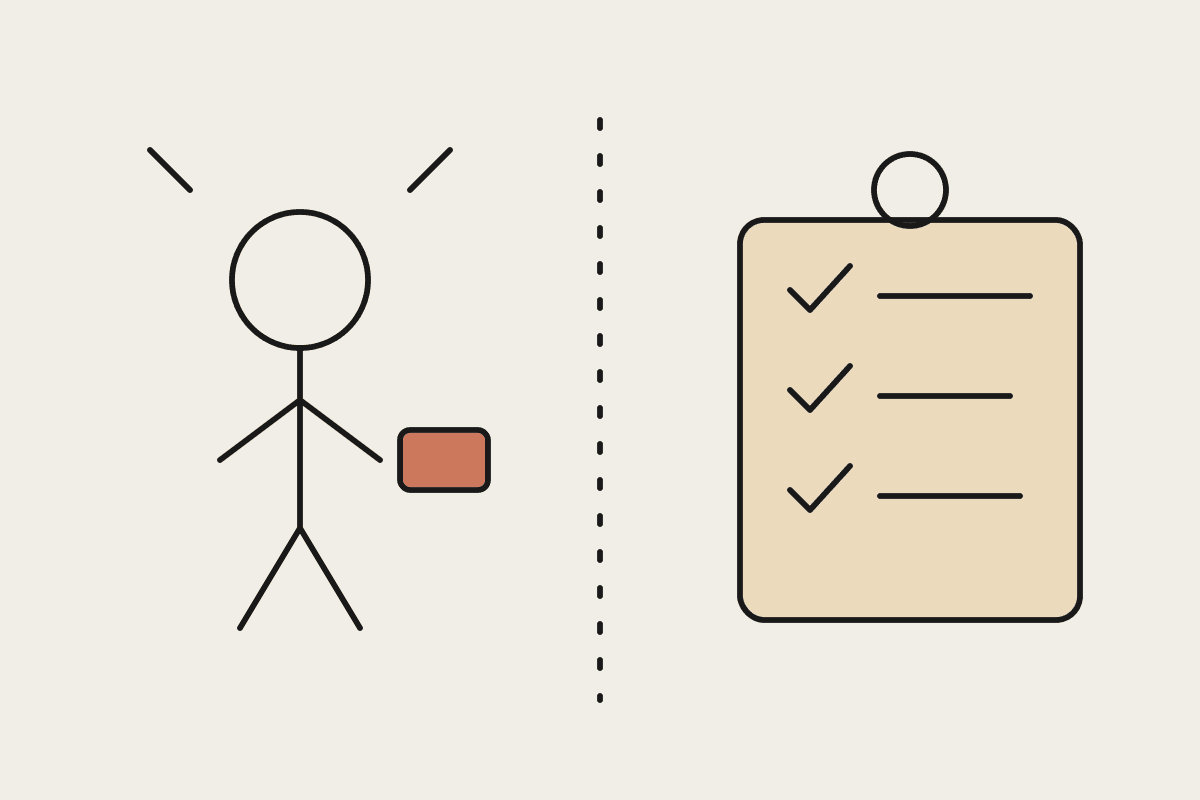
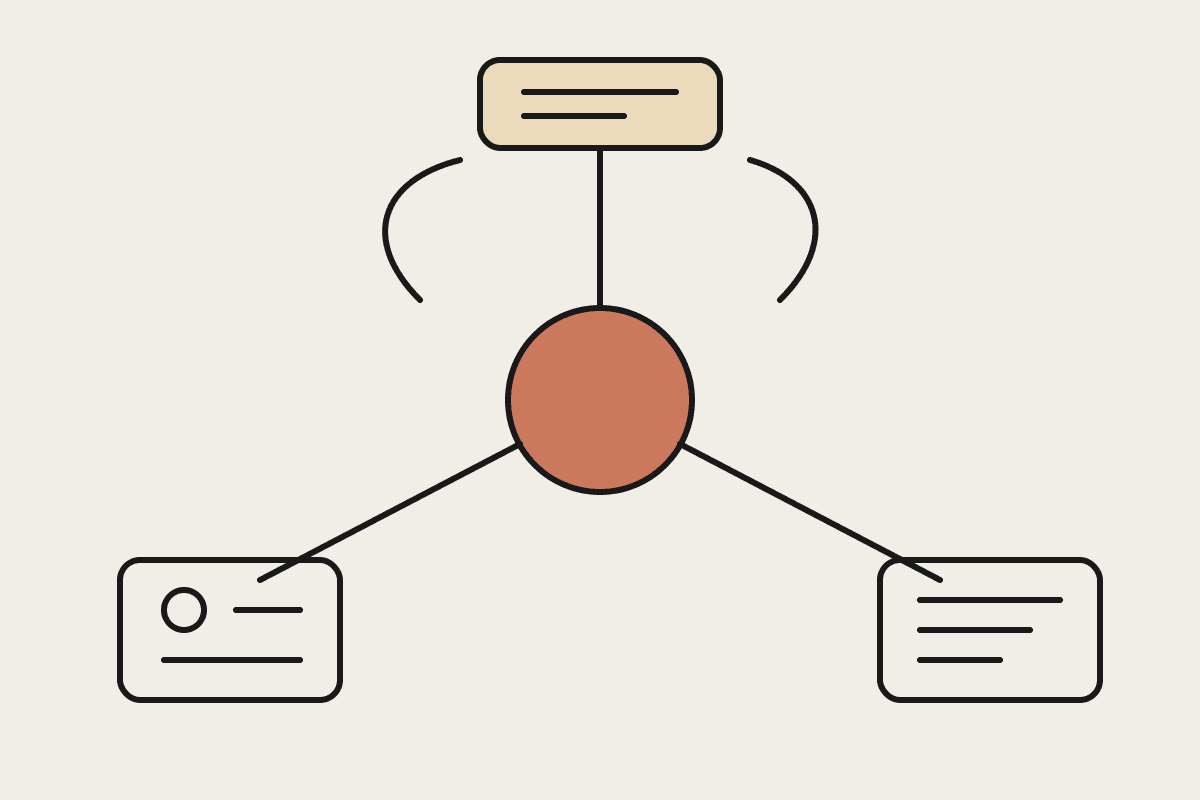
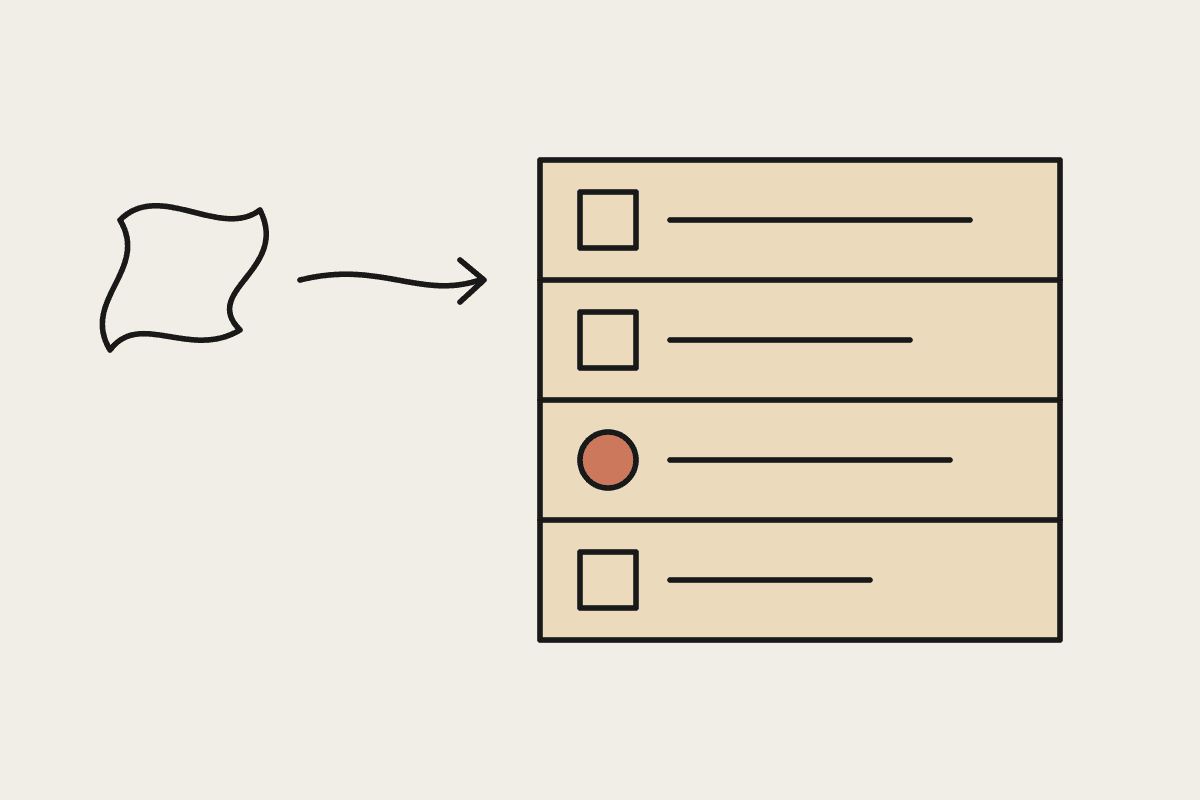
Asana's employees use Claude as their default AI tool, connected to Google Drive, Slack and Asana itself. They bring messy input to Claude, such as a Slack thread, a meeting recording, a Google Doc or a Databricks report, and talk it through as a thinking partner. The actionable items are then logged into Asana's existing Work Graph of projects, tasks, owners and dependencies. Once logged, AI agents act on that structure with defined roles, scoped access, persistent memory and shared context.
Two details matter. First, the agents appear in activity feeds alongside human collaborators, so their work is visible in the same place as everyone else's. Second, there are safeguards on what each agent can access and share. The full write-up is on the Claude blog.
The pattern worth copying
Strip away the product names and Asana's approach comes down to a few design choices that any business can apply, whether you run Asana, Jira, Monday, a CRM or a practice management system:
Use Claude as the thinking and structuring layer. Unstructured input goes in; clear tasks with owners and dependencies come out.
Keep your existing system of record. Agents act on the projects and tasks you already track rather than a parallel AI-only structure nobody else looks at.
Give each agent a defined role and scoped access. An agent that drafts client updates does not need write access to invoices.
Make agent activity visible where humans already look, so review happens as part of normal work rather than as a separate audit.
The second point is the one Australian firms most often get wrong. It is tempting to build a separate AI workspace, with its own task lists and dashboards, because it feels cleaner. In practice it creates a second source of truth, and the agent's output drifts away from what the team is actually managing.
What this looks like in an Australian mid-market firm
Take a Melbourne engineering consultancy with 120 staff. Project managers already run delivery in a project management tool. A practical first step looks like this: a project lead pastes a client meeting transcript into Claude, works through what was agreed, and Claude produces a short list of tasks with suggested owners and due dates. The lead checks it and logs the tasks. An agent with read access to the project and write access only to draft comments then prepares a weekly status note against those tasks for the lead to approve.
| Stage | Agent role | Access scope | Illustrative cost (AUD) |
|---|---|---|---|
| 1. Structuring | None, Claude as thinking partner | Staff accounts only | $6,000 setup and training |
| 2. Status drafting | Drafts weekly project notes | Read projects, write draft comments | $12,000 to $18,000 |
| 3. Follow-up | Chases overdue tasks with owners | Read tasks, post reminders | $8,000 to $12,000 |
| 4. Review | Governance check after 90 days | Audit of agent activity feeds | $4,000 |
The figures are illustrative build estimates, not quotes, and exclude Claude licence costs. The point of the staging is that each agent earns more access only after the previous step has been reviewed. You can model the time saved on your own numbers with our ROI calculator.
Governance that holds up under the Privacy Act
Scoped access is not just good design; it is what makes the rollout defensible. Under the Privacy Act, you need to show reasonable steps to protect personal information. An agent that can only read the projects relevant to its role, and whose actions appear in the activity feed, is far easier to explain to a client or regulator than a general-purpose agent with a broad service account.
We covered the foundations of this model in our guide to building human-agent teams with Claude and the Slack side of it in how Slack builds human-agent teams. For identity and credentials for agents, see our post on Claude Tag and agent identity.
What not to take from the case study
Asana builds work management software, so its staff were always going to log work in Asana. That does not mean you need to switch tools to follow the pattern. The lesson is to pick whatever system already holds your work and make it the place agents read from and write to. Equally, the case study describes Asana's internal practice, not a packaged product you can switch on; expect to design roles and permissions yourself.
If you want help designing a role-scoped Claude rollout inside the tools your team already uses, talk to us.