Anthropic's own safety documentation contains a sentence that should decide how your business uses this feature. Computer use has no sandbox between Claude and what is on your screen. Everything else in Cowork runs in an isolated environment on Anthropic's servers. This one does not.
That is not a reason to avoid it. It is a reason to write down where it may be used, before anyone turns the toggle on.
Claude reaches for it last, and that tells you something
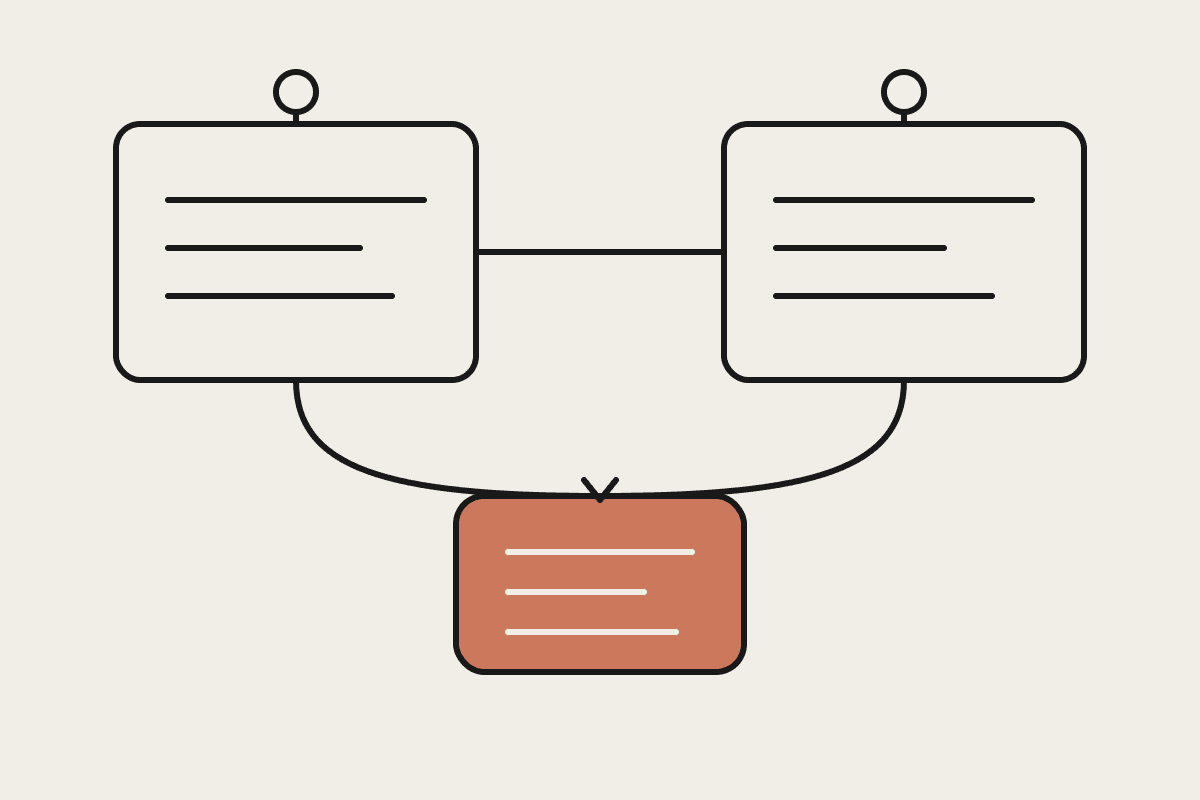
Computer use sits at the bottom of a deliberate hierarchy:
Connectors first, because an integrated service such as Gmail, Google Drive or Slack is both fastest and safest.
The browser second, when no connector exists for the site in question.
Screen interaction last, clicking and typing directly, as the fallback when nothing else reaches.
So if a task keeps falling through to screen control, treat that as a signal rather than a success. It usually means a connector exists and was never set up, and installing it will make the job faster and lower risk at the same time. Screen control is the answer to systems that will never publish an API, not a shortcut past a ten minute setup.
What is already blocked, and what is not
Claude asks permission before accessing each application, and some applications are off limits by default. Investment, trading and cryptocurrency platforms are blocked automatically. Claude is trained to avoid stock trading, entering sensitive data and gathering facial images. You can add your own blocklist for specific applications.
Anthropic then says something unusually direct: do not treat those safeguards as a substitute for blocking access to sensitive apps. Take that at face value rather than as legal throat clearing. The documentation also notes plainly that mistakes happen and no safeguards are perfect.
The written rule we give Australian clients
Three lines, in the IT policy, before the toggle goes on under Settings then General.
Close it first. Banking, payroll, health records and any client file not part of the task gets closed before a computer use session starts, because Claude takes screenshots to understand the screen.
Never for money movement. Payments, transfers, share trading and anything touching a bank portal stay human, permanently, regardless of how routine the job looks.
Blocklist the obvious. Payroll systems, your practice management software, and anything holding personal information under the Privacy Act.
The feature is a research preview on Pro and Max plans, on macOS and Windows only. Team and Enterprise plans do not have it yet, which surprises people who assumed the enterprise tier gets everything first. It is also slower than a connector, and complex tasks sometimes need a second attempt.
Where it genuinely pays
The honest use case is the internal system with no API. Australian mid market businesses are full of them: a dealer portal, a supplier ordering site, a twelve year old dashboard nobody will rebuild because the person who wrote it left in 2019.
Pulling numbers out of an internal dashboard into a spreadsheet each week.
Working a specialist tool that will never publish a connector because its vendor has forty customers.
Compiling a comparison across local files and web sources in one pass.
Rebuilding an integration to one of those systems starts around $25,000 and takes months of somebody's attention. Screen control does the same job this week. That is a real trade, and it is worth making with the boundaries written down rather than assumed.
The question that decides it for regulated firms
If your business holds client money, health records or anything the Privacy Act covers, the relevant question is not whether Claude behaves. It is whether you can describe, in writing, what was visible on the screen during each session. With a connector you can answer that precisely, because the tool call names the record it touched. With screen control the honest answer is whatever the operator had open.
That difference is why we treat computer use as a bridge with an expiry date. It is the right call for a system nobody will integrate this year. It is the wrong call as a permanent operating model for anything a regulator may later ask about.
How to introduce it without a scare
Give it to one person, on one recurring job, with the blocklist already in place. Watch the first three runs rather than reading the summary afterwards. You are checking two things: whether the task completes without a second attempt, and whether anything appeared on screen during the run that should not have.
If both look clean after a fortnight, widen it to the next job. If either does not, the answer is usually a connector, not a stricter prompt. The feature works best as a bridge to systems that are genuinely unreachable, and worst as a general purpose way of doing things you could do properly.
If you want that boundary list drafted against the systems your team actually opens, that is exactly what we do in a setup review. Start at /contact.
Related reading
The end-to-end walkthrough lives in our Claude Cowork setup guide. Closest neighbours to this piece: