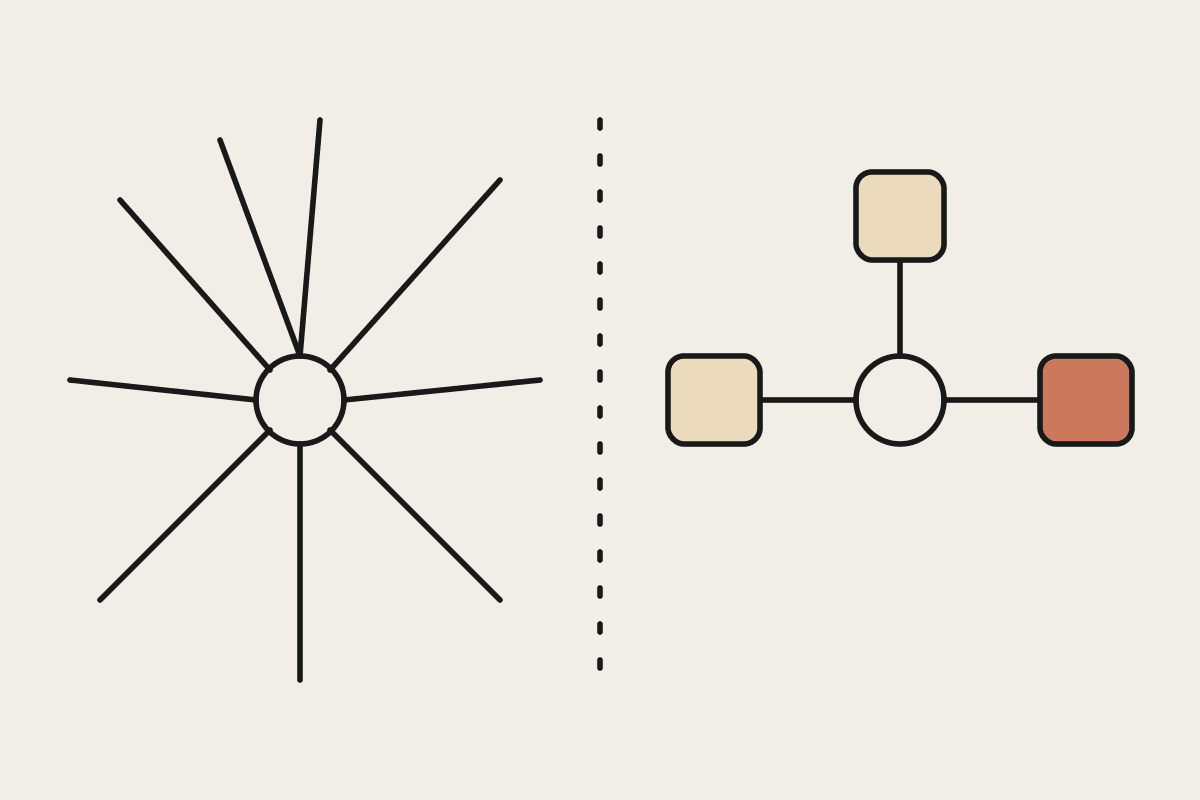
Andrej Karpathy recently made a point that anyone running AI in a business will recognise. As more work is handed to AI, people spend more of their time checking its output than they would have spent producing it. His suggestion for cutting that checking time was unexpected: have the AI write in ASD-STE100, the Simplified Technical English standard the aerospace industry uses for aircraft maintenance documentation.
It sounds like an odd fit for a business assistant. It is not. Maintenance manuals are written for people who must act correctly on the first read, often under time pressure, and that is close to what a busy operations manager needs from a Claude-generated status update.
What is ASD-STE100 and why apply it to Claude?
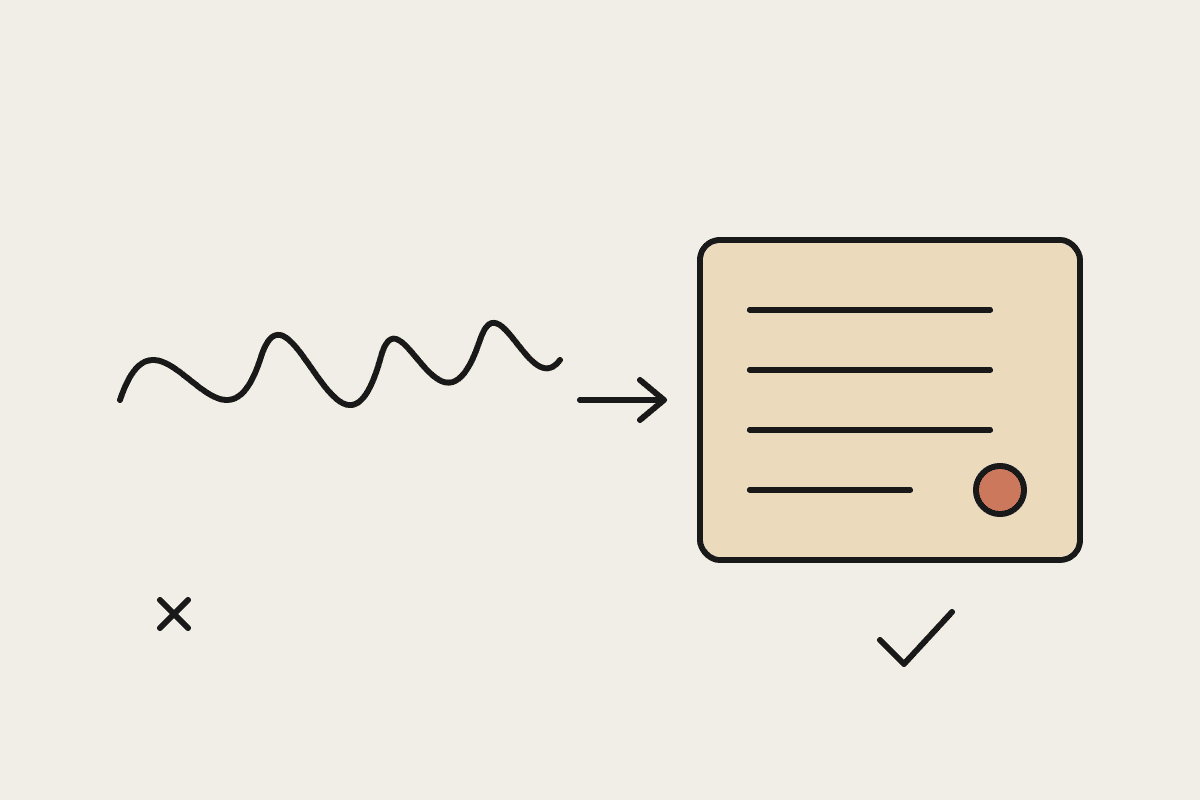
ASD-STE100 is a controlled-language standard written so aircraft maintenance crews can follow instructions without misreading them. It limits sentence length, fixes vocabulary and forces one action per step. Applied to Claude, it makes output shorter, more consistent and easier to verify, because a reader can check each sentence against reality without decoding what it means first.
The point is not that Claude writes badly. Claude writes fluently, and fluent prose can hide vagueness. A mechanical standard removes the room for vagueness, which is exactly what you want when the reader is going to act on the text.
The rules that do the work
The rules are blunt, and that is why they work. The ones that matter most for business output are:
Use the same name for the same thing every time. If the first paragraph says "invoice batch", the last paragraph does not switch to "payment run".
Write procedures in the active voice, so it is always clear who does the action.
Put one action in each instruction rather than chaining three steps into one sentence.
Keep procedural sentences to 20 words or fewer, and descriptive sentences to 25 or fewer.
Use a controlled dictionary: one word for one meaning. In the standard, "close" means shutting something and "near" means distance, never both for the same idea.
Someone has already packaged these rules as an open-source Claude Skill, installed with npx skills add danyuchn/asd-ste100-skill, with strict and flexible modes. Early testers report less filler such as "it's important to note", terminology that stays consistent from start to finish, and output that can be read once instead of three times. Treat those as early reports rather than measured results, and test the Skill on your own material before rolling it out.
Where a standard like this pays off
Not every piece of Claude output needs aerospace discipline. A brainstorm or a first-draft blog post benefits from looser language. The standard earns its place wherever a non-technical person has to act on what Claude wrote, and wherever ambiguity turns into back-and-forth later.
| Output type | Who reads it | Apply the standard? |
|---|---|---|
| Agent status updates | Managers and operators | Yes, strict mode |
| Incident summaries | Leadership and on-call staff | Yes, strict mode |
| Standard operating procedures | Frontline staff | Yes, strict mode |
| Tool descriptions for agents | Claude and developers | Yes, flexible mode |
| Client-facing reports | Customers | Flexible mode, then edit for voice |
| Marketing drafts | Prospects | No |
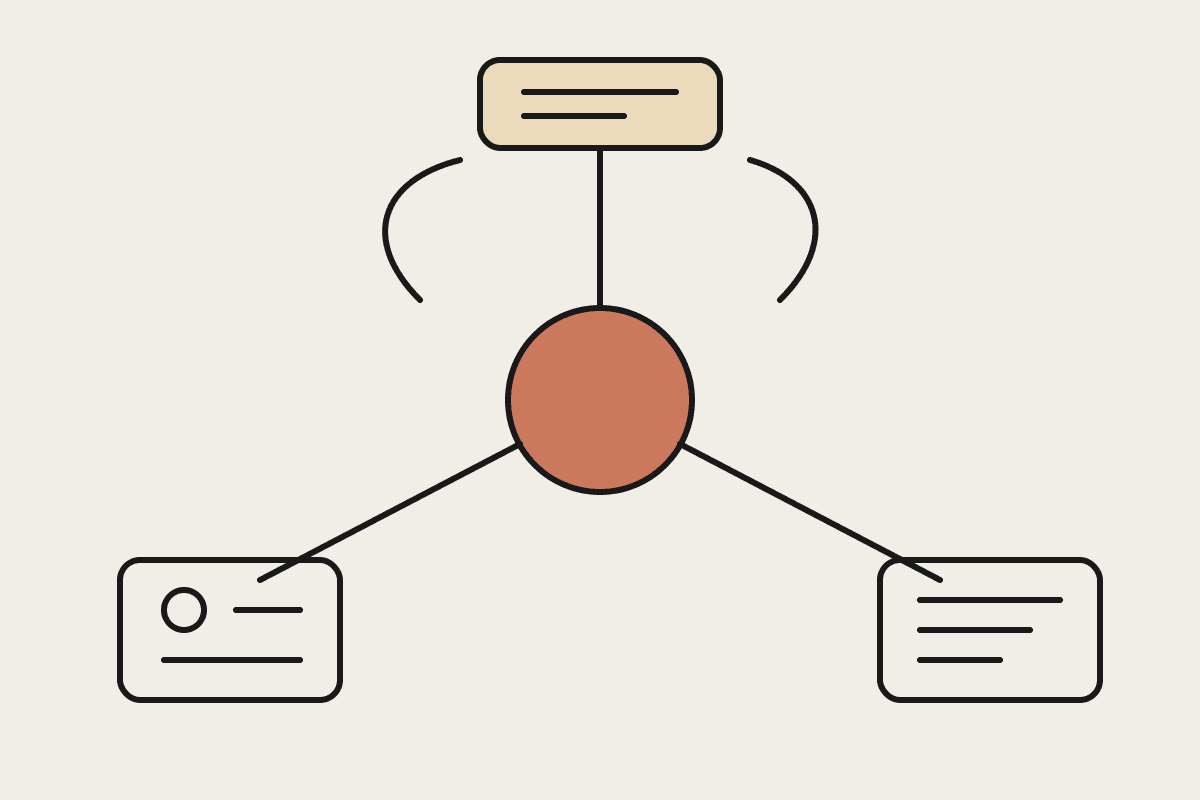
Tool descriptions are worth a special mention. When Claude reads a tool description to decide which tool to call, consistent names and short, single-purpose sentences reduce wrong calls in the same way they reduce misreadings by people. We covered this in our principles for writing tools for Claude agents.
How to put it into practice
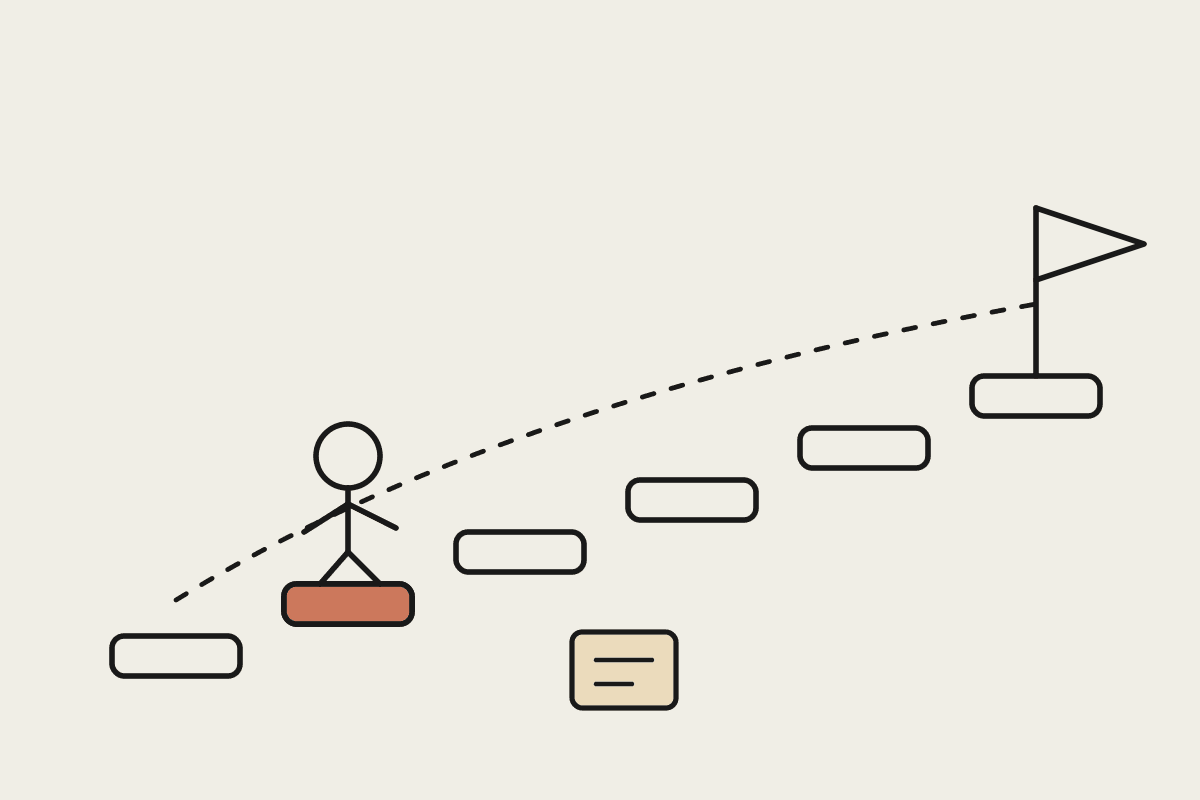
You have three places to add the standard, and they work best together.
In a Skill
A Skill is the natural home because it loads when the task calls for it and applies the same rules every time. Use the open-source Skill as a starting point, or write your own with your company's controlled vocabulary added: your product names, your customer types and the exact terms your finance team uses. If Skills are new to your team, our non-developer Skill tutorial walks through one from scratch.
In the system prompt
For a single agent with one job, a short block of rules in the system prompt is enough. Keep it short: the sentence limits, the one-action rule and a list of fixed terms. Our ten rules for writing instructions Claude won't misread cover the input side of the same problem.
In your review step
Give reviewers the same rules. A reviewer who knows that every procedural sentence should be 20 words or fewer can spot a problem quickly, and can push back with a specific fix rather than a vague request to make it clearer.
The cost of unclear output
The case for this is about time. As an illustrative example, take an Australian operations team of eight people who each spend 30 minutes a day rereading or querying AI-generated updates. At a loaded cost of about AUD $65 an hour, that is roughly $62,000 a year spent on clarification. If a writing standard halves that, the saving is meaningful for one Skill file. These numbers are illustrative only; measure your own team's checking time before and after.
There is also an adoption effect that does not show up in a spreadsheet. Teams abandon AI tools when they stop trusting the output. Clear, consistent, slightly boring language is often what gets an automation past the demo and into daily use. That links directly to the gradual autonomy model we use for building trust in AI output.
What not to expect
A writing standard makes output easier to check. It does not make it correct. Short, clear sentences can still state the wrong number, so keep the verification step for anything that matters. And do not apply strict mode to everything: customers notice when every message reads like a maintenance manual.
If your team is spending more time checking Claude's work than it saves, talk to us. We can help you set a house standard and build it into the Skills and agents you already run.