At its DevDay on 29 September 2026, OpenAI introduced Dots: always-on agents, powered by GPT-6 Astra, that each get their own cloud computer and browser. The pitch is breadth. A single Dot can reach thousands of applications, follow you across chat tools and keep several projects moving at once.
Claude's approach to the same question, what should an agent that is always available actually be allowed to do, looks quite different. For an Australian business, that difference is worth more attention than the size of either connector catalogue.
What are OpenAI Dots and how do they compare with Claude Skills?
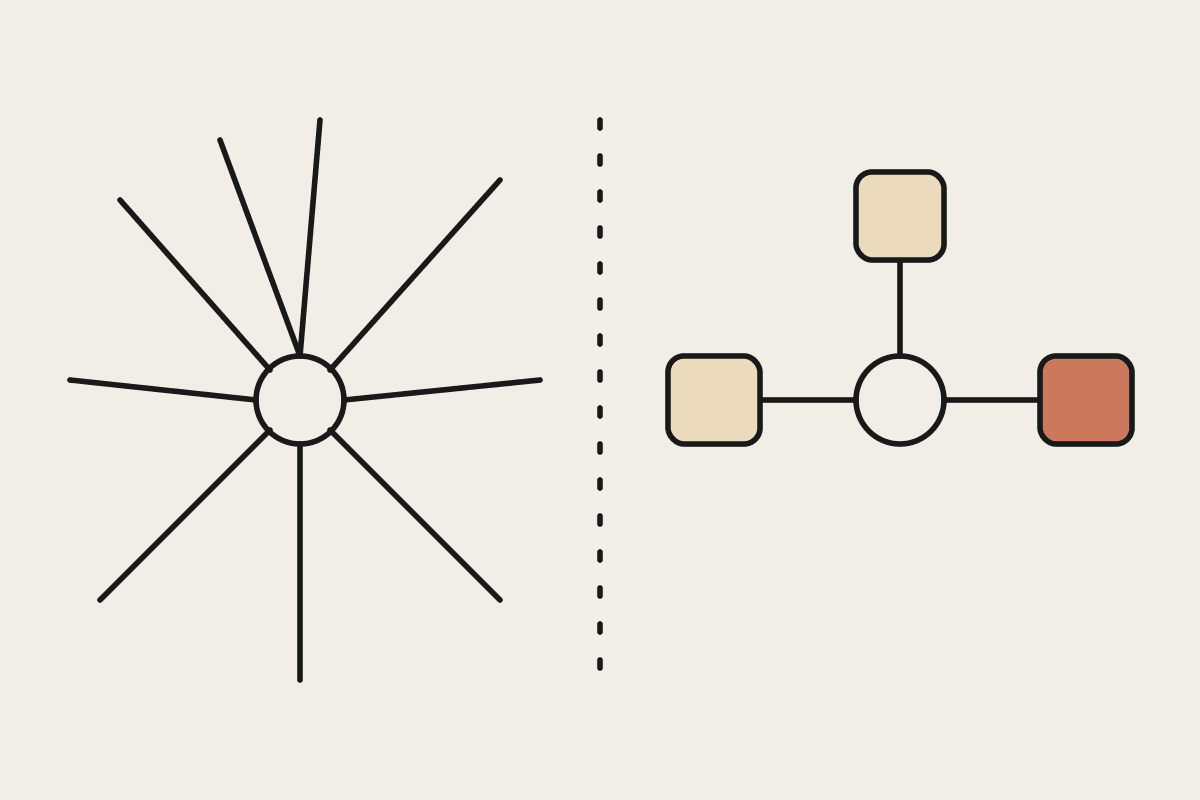
OpenAI Dots are broad, always-on agents. According to OpenAI's announcement, they connect to more than 4,000 applications through plugin integrations, work across ChatGPT, Slack and Teams, learn your preferences over time and support voice. Claude Skills and MCP connectors take a narrower path: each Skill or connector grants specific, reviewable access for a specific job, rather than one agent with sweeping reach across your stack.
Both claims about Dots here are OpenAI's own. We have not run Dots in a client environment, so read the capability list as the vendor's description rather than a tested result.
Two bets on what an agent should be
OpenAI's bet is one capable agent with wide access. Its examples include turning customer feedback into tested code fixes, revising marketing material when scope changes, updating research analyses with new data, adjusting enterprise proposals and automating content production. One agent, many jobs, lots of reach.
Claude's bet is composition. A Skill captures how a particular job should be done. An MCP connector opens a specific system with specific permissions. You assemble the agent you need from pieces that each have a clear purpose and a clear owner. We compared a related trade-off in Claude Skills versus Custom GPTs.
| Dimension | OpenAI Dots (per OpenAI) | Claude Skills and MCP |
|---|---|---|
| Shape | One always-on agent with wide reach | Scoped Skills and connectors per job |
| Reach | 4,000+ apps via plugins | Systems you connect deliberately |
| Where it works | ChatGPT, Slack, Teams; texting coming | Claude apps, Claude Code, your systems |
| Learning | Learns preferences over time | Procedures written down in Skills |
| Access review | Review a broad plugin set | Review each connector and its scope |
| Availability | No extra cost on Pro and Business Premium; beta elsewhere | Your existing Claude plan |
The question that matters for an Australian business
The useful question is not which agent can touch the most apps. It is whether you can see and control exactly what this agent is allowed to do, and who signed off on it. That is the question your auditor, your insurer and, for regulated entities, APRA will eventually ask.
Breadth makes that harder to answer. An agent that can reach 4,000 applications, learns preferences in ways you cannot easily inspect and runs several projects at once is powerful, but its effective permission set is wide and shifting. A scoped approach makes it easier to answer the governance questions you will face:
Which systems can the agent write to, and who approved each one?
What happens to personal information under the Privacy Act when the agent moves data between apps?
If a staff member leaves, which agent access do we revoke, and where?
Can we reproduce why the agent did something last Tuesday, not just what it did?
Our piece on Claude versus Gemini Spark on always-on agents covers the same tension from another angle, and our Manus Cue comparison looks at agents that get their own identity and wallet.
A worked example: proposals at a professional services firm
OpenAI lists adjusting enterprise proposals as a Dots use case, so take that job. Imagine a Brisbane engineering consultancy with 60 staff that produces around 20 proposals a month, each worth $40,000 to $250,000. These figures are illustrative.
A broad agent could pull from email, the CRM, the document store and past bids on its own initiative. A scoped Claude setup would use a proposal Skill that holds the firm's pricing rules and house style, a read-only connector to past bids, and a write connector limited to a drafts folder. A partner approves before anything goes to a client. The scoped version is less magical, but when a client disputes a rate, you can show exactly which rules and sources the draft used. See our notes on Cowork permissions and approval gates for how that structure looks in practice.
What not to conclude
This is not a claim that Dots are unsafe or that breadth is always wrong. For an individual knowledge worker juggling many small tasks, a broad assistant may be exactly right. Nor does a scoped approach remove risk; a badly designed Skill or an over-permissioned connector can still cause trouble. The point is that for a business handling client money, commitments or regulated data, a set of scoped, reviewable permissions is easier to defend than one all-access agent.
We design scoped, auditable Claude agent rollouts rather than one agent with the keys to everything. Start with our AI readiness assessment or get in touch to talk through where agents fit in your business.